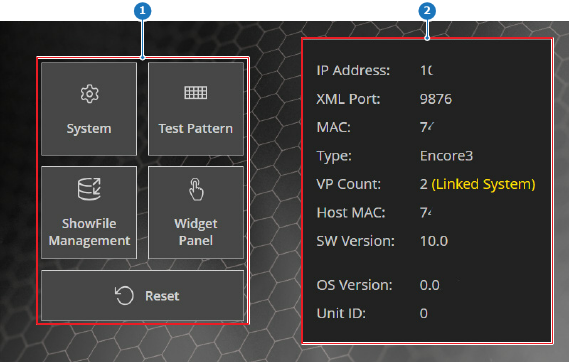
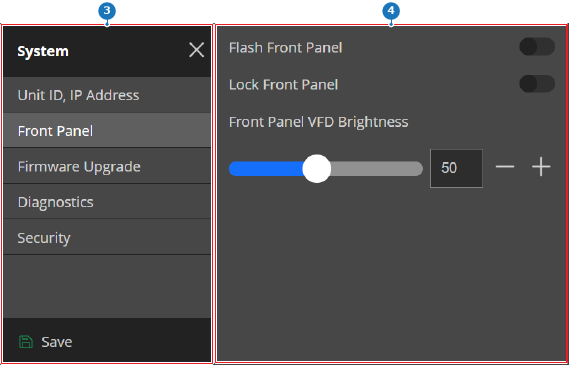
About the front panel
The front panel is accessed through the touch display of the Encore3. In most cases, the home screen or the last active screen will be shown. If the front panel is locked, a warning is displayed. The front panel must be unlocked before access to the settings is possible. There are two methods to unlock the front panel:
- Using Event Master Toolset. For more information, see “Front panel settings”. (preferred)
- By disconnecting and reconnecting the power of the Encore3.