Location and availability
- Menu: >
- Access level: Administrator, service
- Models: all
- Requirements: Pulse 2.7 or later

An administrator can delete created users. However, take the following into account:
In the settings menu, click .
The Users menu will be displayed.
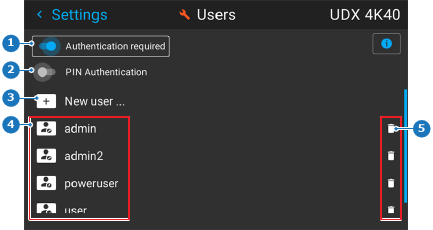
Press the right arrow key.
The user line will be colored red and the option will be visible.
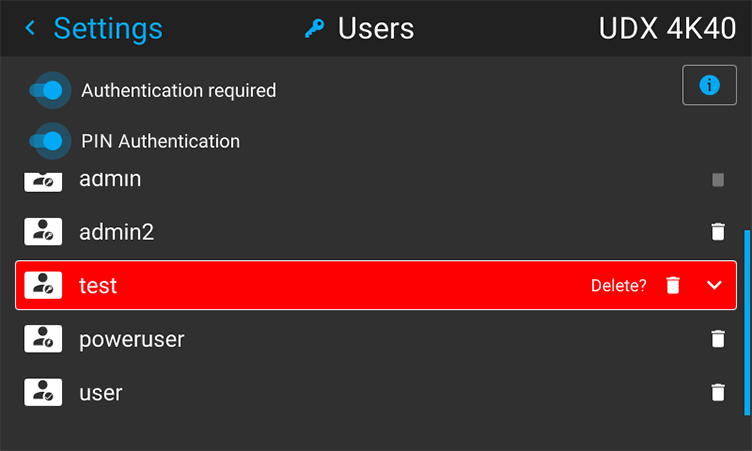
Confirm by pressing the OK button on the remote control or keypad.
The user will be removed from the list of users.
