
Prerequisites
Before attempting to access the ClickShare Configurator:
- Ensure the Base Unit is powered on (see here)
- Ensure the Base Unit is connected to the network (see here)
How to access
- Find the IP address of the Hub device:
- On the Control Panel tablet, navigate to More → Settings → Device settings → About.
- The IP address of the Hub device is displayed there.
- Connect the computer to the same network as the Hub device.
- Enter
https://followed by the IP address of the Hub device in the address bar of a browser of choice.https://<Hub device IP address> - Bypass the browser warning (For example in Chrome: Advanced → Proceed).
Note: Depending on the web browser used, the way to bypass the browser warning may vary.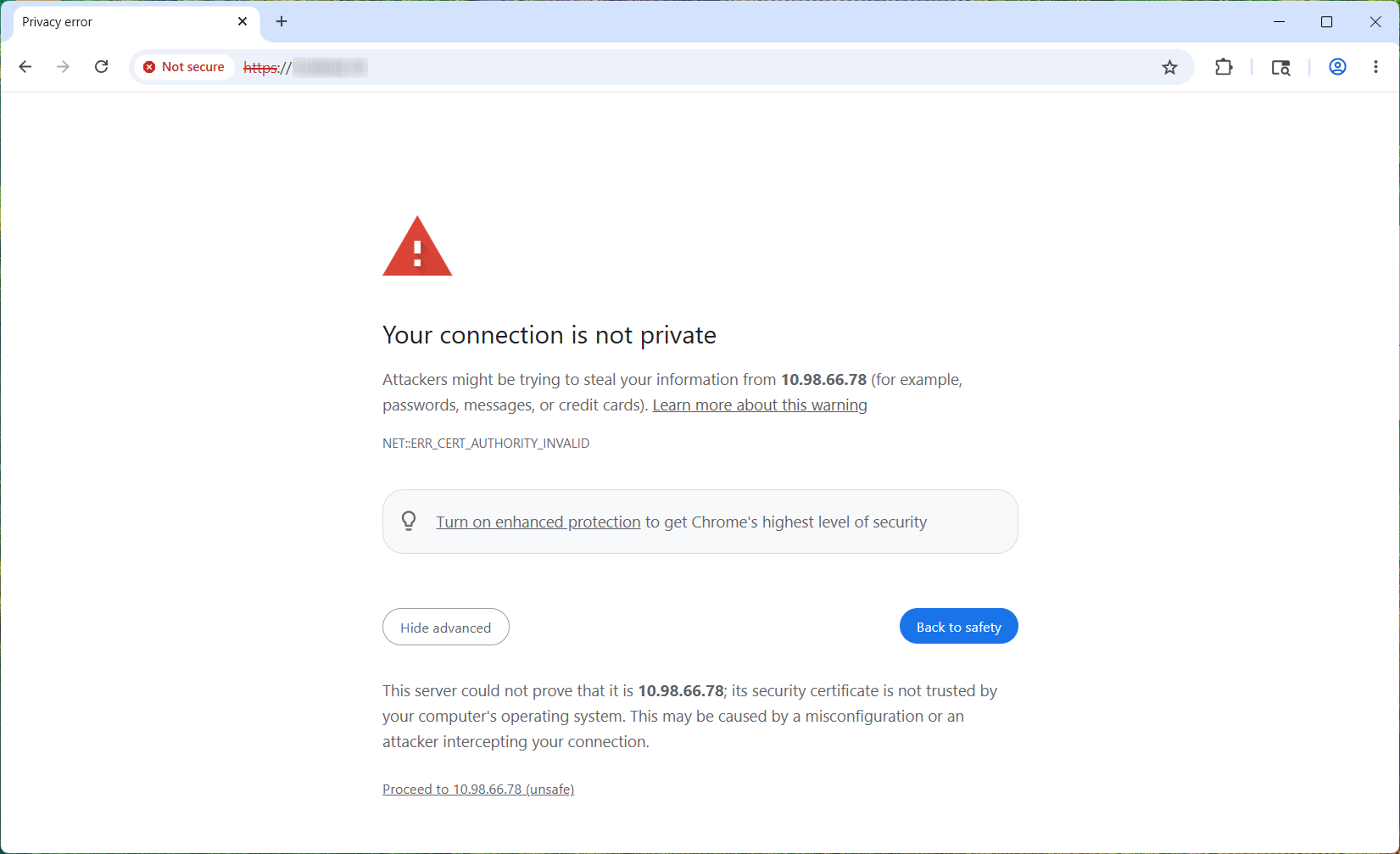
- Log in to connect to the ClickShare Configurator using the same credentials as for the Teams Admin Settings.
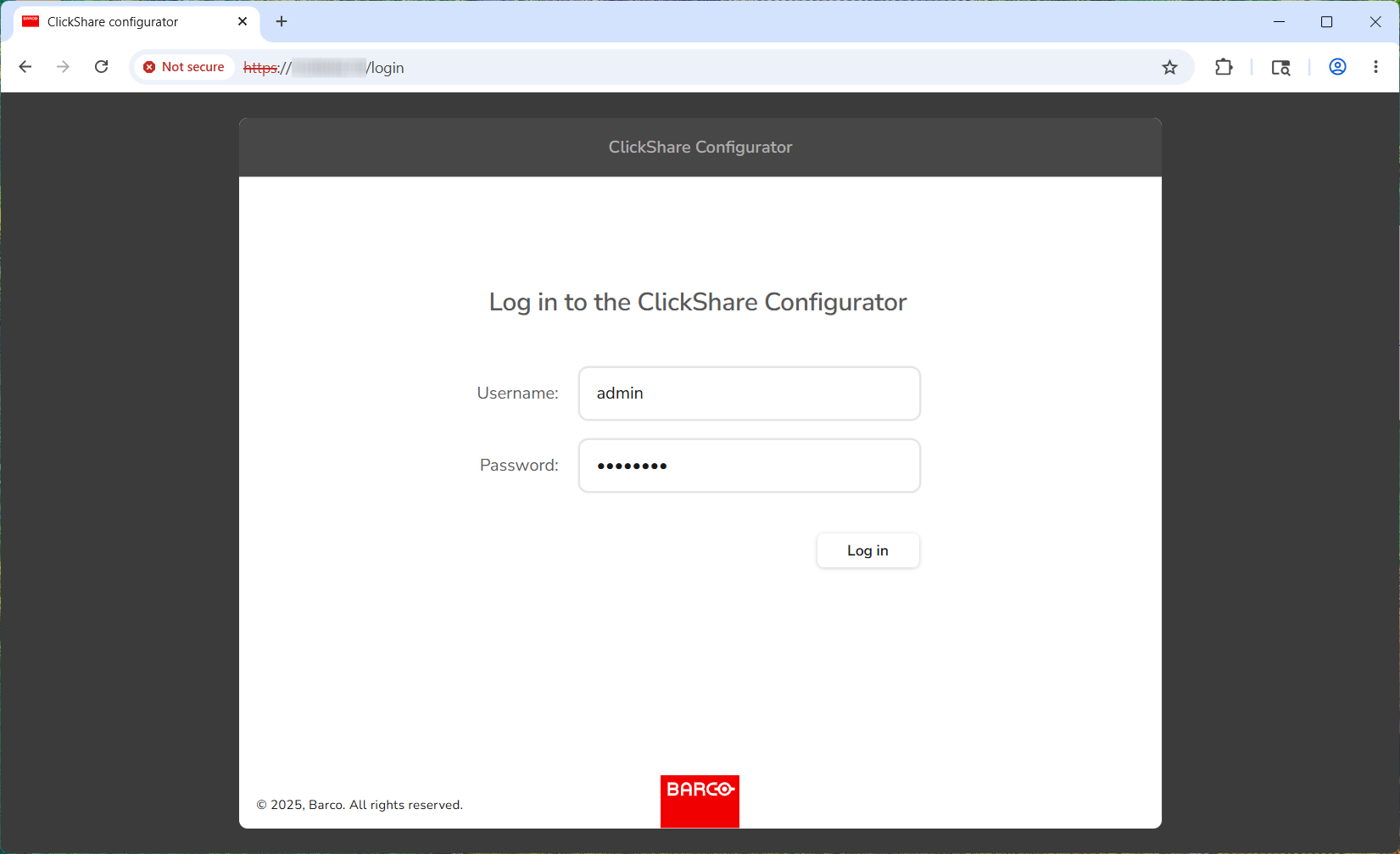
- Once completed, the ClickShare Configurator page will be displayed as shown below.

Important notes
- Currently, the ClickShare Configurator for the Hub devices has only limited functionality:
- For device configuration and firmware updates, use one of the following:
- XMS Cloud (recommended)
- Microsoft Teams Admin Center
- Pro portals

