
You may encounter the following error messages when running the ClickShare Machine Wide Installer setup on the Windows platform. These issues typically occur when the installation (MSI & setup) fail.
Error message when deploying the ClickShare Desktop App MSI installer:
Typically, this error message occurs when the installer was corrupted by downloading, as first action do a new download of the installer and see it the issue is resolved. The message can also be displayed when actions are being blocked by security software or group policy. If you want to install the software with MSI logging enabled, the log files may show you exactly which actions are being prevented from completing.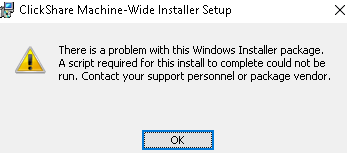
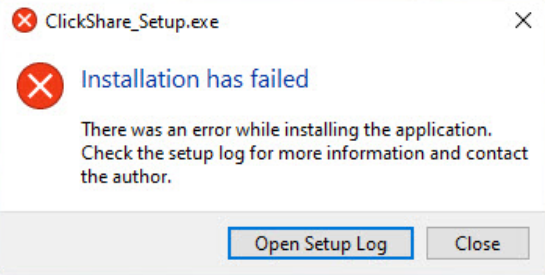
Error message when launching the ClickShare Desktop App installer:
Typically, this error message happens due to the company's security software or group policy i.e. ClickShare_Setup.exe blocked. Please contact your company IT team to make the necessary correction to allow the Clickshare Desktop App installation based on company guidelines. They can disable or whitelist the ClickShare Desktop App in the security software/group policy and assist to install.
In case that any off above issues persist, please contact our Barco Support (how-to, see KB6024).

