
Précédent
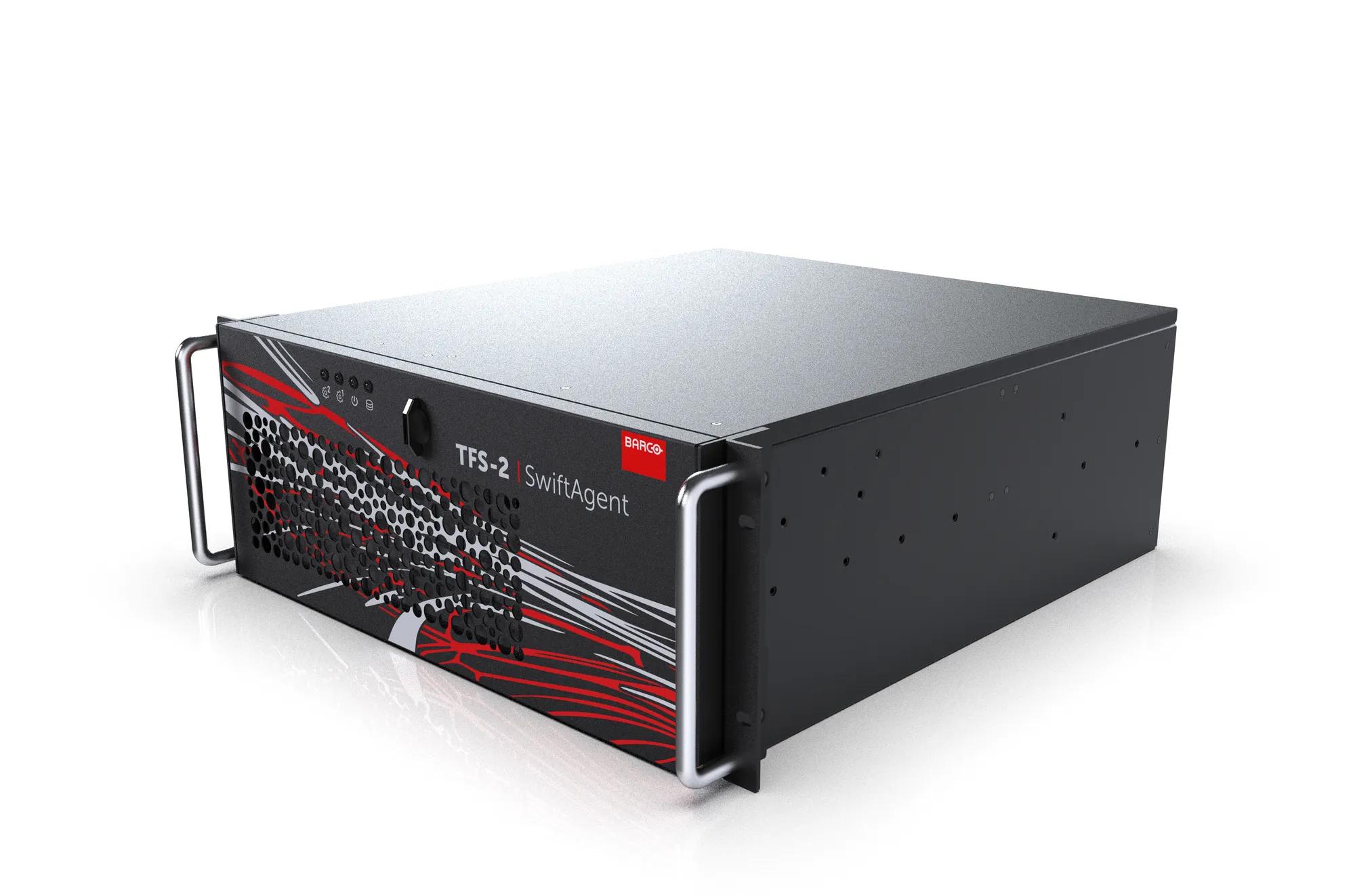
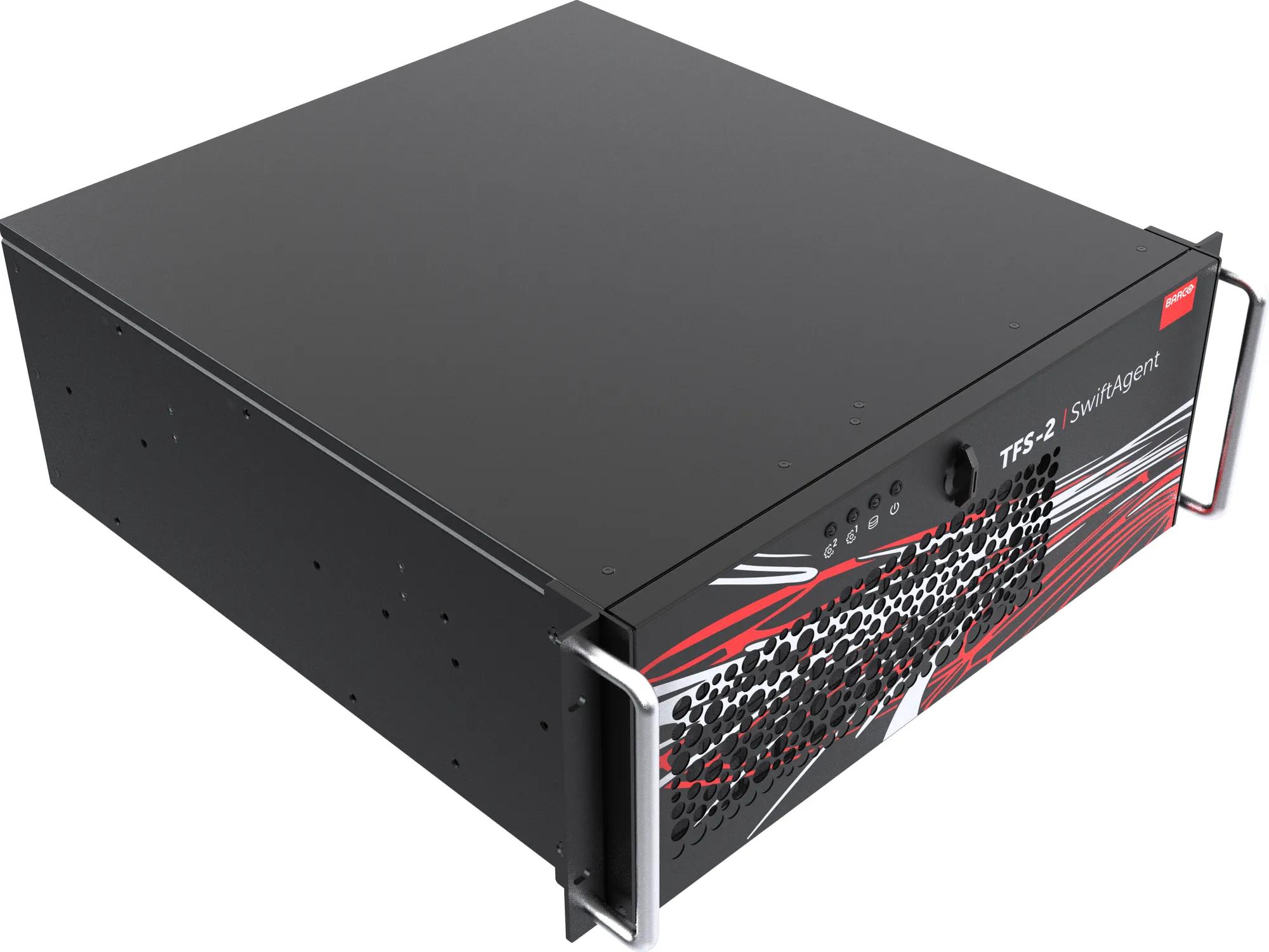
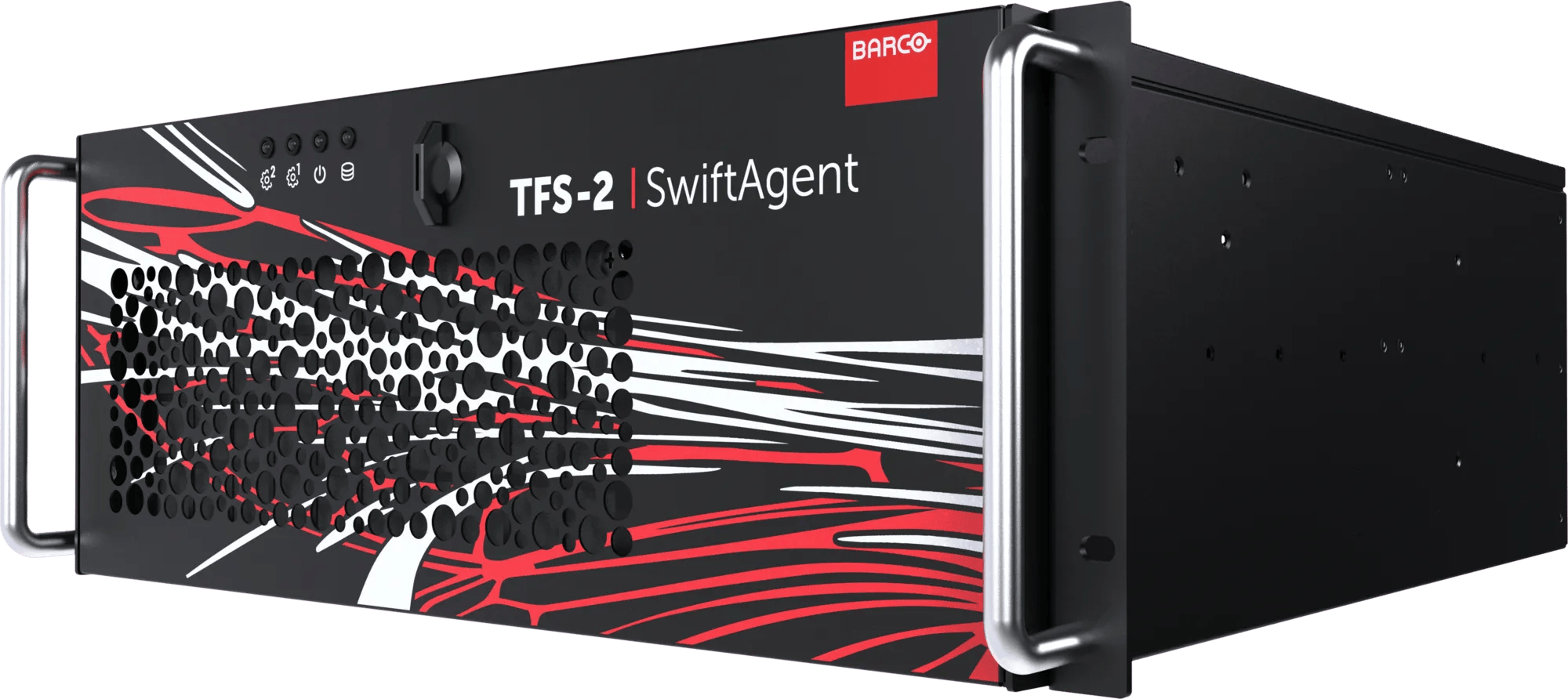
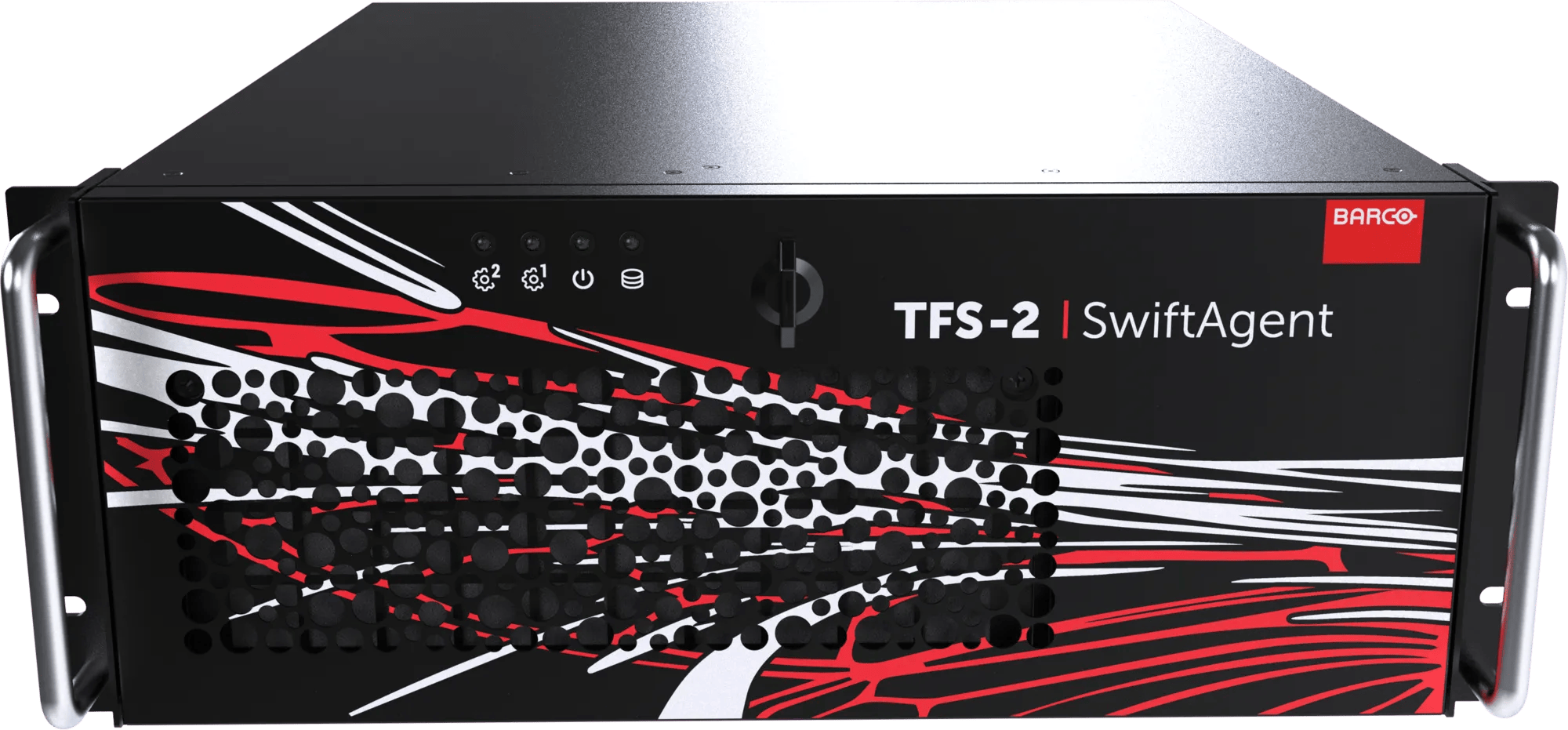
SwiftAgent™ TFS‑2
Vous ne recevrez pas d'alertes pour les produits sélectionnés.
Veuillez vous rendre à Paramètres du type d'alerte pour modifier vos préférences de notification.
All-in-one hybrid switcher
- AI-powered camera tracking and framing
- Unified production and presentation switching in one software-based platform
- Intuitive screen control and workflow automation
- Brand-agnostic device compatibility
Powerful production & presentation switcher combined
Barco SwiftAgent is a software based switcher designed to simplify modern event production for both onsite and hybrid environments. It integrates production switching, presentation control, and automated camera operations into a single, scalable platform.
Always backed by live intelligence
Powered by AI, SwiftAgent analyzes live scenes, tracks presenters, and selects optimal camera angles in real time, regardless of the camera brand, reducing manual intervention and lowering the need for specialized AV and broadcast expertise.
Simplified workflows, enhance results
With centralized management and AVoIP connectivity, SwiftAgent enables flexible deployment across rooms, campuses, or remote locations. Its intuitive interface offers streamlined screen management, automated workflows, and reliable streaming tools for consistent, high quality output.
Ultimate flexibility
The system supports brand-agnostic devices, allowing seamless integration into existing infrastructures.
Ideal for solo operators or small teams, SwiftAgent enhances efficiency, minimizes setup time, and delivers professional grade event coverage with accuracy and stability. It’s a smart, future ready solution for organizations seeking reliable, scalable event production capabilities.
Spécifications
Télécharger la notice techniqueNotes
- Notes
- Les spécifications décrites dans ce document sont préliminaires
Fonctionnalités
- Operation
- Via une interface Web ou une API REST JSON
- Network connections
- LAN RJ45 2 ports, 1 Gb/s
QSFP28 2 ports, 100 Gb/s
- Inputs
- Jusqu'à 3 x ST-2110-20 / IPMX (jusqu'à 3840x2160 à 60 Hz)
- Outputs
- Jusqu'à 4 x ST-2110-20 (jusqu'à 3840x2160 à 60 images/s)
- Processing capacity
- Gère simultanément jusqu'à 3 entrées et 4 sorties (chacune jusqu'à 3840x2160 à 60 Hz)
- Multi-viewer
- 1 x Multi-Viewer disponible via DisplayPort 1.2 (jusqu'à 3840x2160 à 60 Hz) ou au format AVoIP (NDI, webRTC, RTSP, …)
La sortie Multi-Viewer compte comme l'une des sorties système (voir ci-dessus)
- Integrated mixer function
- Commutateur de production incluant le positionnement mécanique et le suivi numérique de la caméra
- Camera AI functionality
- Détection de personnes, suivi automatique et mixage automatique
Jusqu'à 4 entrées peuvent être activées pour les fonctionnalités d'IA
- Audio
- (Dé)incorporation / mixage-audio 2 canaux par entrée ou sortie PCM / OPUS / ST-2110-30 (à venir)
- Clock
- PTPv2 (Prise en charge de BMC)
- AVoIP routing
- Routage NMOS IS-04/05 avec registre NMOS interne/externe (configurable)
- Picture in Picture (PIP)
- Assistance jusqu'à 64 couches indépendantes par sortie
- Service
- USB-A
- Color depth
- RGB 4:4:4 8 bits / YCrCr 4:2:2 10 bits
- Latency
- 2 châssis avec I/O verrouillée pour données non compressées
- Still image
- Prise en charge des fichiers JPG et PNG (y compris la transparence)
- Clip playback
- Prise en charge de la lecture MP4 (profil principal H.264 jusqu'à 1920x1080 à 60 Hz)
- Storage
- Jusqu'à 500 Go de stockage interne pour les photos et les vidéos
- API-interface
- API REST JSON (à venir)
Matériel
- Noise level
- < 45 dBA
- Dimensions
- 177 mm (H) x 482 mm (L) x 472 mm (L)
- Weight
- 28 kg (poids net)
- Power supply
- 100-240 V CA, 50-60 Hz, redondant
- Power consumption
- 12A
- Power adaptor
- 2 x, redondant
- Environmental temperature
- 0 °C à 35 °C
- Environmental humidity
- 5 - 80%
- Storage temperature
- -20 °C à 60 °C
Média, brochures, présentations, livres blancs, supports marketing... Retrouvez toutes nos ressources marketing dans notre plateforme de téléchargement nouvelle génération
Visiter le Media CenterVous cherchez des documents techniques ou une assistance produit ?
Pour les téléchargements techniques, comme les drivers, le firmware, les manuels, les dessins et la documentation, nous vous invitons à consulter notre page assistance produit.
Consultez l'assistance produit