
Recherche Barco

Notifications myBarco

Non lu

Lu

Vous n'avez aucune notification.
Produits

Troubleshooting Using QR Code Stickers on ClickShare Base Units returns "Invalid QR code" error

Numéro d'article: [15405]

Applicable à

QR code stickers on ClickShare Base Units C-5, C-10, CX-20 and CX-30 with specific region codes US and RW are failing to onboard the Base Unit into the XMS Cloud, returning an Invalid QR code error when attempting to onboard via QR code scanning.
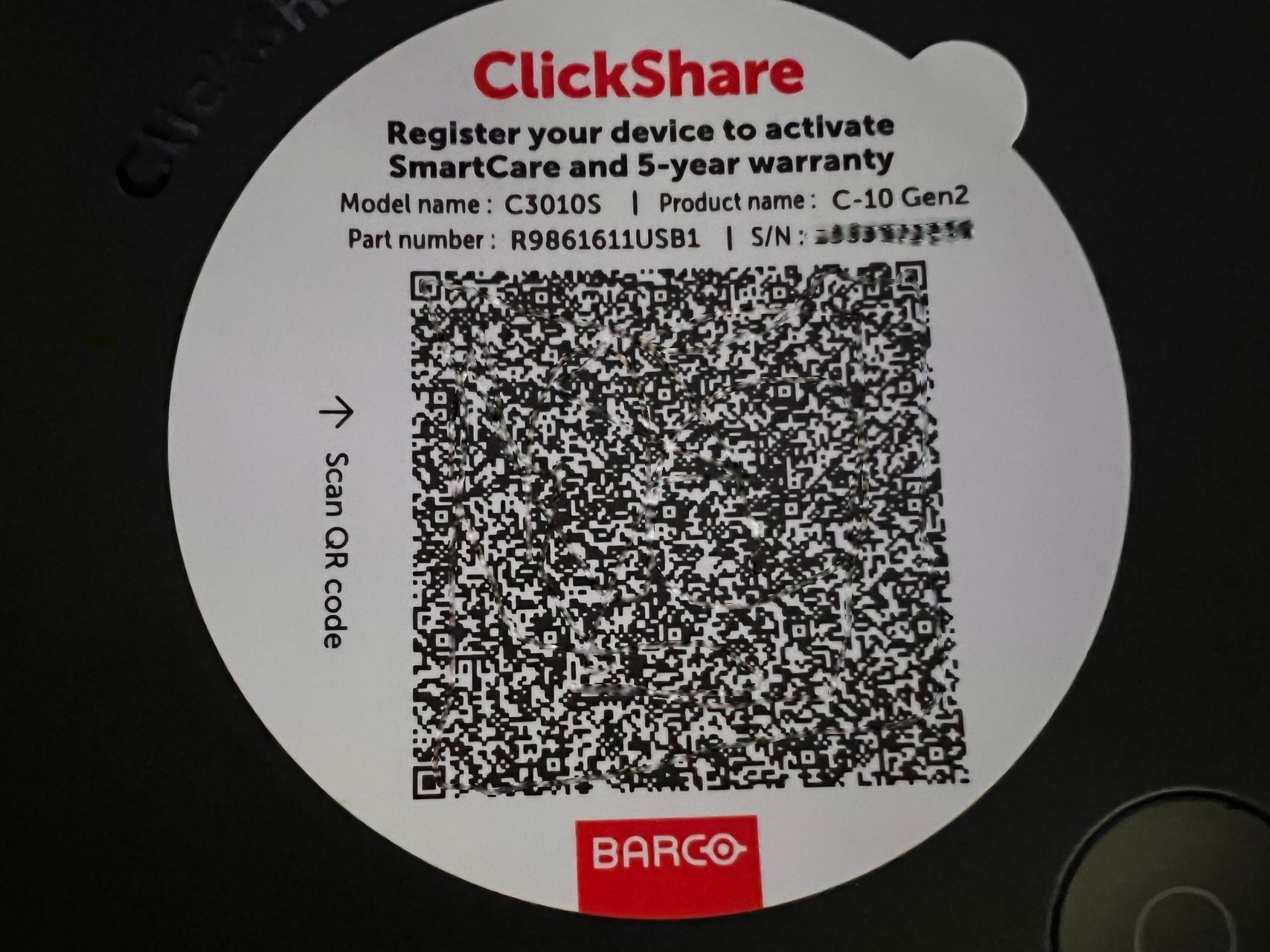
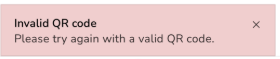


Example: Scanning the QR code sticker on C-10 returns an "Invalid QR code" error


Affected Base Units

The region code can be identified in the part number of the Base Unit. Here's how you can locate the "RW" and "US" regions:

Base Units namePart numbers
US versionsRW versions
C-5R9861605USR9861605RW
C-10R9861611USB1
R9861611USB2
R9861611RWB1
R9861611RWB2
CX-20R9861612USB1R9861612RWB1
CX-30R9861613USB2R9861613RWB2


Solutions

  1. Onboarding Screen Code:

    Use the QR code displayed on the screen to successfully onboard and register the device (how-to, see KB15557).

  2. WebUI Onboarding Flow:

    Use the onboarding flow available through the WebUI: Registration via clicking on hyperlink (how-to, see KB10810).

Propriétés

Dernière mise à jour 21 mai 2026

Aucune solution trouvée ?

Assistance téléphonique

Notre help-desk vous permet d'accéder à un support téléphonique rapide. Une équipe de techniciens support expérimentés se tient à votre service pour toute assistance professionnelle.