
ClickShare Base Units can be identified by their model's name, which can be found in several places. This article describes multiple methods to help you accurately determine which ClickShare Base Unit model you are using.
Note: Except for physical inspection and visual identification, the other methods require the ClickShare Base Unit to be powered on and connected to the network.
Tip: Visual identification using device images
This option is useful when:
- The packaging box is not available
- Base Unit is not powered on
- You need a quick and non-technical way to confirm your model
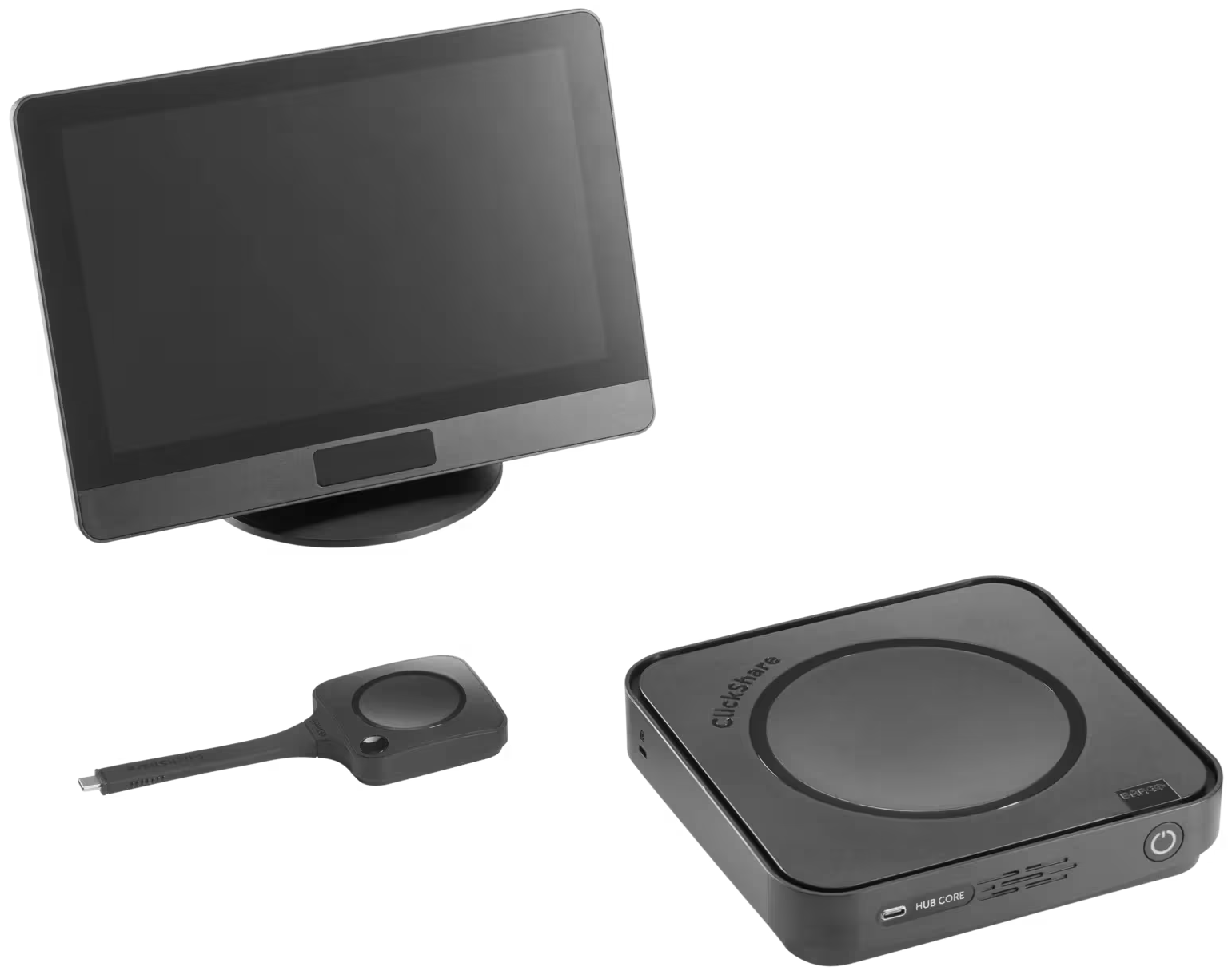
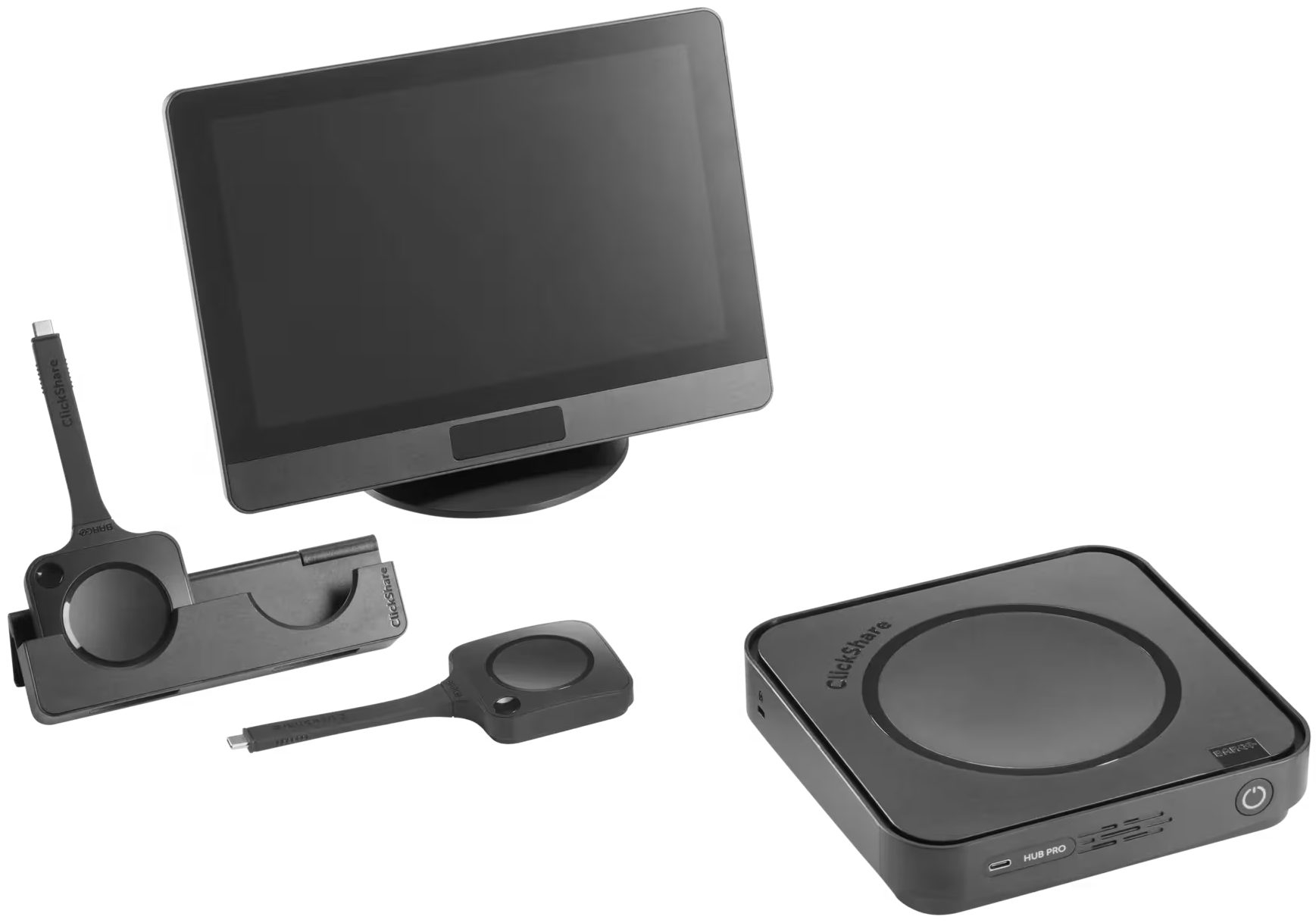
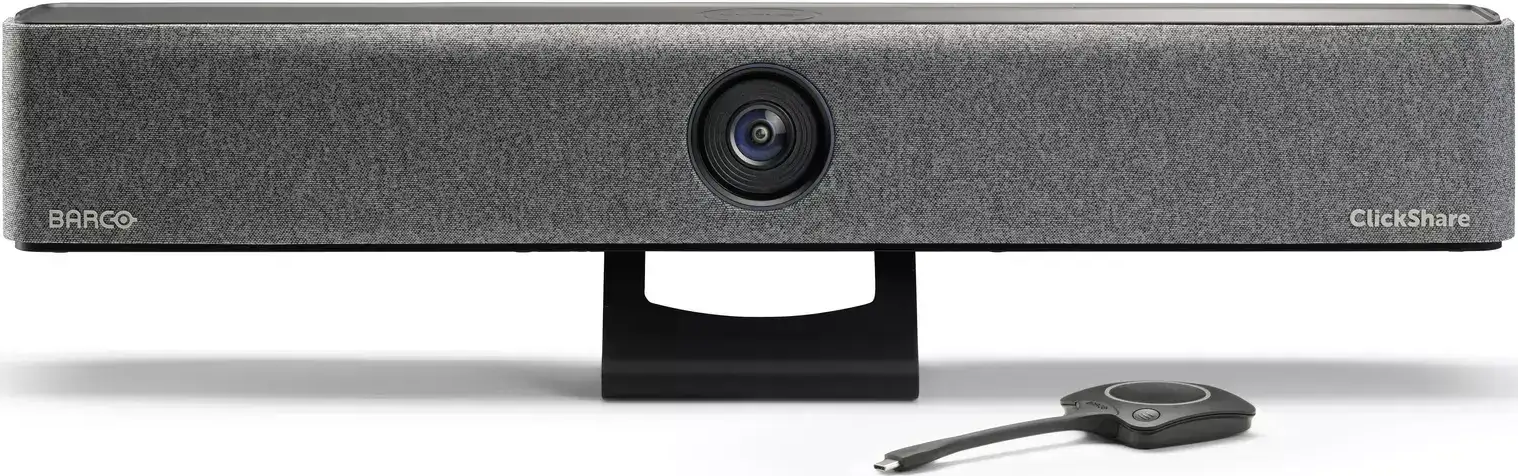
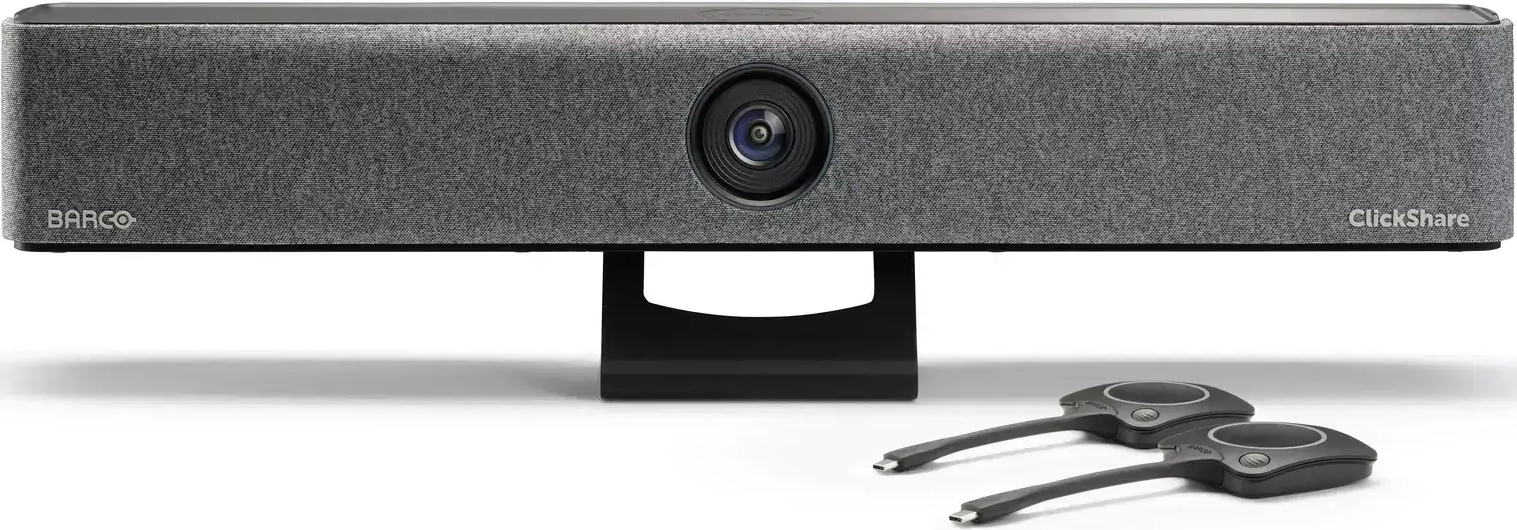
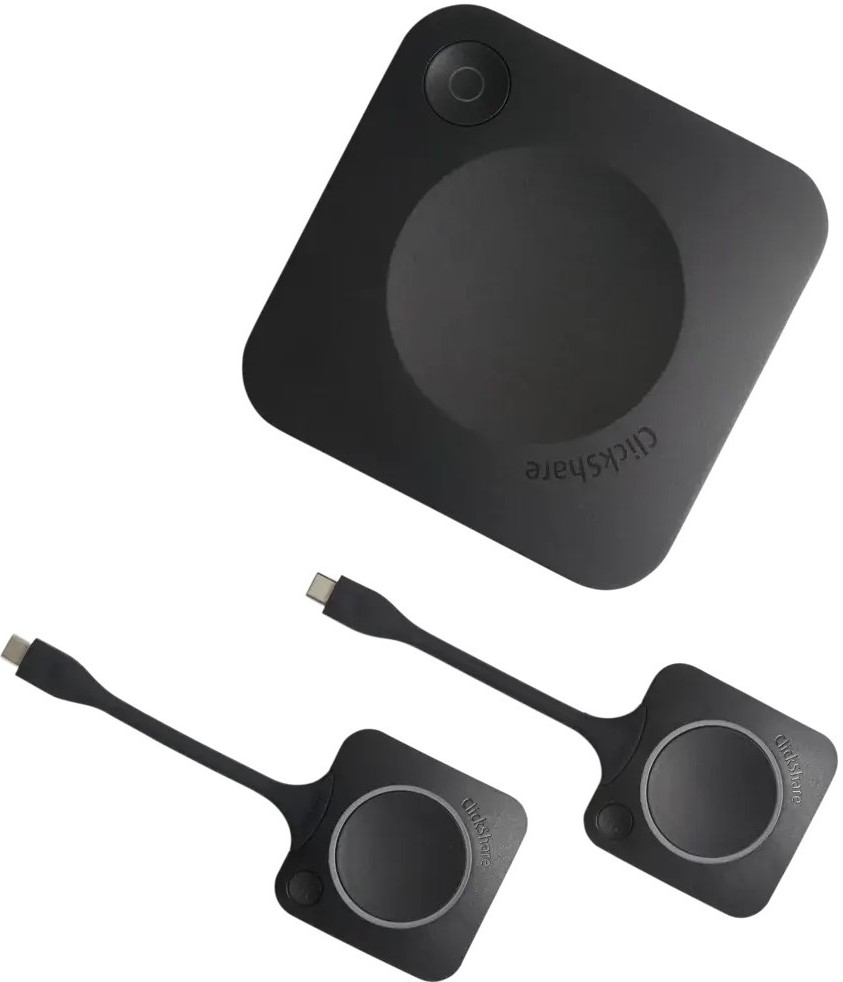
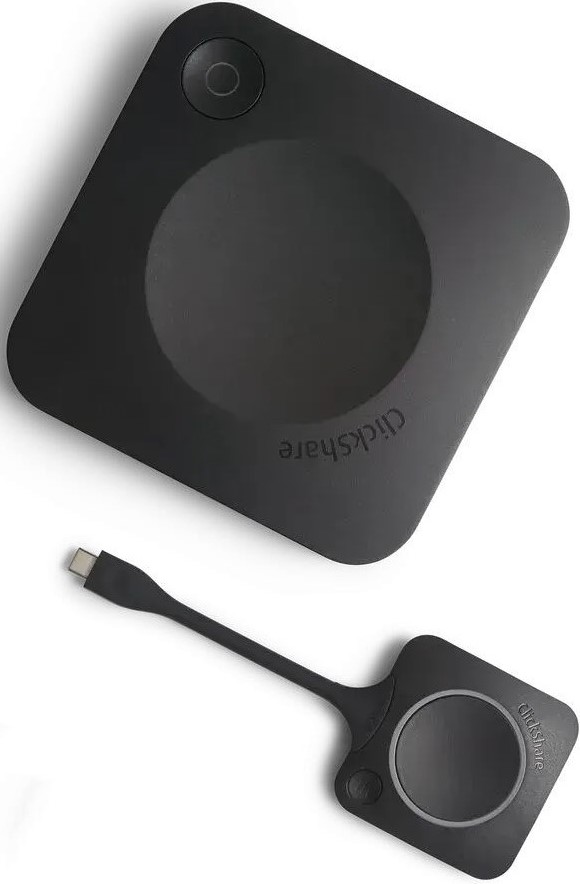
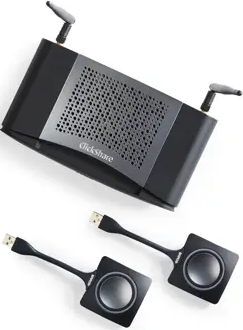
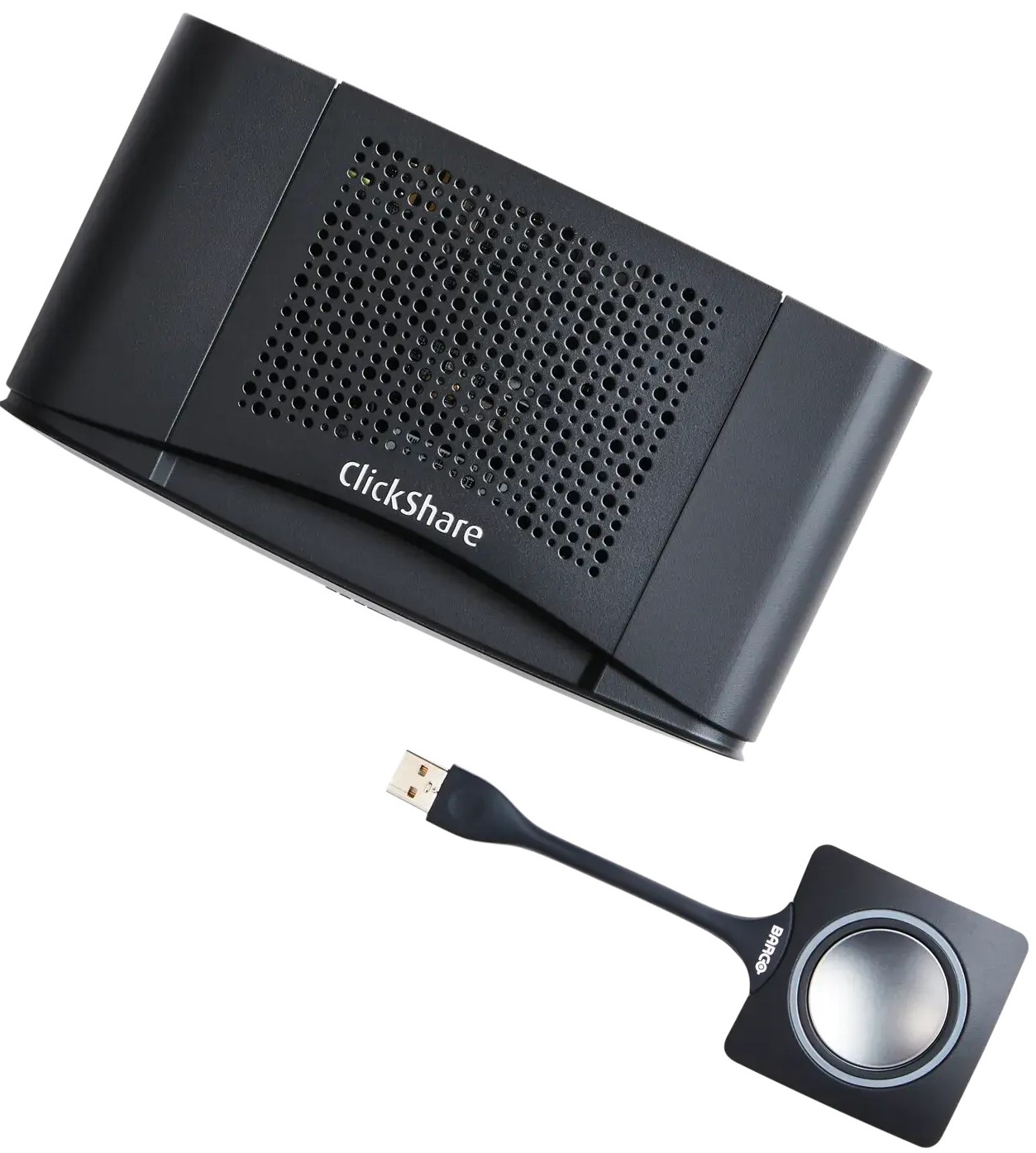
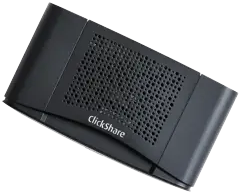
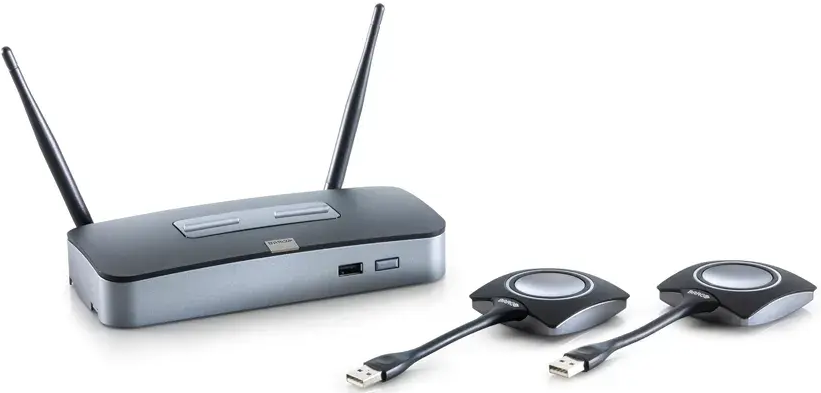
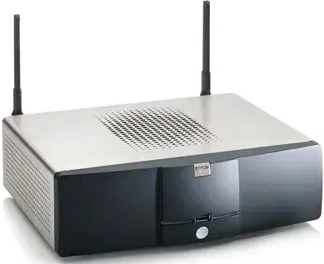
Open this section to visually identify your ClickShare Base Unit model by comparing it with the corresponding ClickShare device images.
To view more images, please visit the technical drawing or product webpage for your ClickShare device on Barco’s website.
Hub Core and Hub Pro
Bar Core and Bar Pro
CX-series
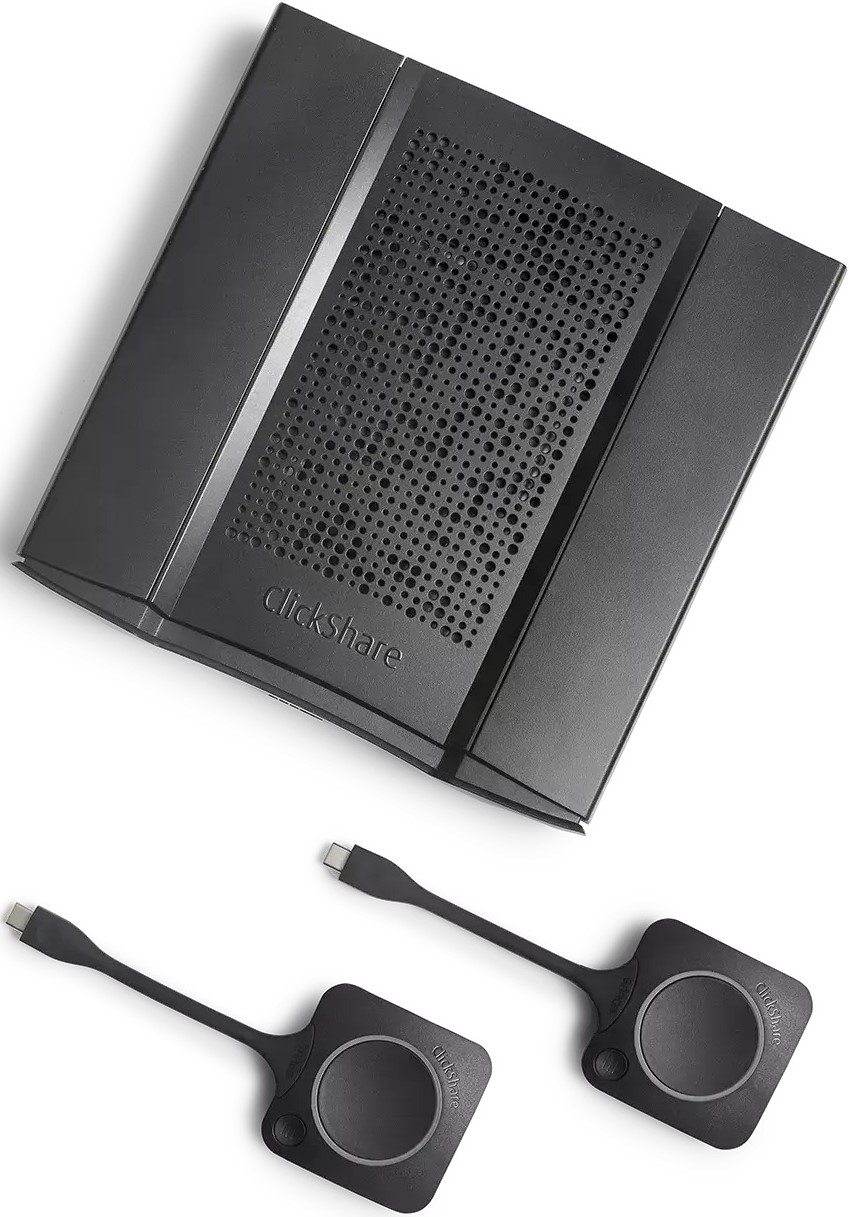
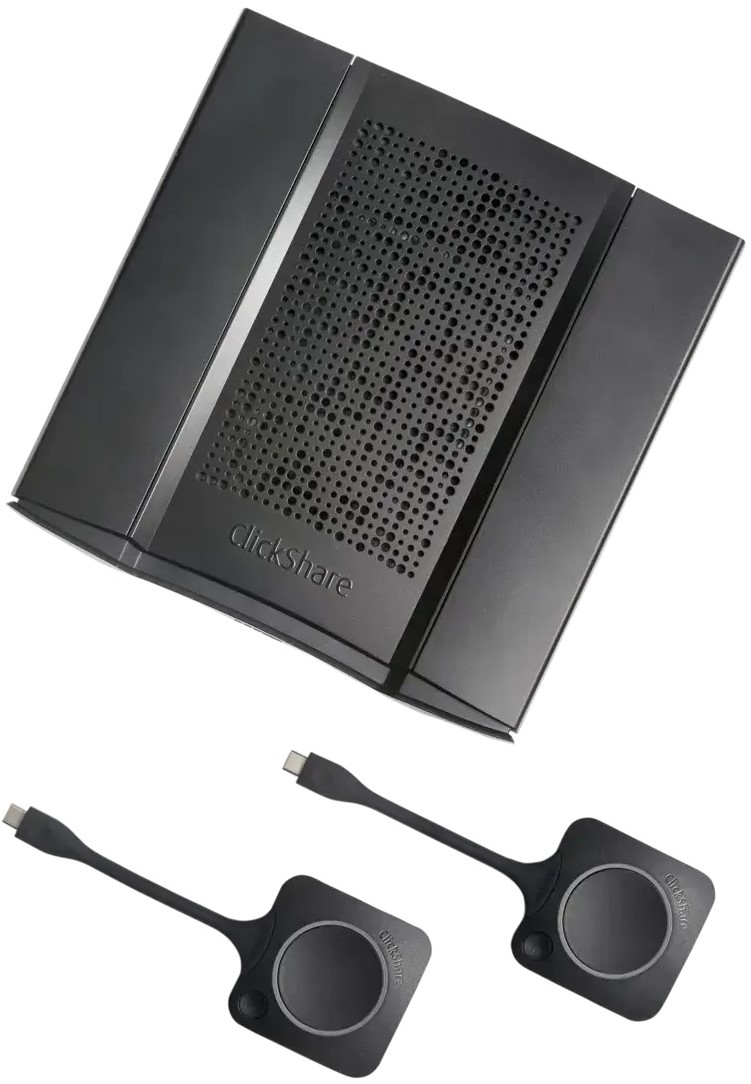
Note: The ClickShare CX‑20, CX‑30, C‑10, and C‑5 share the same physical design and port layout. To accurately identify the model, refer to the other identification methods outlined in this article.
C-series
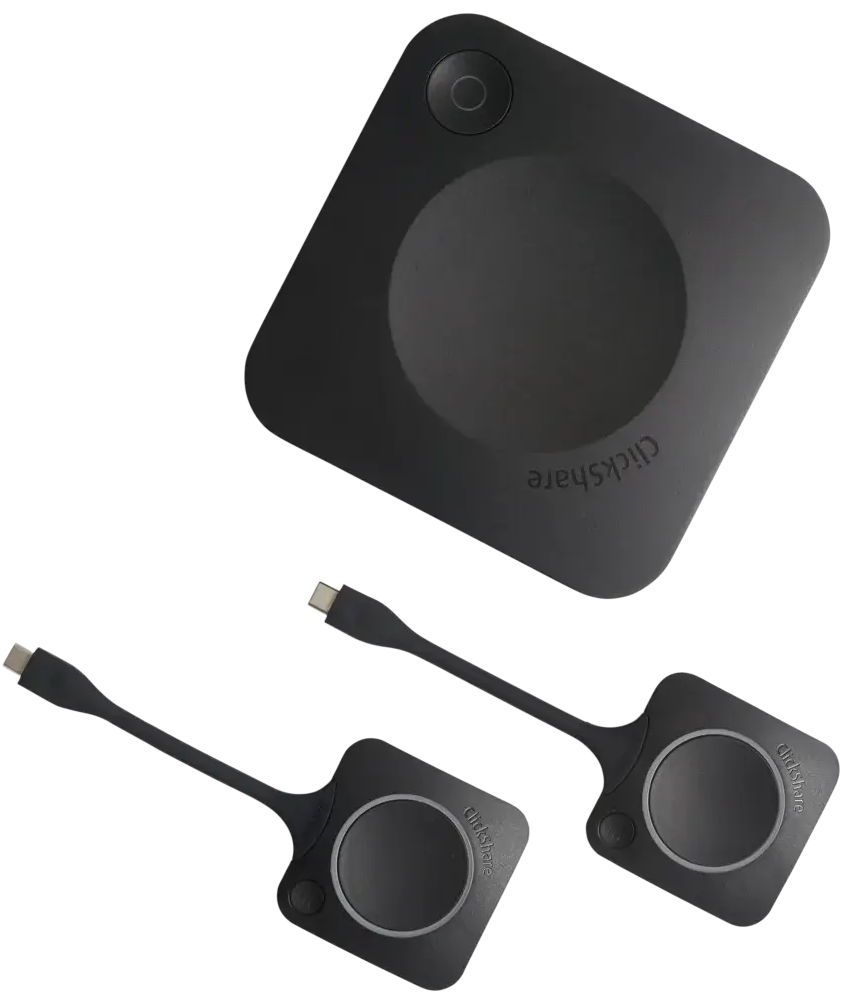
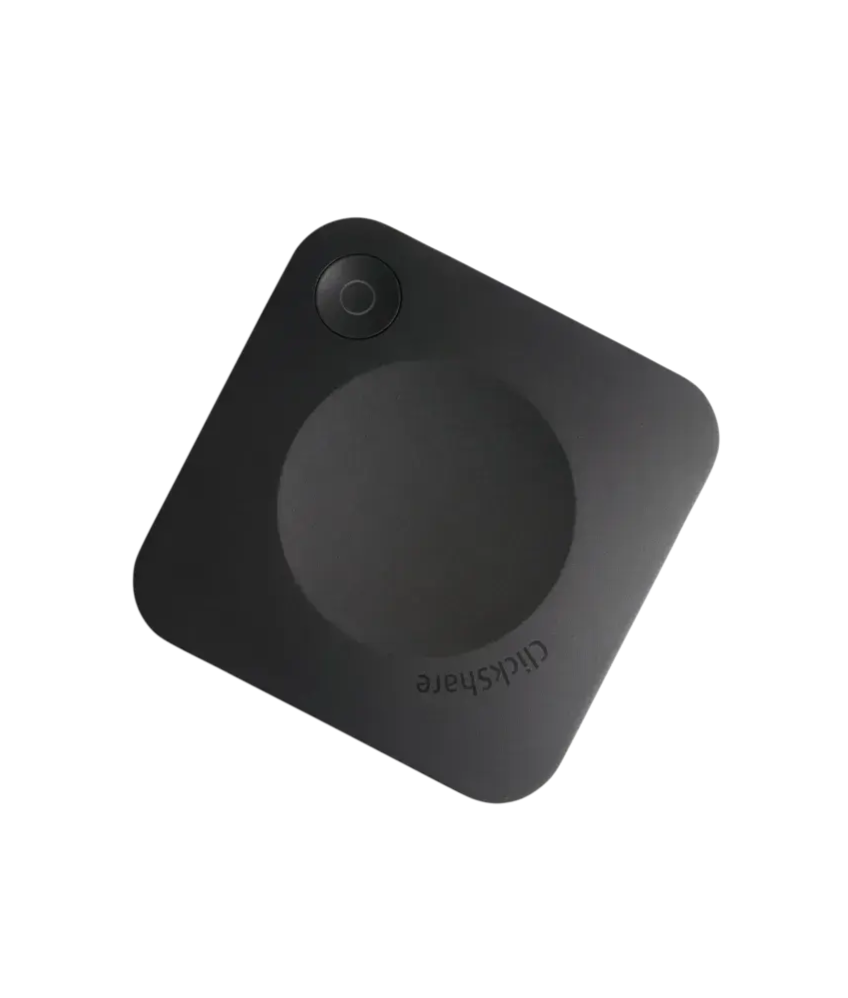
Note: The ClickShare CX‑20, CX‑30, C‑10, and C‑5 share the same physical design and port layout. To accurately identify the model, refer to the other identification methods outlined in this article.
CS(E)-series
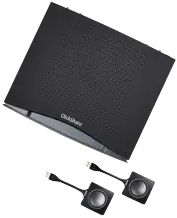
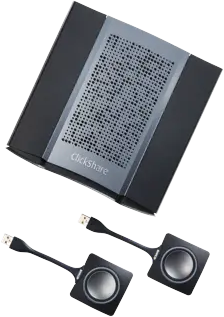
CSM-1 and CSC-1
1. Physical inspection
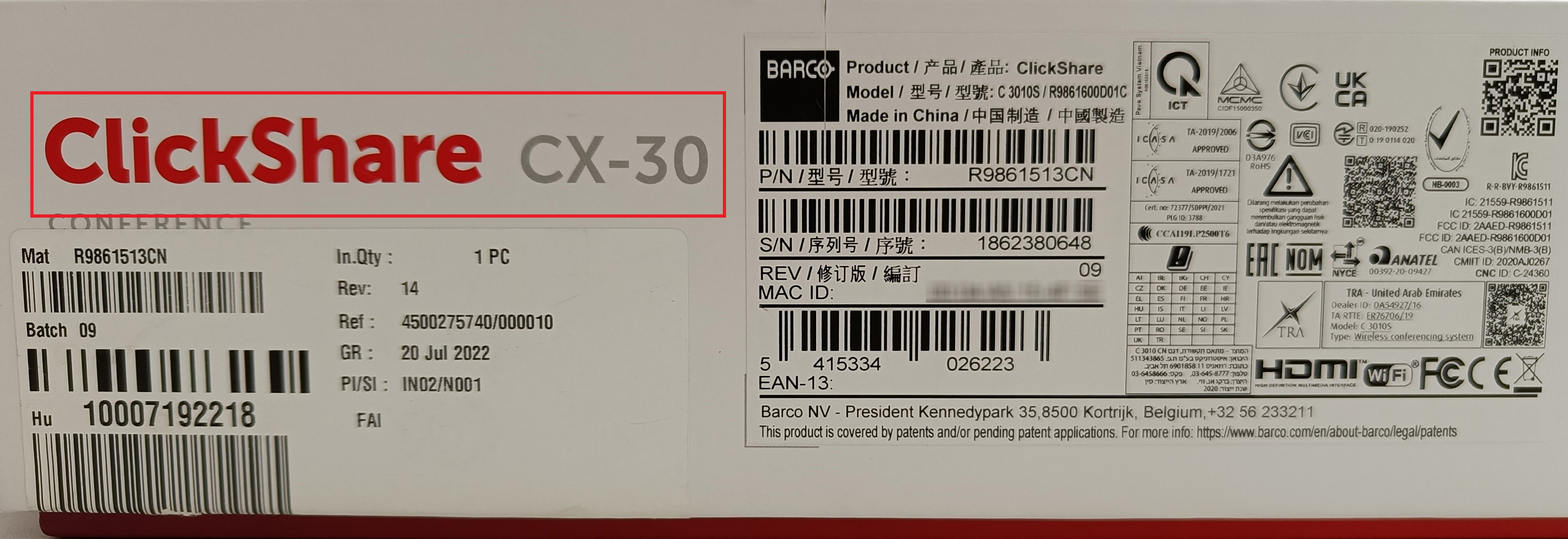
The quickest and easiest way is to search for the model's name mentioned on the label attached to the packaging box in which the ClickShare Base Unit came. The model's name (e.g., ClickShare CX-30) is clearly printed on this label as shown in the image below.
Alternatively, search for the part number or serial number printed on the label attached to the bottom of the Base Unit or to the packaging box. Use these numbers on the Barco website to find the corresponding model name (how-to, click here).
- Part number: Alphanumeric (e.g., R9861513CN)
- Serial number: Numeric (e.g., 1862380648)
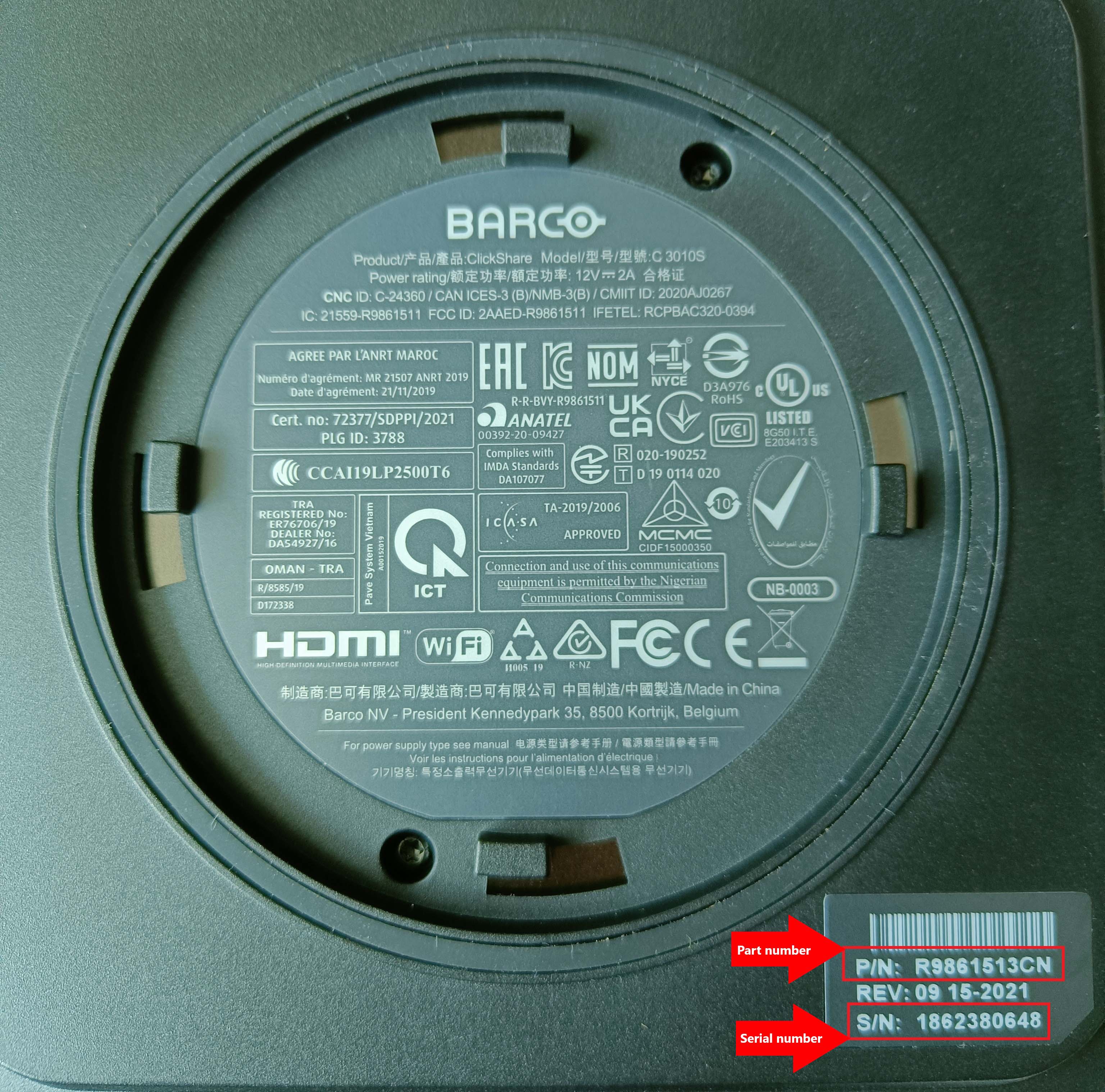
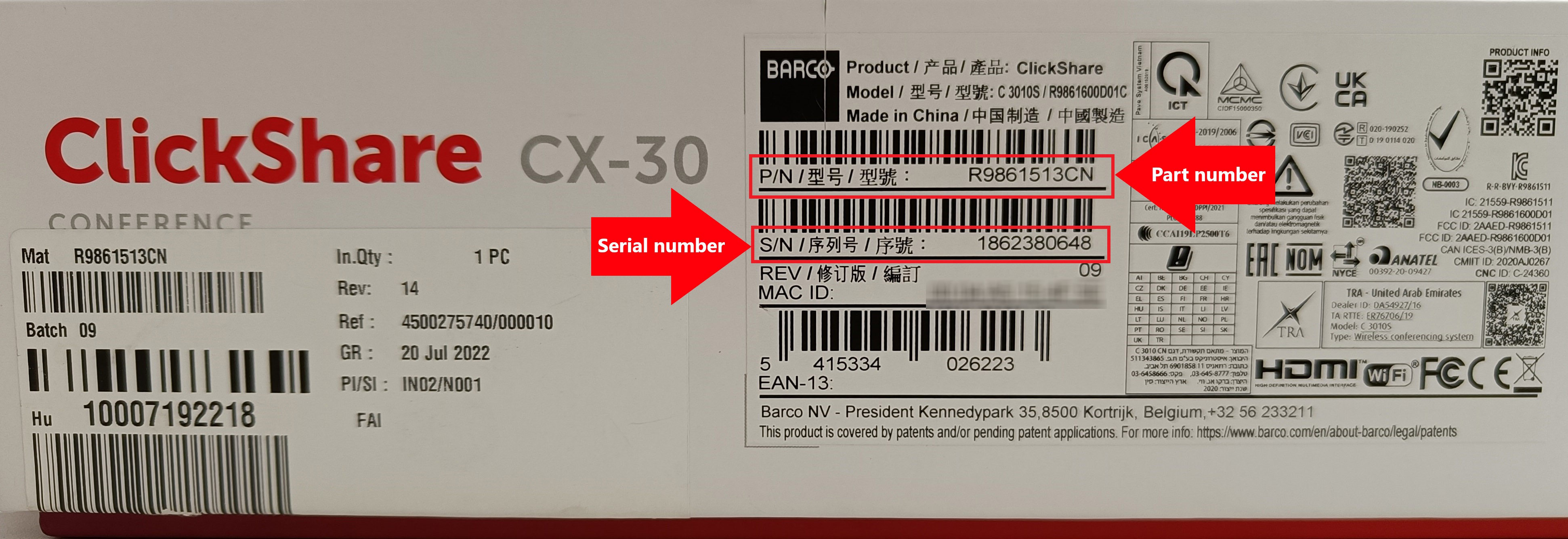
Label attached to the bottom of the Base Unit and to the packaging box
2. ClickShare Configurator
Login to the ClickShare Configurator of your Base Unit (how to: see KB2324) and navigate to System > Base Unit Status to the view the model's name of your Base Unit. For example, the model's name is CX-30 as shown in the image below:
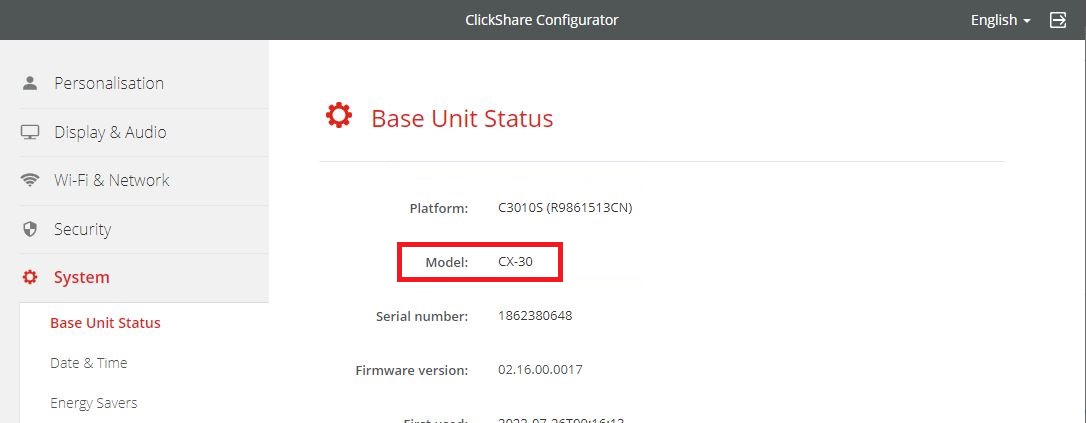
Note: Base Unit part number and serial number visible on this page can also be used to view the Base Unit model name (how-to, click here).
Note: This method is currently not applicable to ClickShare Hub Core and ClickShare Hub Pro.
3. ClickShare App
Connect to your Base Unit by either plugging in the ClickShare Button on your laptop or using the ClickShare Desktop App (how to: see KB2607) and then open the About menu in the app to view the Base Unit model name. For example, the model's name is CX-30 as shown in the images below:
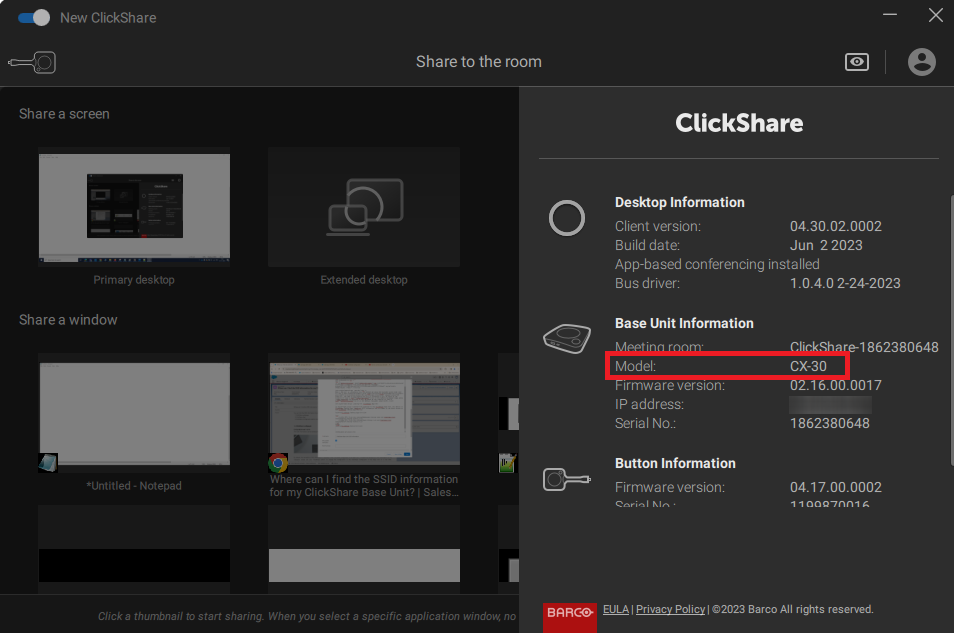
ClickShare Button Client App
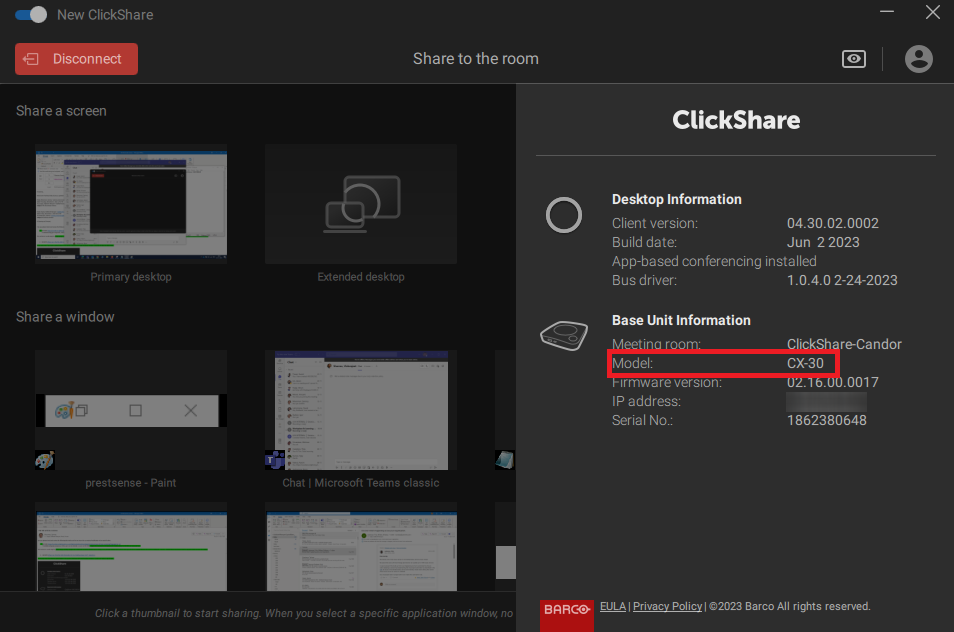
ClickShare Desktop App
Note: Base Unit serial number visible here can be used to view the Base Unit model name (how-to, click here).
Note: This method is currently not applicable to ClickShare Hub Core and ClickShare Hub Pro.
4. XMS Cloud
Login to your XMS Cloud (how to: see KB2534), navigate to the Manage > Baseunits page and then click on the ⚙ icon of your Base Unit to open its Manage Baseunit page. The model's name of your Base Unit (for example C-10) can be viewed as shown in the image below:

Note: Base Unit part number and serial number visible on this page can also be used to view the Base Unit model name (how-to, click here).
Identifying the model using part number or serial number
- Visit to https://www.barco.com/en/support.
- Navigate to:
- Product support (for part number), or
- Warranty (for serial number)
- Enter the part number or serial number in the search field.
- The model's name (for example ClickShare CX-30) can be viewed as shown in the image below:
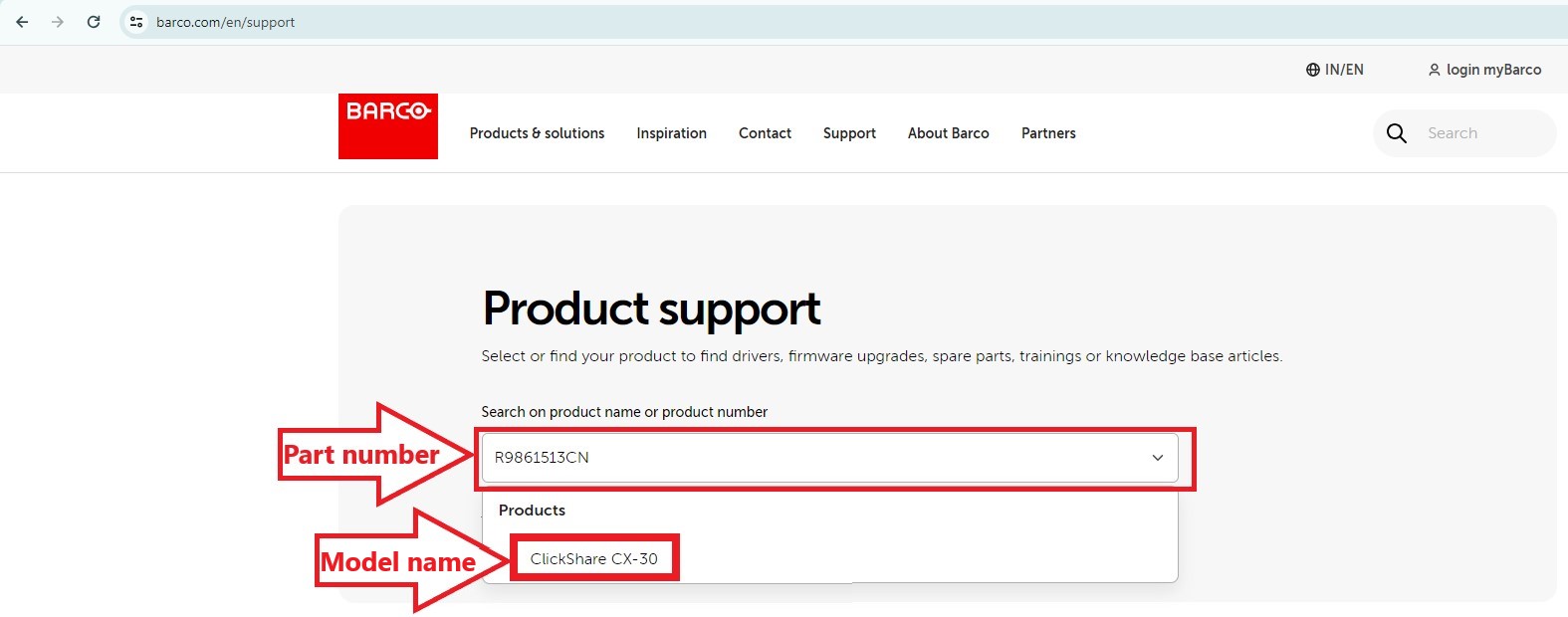
Using part number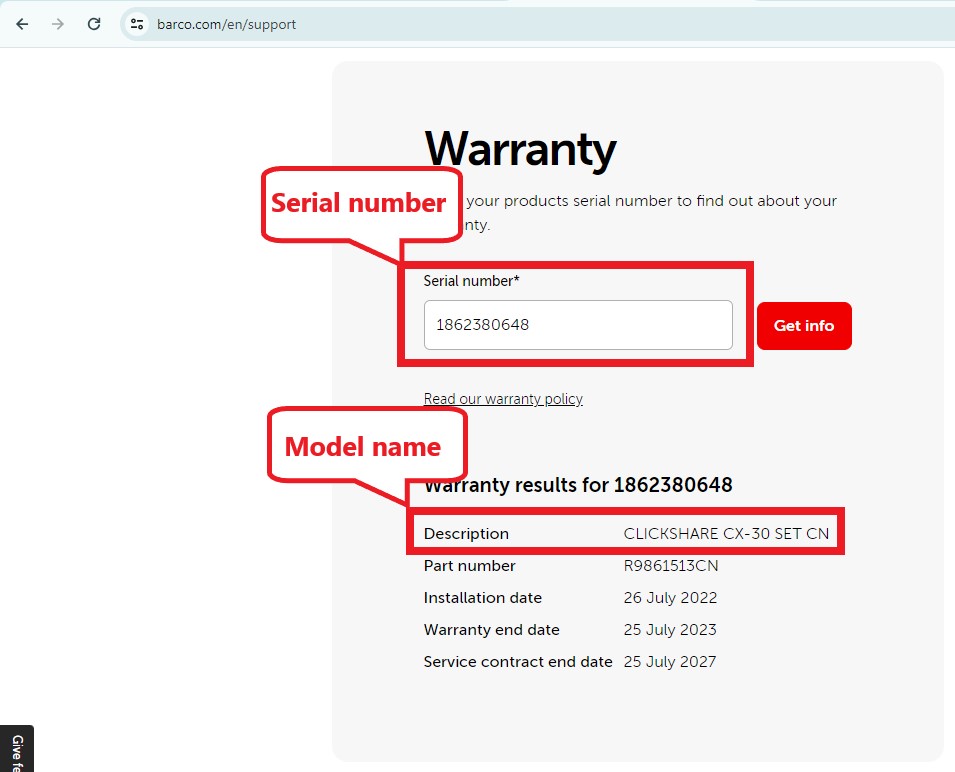
Using serial number
Related Articles
- Where and how can I find the Serial Number for my ClickShare Device?
- What operating systems are supported with ClickShare devices?
- Where can I find the specification of the ClickShare Base Unit
- Where can I find the documentation (user manual, installation manual...) for the ClickShare Base Unit

