
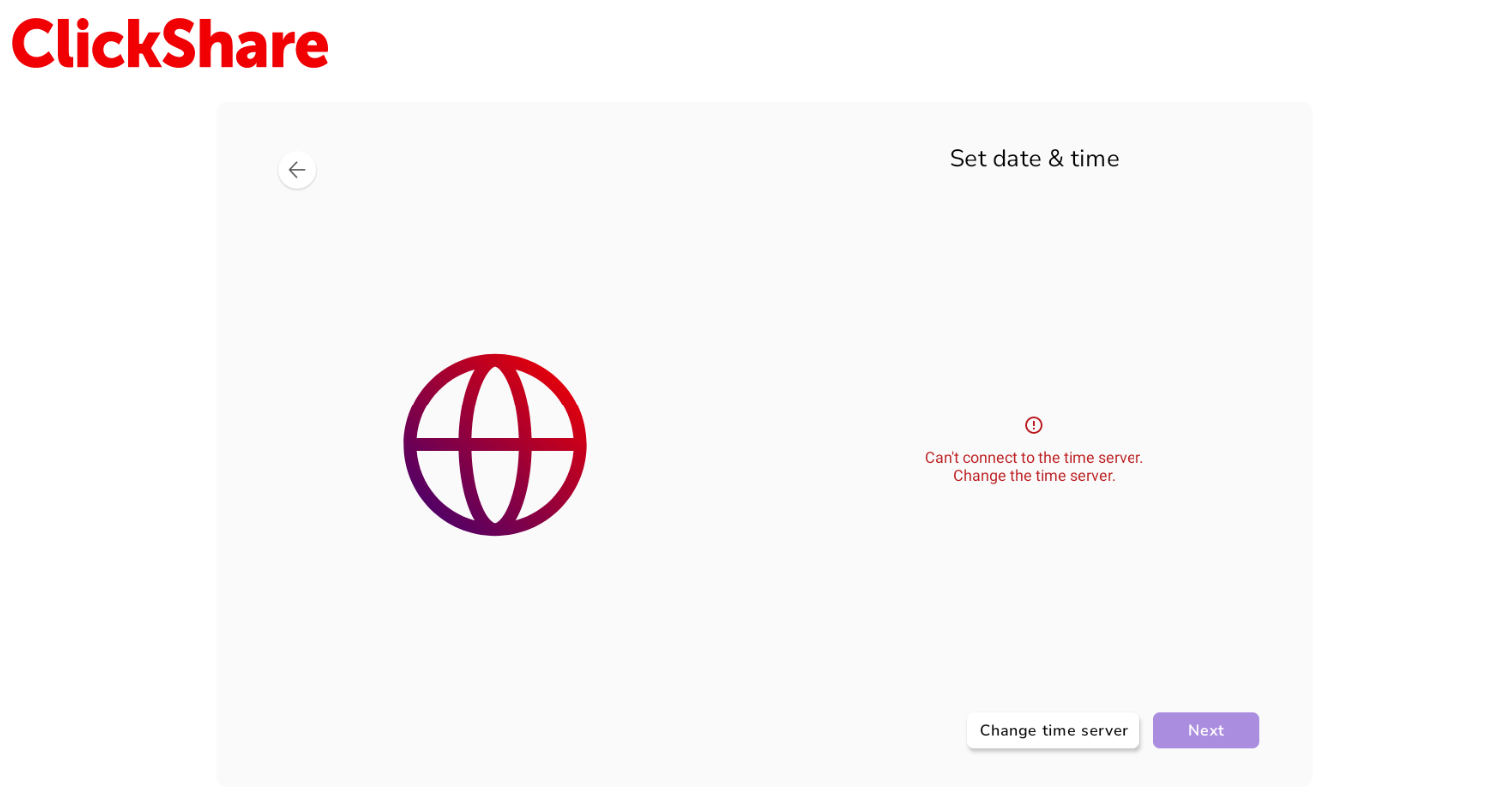
Common Causes for Time Server issues on Microsoft Teams Room on Android (MTRoA).
- No direct access to external NTP servers like
time.windows.comdue to firewall or proxy restrictions. - Conflicts with internal Wi-Fi IP range used for the ClickShare 5th Generation Buttons.
Recommended Fixes
1. Use an Internal NTP Server
MTRoA devices rely on Android OS time settings. If your network blocks external NTP, configure your DHCP server or firewall to redirect NTP requests to an internal time source.
2. Avoid using IP range 192.168.2.xx/xx during OOBE
When the device's IP is in the 192.168.2.xx/xx network range, it's conflicting with the Wi-Fi default IP. This will affect DNS and time synchronization.
In current releases, it's not possible to change the Wi-Fi network configuration while onboarding the ClickShare Hub; once you're onboarded, you can change this in the Settings App.

