
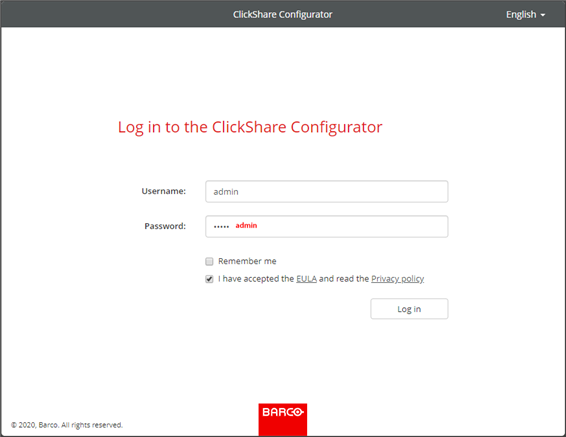
The default password for the ClickShare device Wi-Fi and ClickShare Configurator is:
| Item | Password | Where to use (representational only) |
| Wi-Fi | ClickShare | 
How-to, see KB2675 |
| ClickShare Configurator* * The default username is admin. | admin |
How-to, see KB2324 |
Warning!
- Barco strongly recommends changing the default Wi-Fi and ClickShare Configurator password. Both can be reset in the ClickShare Configurator of the ClickShare device, ask your IT administrator to reset them. For detailed instructions, refer to the installation manual for your ClickShare device (how-to, see KB9362).
- When setting a custom password, please keep in mind that only ASCII characters are supported and that the passwords are case sensitive.
If you forget or lose the device Wi‑Fi/ClickShare Configurator password, you can:
- Please contact your IT administrator to provide or reset the password.
- Reset the ClickShare device to its factory default settings, which will restore the default password for both Wi-Fi and ClickShare Configurator.
Devices:
Note: ClickShare Hub Core and Hub Pro password, see KB16039.