
General
The Setup menu, shown in the following illustration, is the menu from which you access all operational menus. To display the Setup menu, press the SEL button on the front panel when the Status menu is displayed, or press the ESC button to go back from a submenu (one level for each time you press the button).
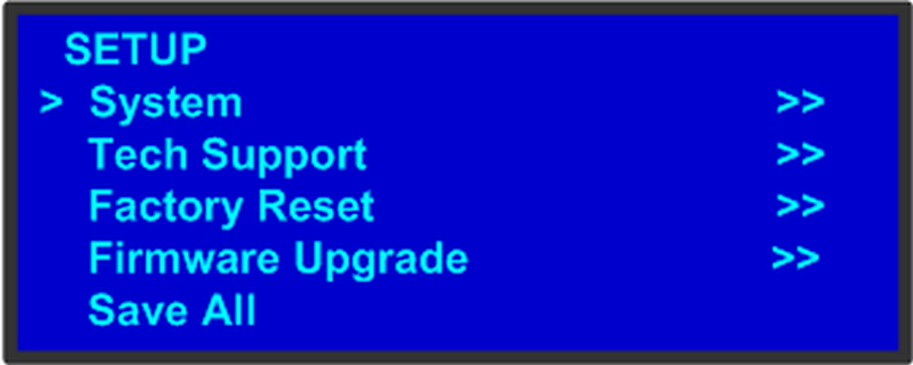
From the Setup menu, you can configure certain system settings for the Event Master unit, display Technical Support contact information, restore factory default settings, and check for available firmware updates. And finally, you can save all the recent changes to the system.
The following sections describe each Setup Menu option in detail, except for the Code Upgrade feature. For details about that option, refer to the chapter “Updating firmware”: