Location
- Navigation side bar:
- Central work window: or

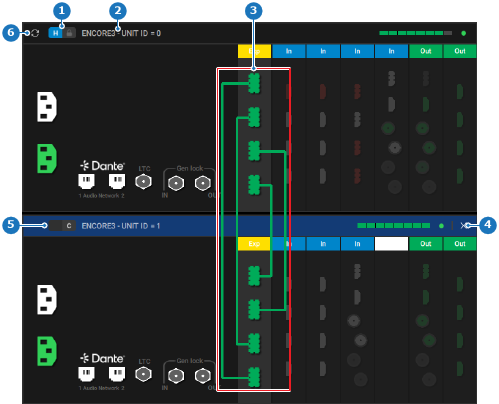
Synchronization refreshes the connection between the hots unit and the client unit. This can help improve the data flow between the host and the client. Synchronization can cause artifacts to appear on the outputs on all units.
The units must be physically linked with link cables and linked in Event Master Toolset. For more information, see:
Click the refresh icon ( ) of the host unit (reference 6).
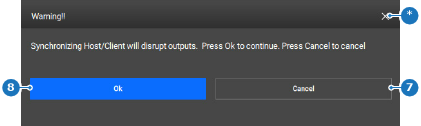
A confirmation pop-up is shown.
Click on (reference 8).