Availability
- Operating system: Windows, MacOS, Android and iOS
- Base Unit: C-10, CX-30, CX-50, C-10 Gen2, CX-30 Gen2, CX-M, CX-50 Gen2, CB Core and CB Pro
Room feature:
- Touch display
- 4th gen Button (optional)

Room feature:
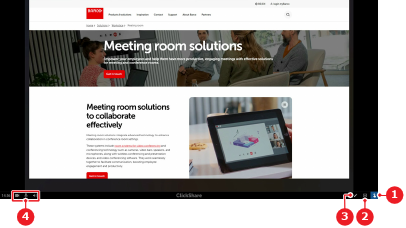
Content must be shared before touch back can be used. For more information, see:

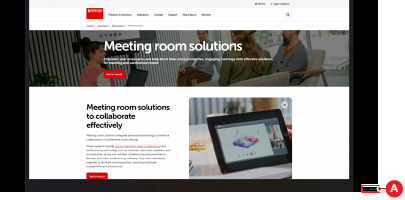
Is the status bar hidden?
Must touch back (reference 1) be used?
 touch back icon is enabled. Go to next step.
 touch back icon is disabled. No further actions required.