Have you ever noticed how LED displays sometimes struggle with natural skin tones, making people look unnaturally orange or washed out? Or how subtle color variations in logos can appear incorrectly on large displays?
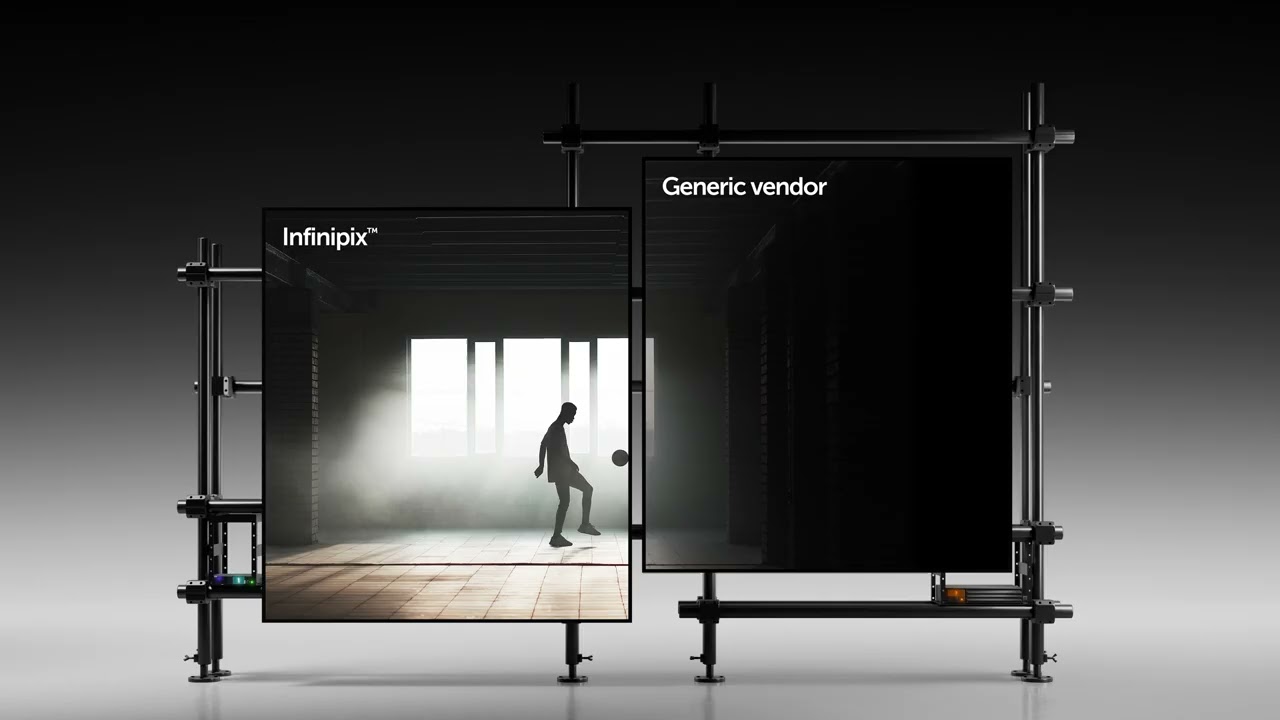
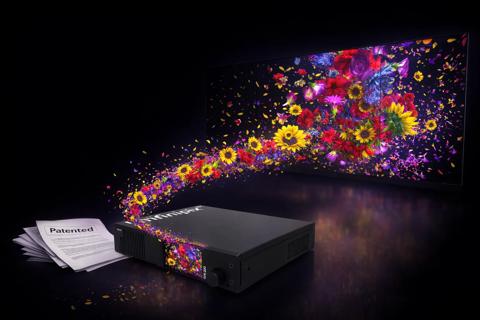
This is where Barco's Infinipix technology truly shines. Our P8 color correction delivers remarkably natural skin tones and precise color reproduction. What makes this possible isn't just powerful hardware, but intelligent software that can be automatically calibrated to exact color codes or even manually tweaked for perfect brand matches. This is especially important in broadcast, design studios, and other applications that rely on immaculate color reproduction.
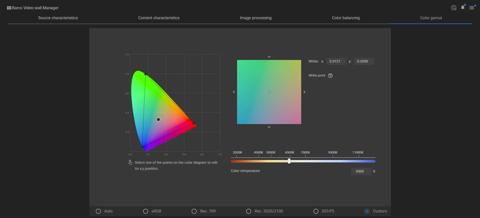
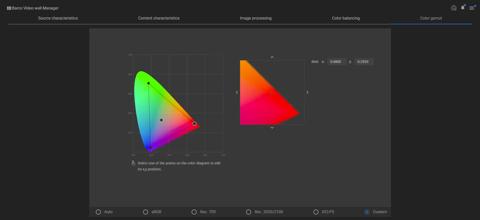
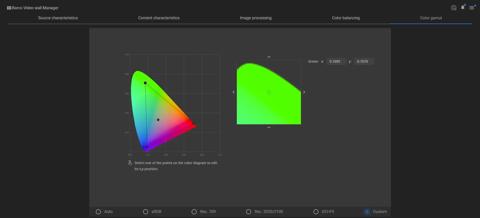
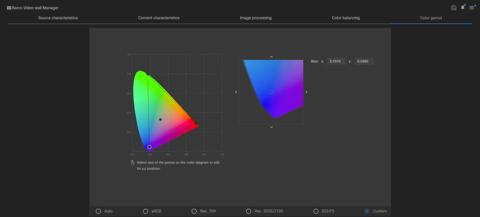
Now let’s explain this a bit more technically. The ‘P8’ comes from the 8 color points we use to calibrate the colors. The calibration (aka color equalization) that we used in the past was always focusing on the 3 primary colors red, green and blue. Adding the color temperature (also known as the white point) we can say that we were using P4 calibration.
In some cases, we want to change the black level of the panels to a certain value. This then becomes P5 calibration. The black level (= K) is expressed as x,y for the color and Y for the corresponding luminance value. A default value for the black level x,y would be the same as the color temperature (white point), and the luminance value defaults to 0 to have true black. Increasing the luminance value (while preserving the x,y values the same as white) will change the black level to grey.
Adding the target values for cyan, magenta and yellow (CMY) we have a total of 8 color points for the calibration algorithm.