Búsqueda de Barco

Notificaciones de myBarco

No leído

Leer

No tienes ninguna notificación.
Productos
eGPU Solution

eGPU Solution

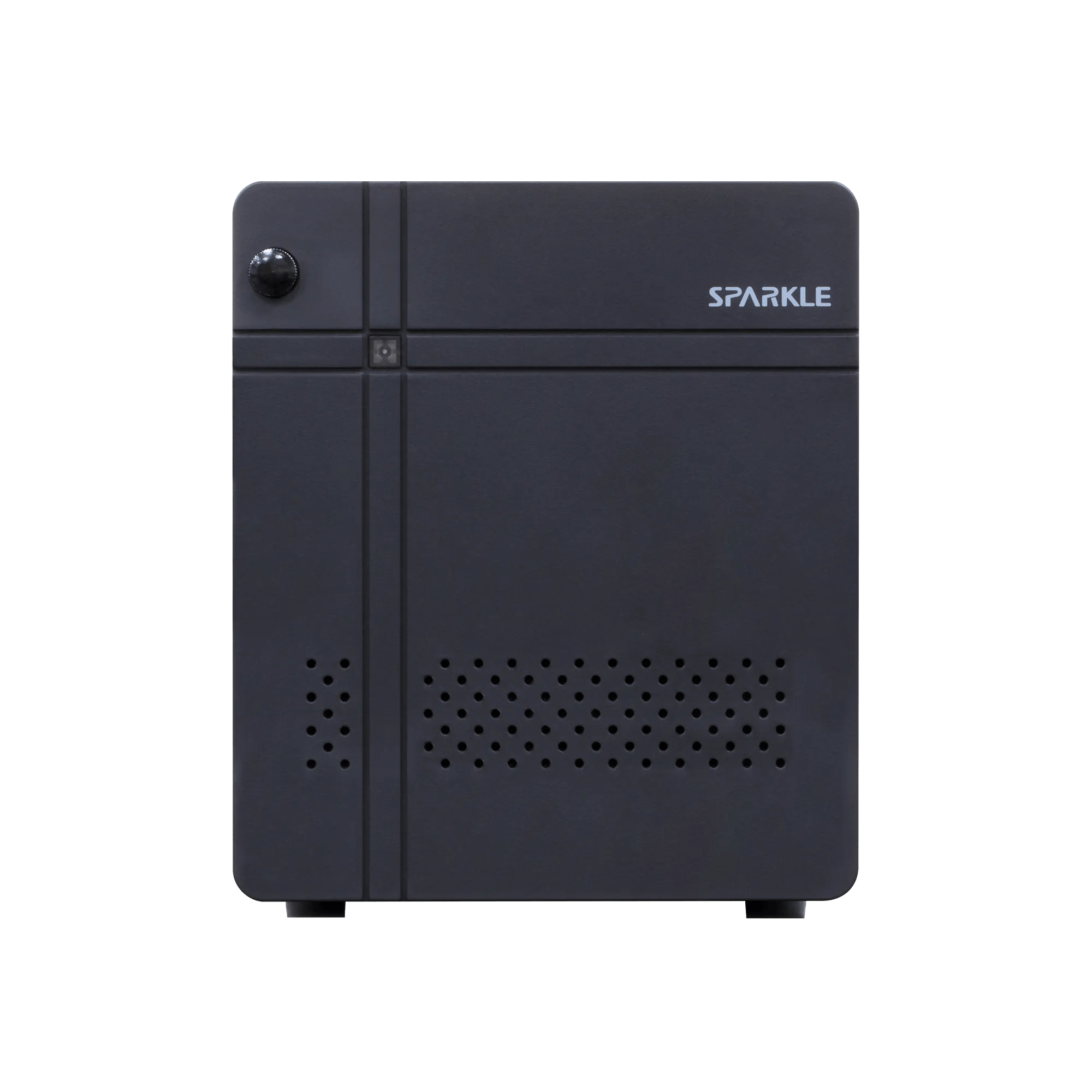
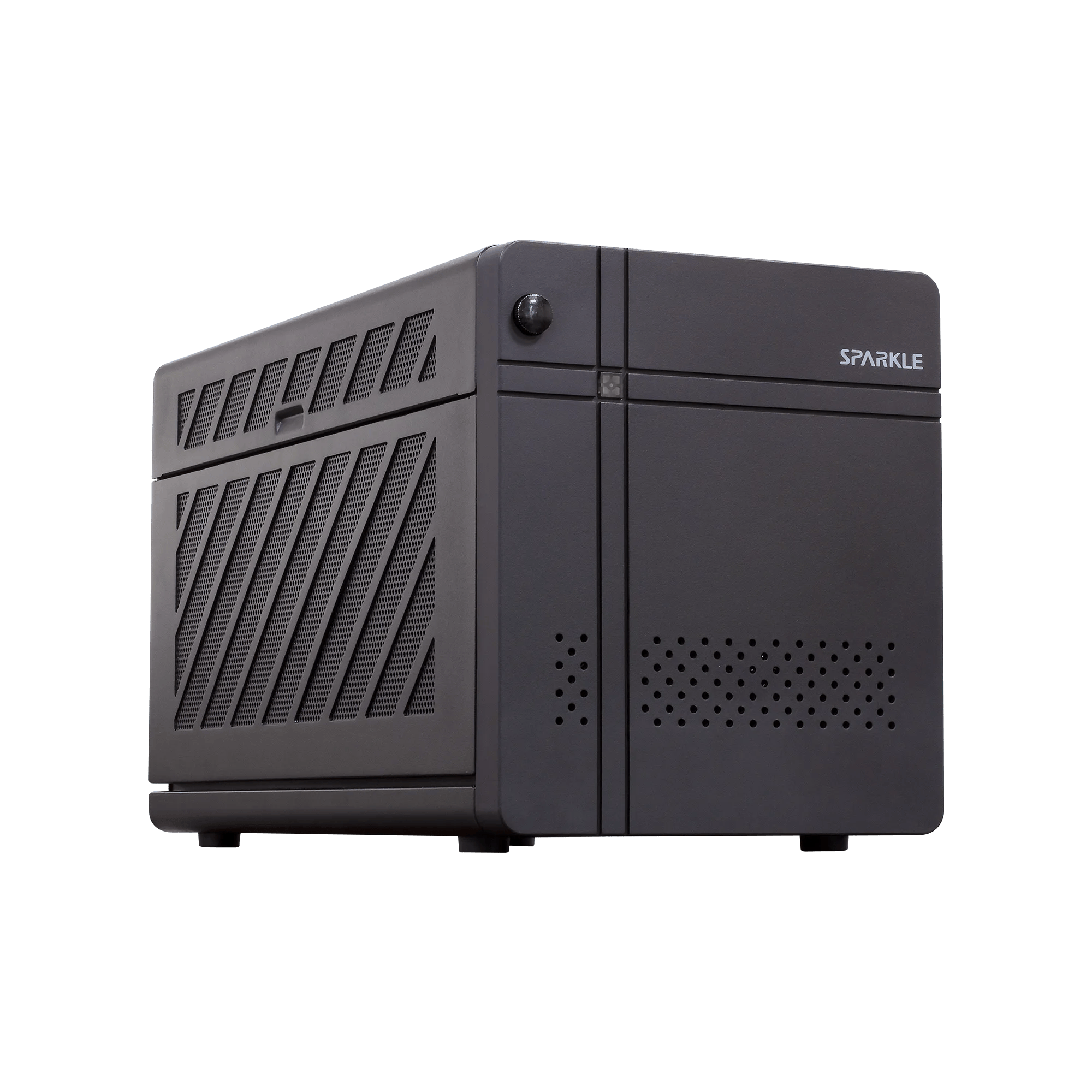
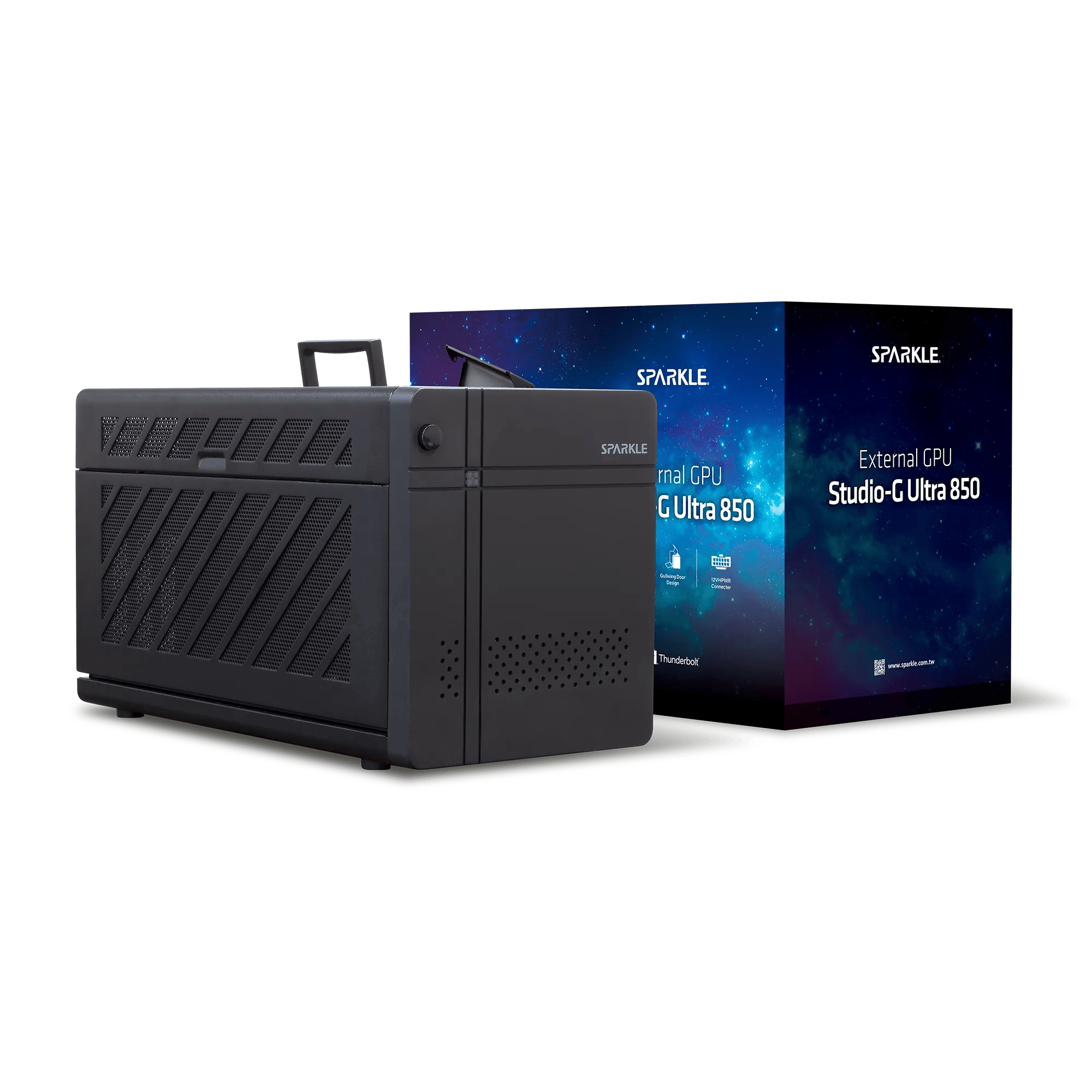
Flexible home-read solution for diagnostic work

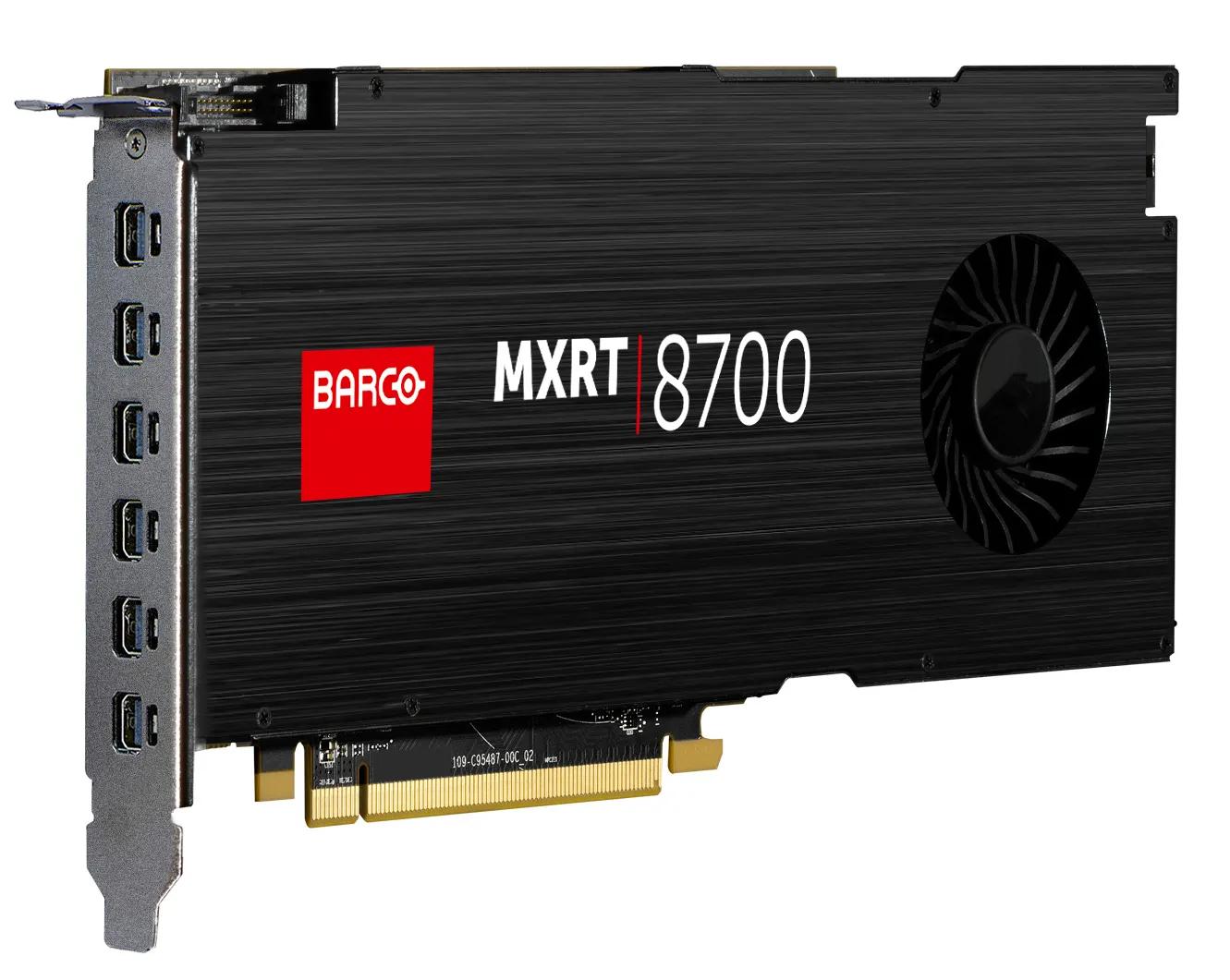
  • 1 x preinstalled Barco MXRV-3100 display controller
  • 1 x Thunderbolt™ 5 upstream port with 96W power delivery
  • 1 x Thunderbolt™ 5 downstream port with 15W power delivery
  • 1 x USB 3.2 Gen2 Type-C
  • 3 x USB 3.2 Gen2 Type-A
  • 1 x 2.5 Gigabit Ethernet

Este producto no está disponible en tu país o región

This product is currently only available in the following countries/regions: Alemania, Austria, Bélgica, Chequia, Dinamarca, Eslovaquia, Eslovenia, España, Estonia, Finlandia, Francia, Grecia, Hungría, Islandia, Italia, Letonia, Liechtenstein, Lituania, Luxemburgo, Malta, Noruega, Países Bajos, Polonia, Portugal, Reino Unido, Suecia, Suiza

Precio de lista:

(IVA, impuestos y portes no incluidos)

Precio no disponible

K9308400Z

EGPU SOLUTION-MXRV 3100 CN

K9308400B

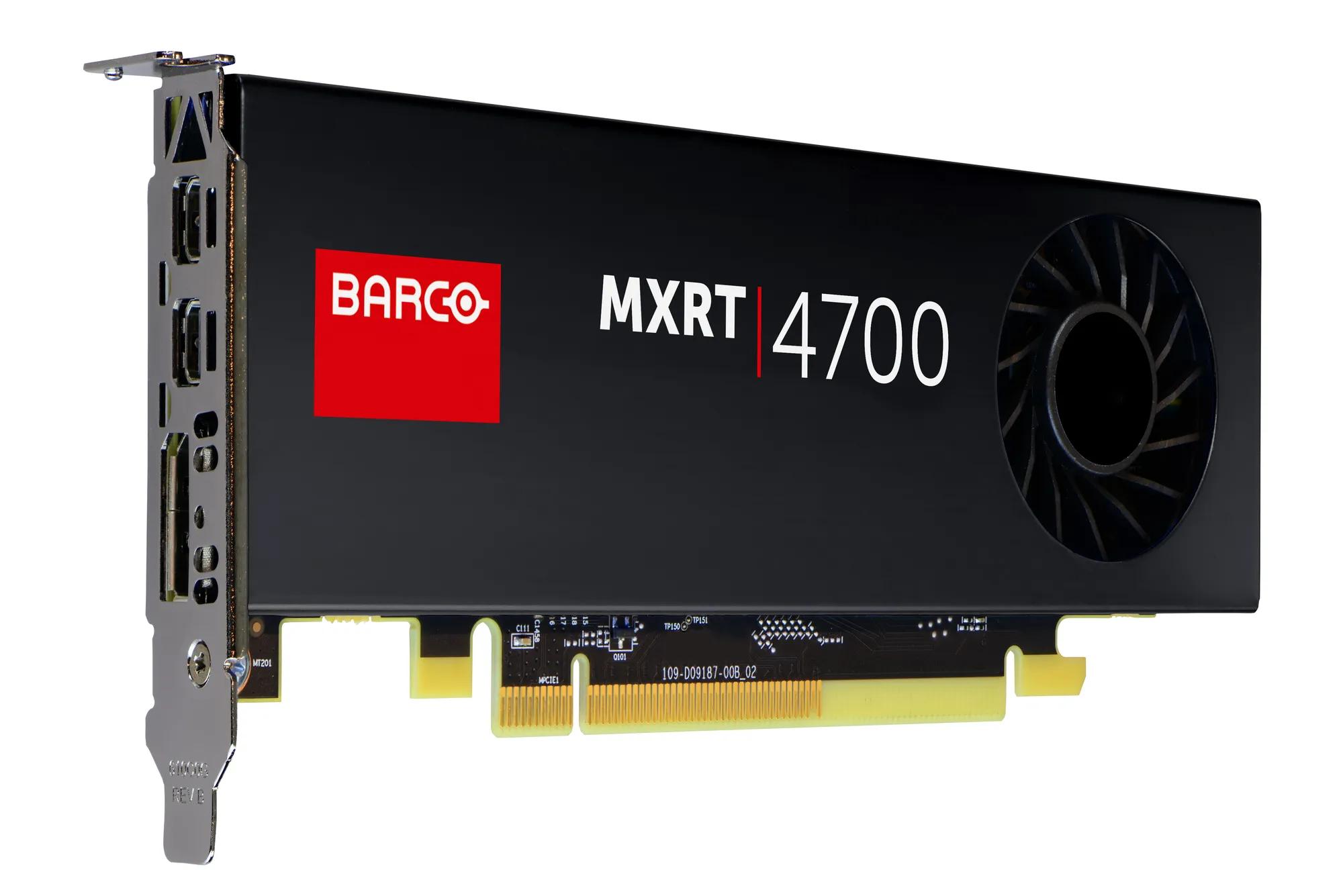
EGPU SOLUTION-4700 US

K9308400F

EGPU SOLUTION-4700 EU

K9308400G

EGPU SOLUTION-4700 UK

Manuales, controladores y soporte

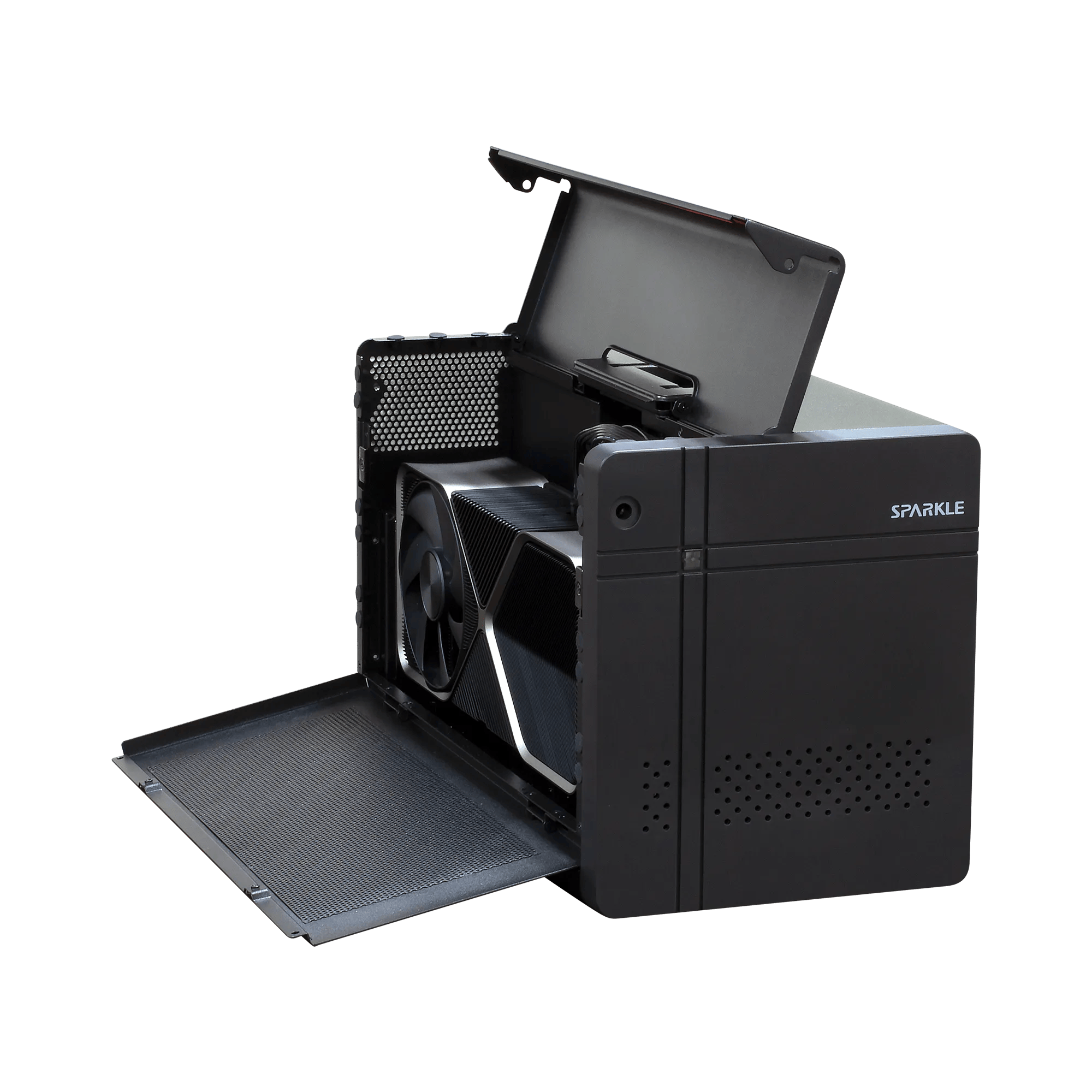
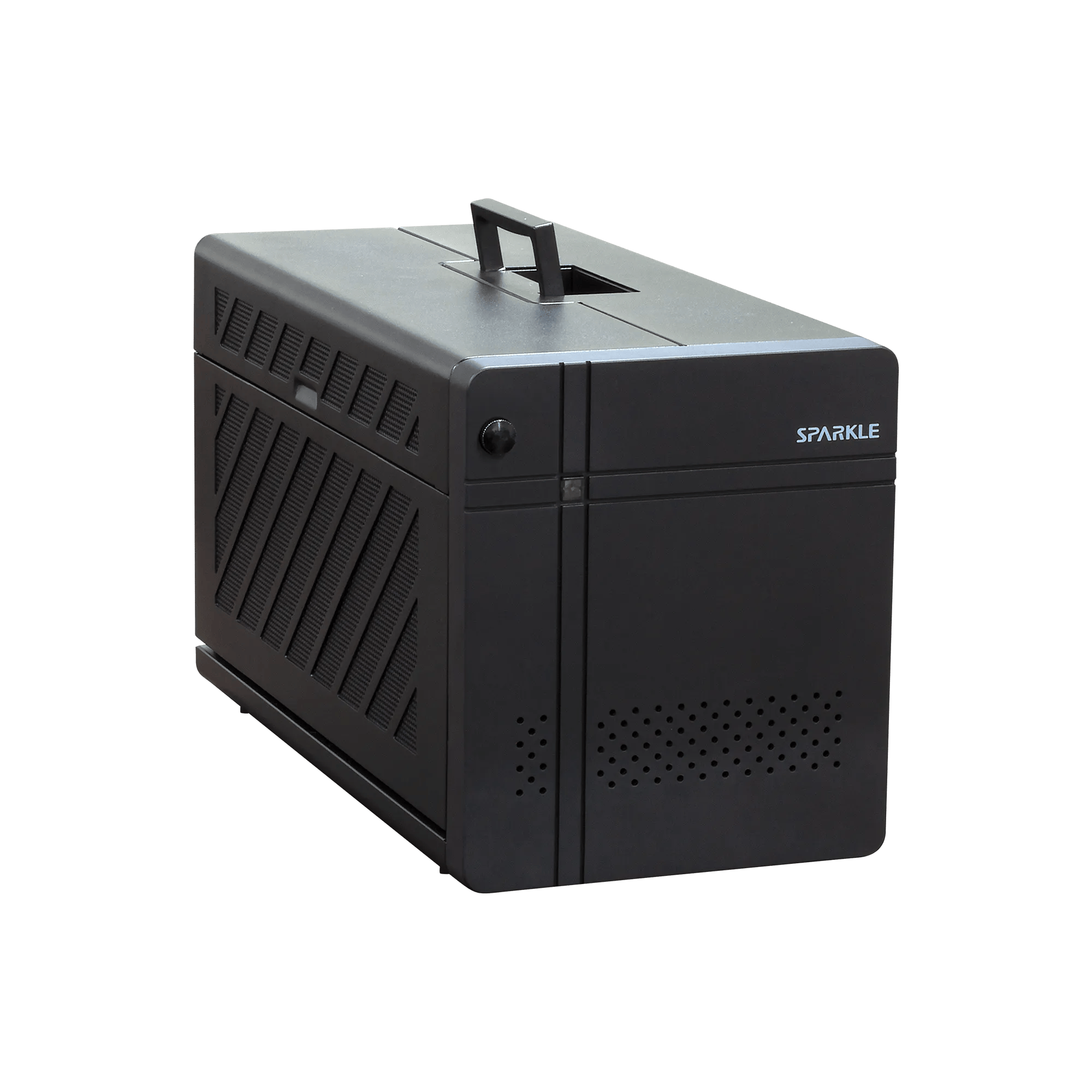
Barco eGPU Solution transforms a compatible Thunderbolt-enabled Windows laptop into a high-performance workstation setup through a single-cable connection. In combination with the preinstalled Barco MXRV-3100 display controller and compatible Barco diagnostic displays, it delivers a new level of graphical performance, connectivity, workflow flexibility supported by Barco’s Intuitive Workflow Tools, and peace of mind backed by a 5 year all inclusive warranty— making it well suited for diagnostic reading environments.

Designed for radiologists, pathologists, and other clinical users who need a flexible workstation setup across locations, Barco eGPU Solution enables a consistent connection experience between laptop, display controller, peripherals, network access, and Barco displays. It supports efficient workstation deployment for remote and hospital-based reading environments, while helping maintain a familiar imaging workflow.


Single-cable, high-performance workstation setup

By connecting the Barco eGPU Solution via Thunderbolt™ 4/5, you benefit from high data transfer speeds of up to 80/120 Gbps and a powerful single-cable workstation connection. The solution integrates the Barco MXRV-3100 display controller in an external enclosure, enabling compatible Windows laptops to connect to Barco diagnostic displays with the graphical performance required for demanding image intensive workflows.

The solution also provides extensive connectivity options — including USB-A, USB-C, Ethernet, and DisplayPort connectivity via the MXRV-3100 — helping create a complete, efficient, and flexible workstation setup with minimal configuration effort.


Compatible with Barco displays and Windows laptops

The Barco eGPU Solution is compatible with Barco diagnostic displays and validated for Windows laptops with Thunderbolt™ 5. This enables IT teams to deploy flexible reading workstation setups without the need for complex desktop configurations.

With QAWeb Enterprise, the quality assurance and compliance status of connected displays can be managed remotely. This helps IT and imaging teams maintain visibility across display fleets, including displays used in remote or distributed workstation environments.


Flexible workstation support for remote reading

Remote reading continues to become an important part of modern imaging workflows. Barco eGPU Solution supports this evolution by enabling a compatible laptop to connect through a single cable to a high-performance display workstation setup, including Barco displays, peripherals, network access, and the MXRV-3100 display controller.

This makes it easier to support flexible workstation configurations for use cases such as home reading, on-call duties, evening work, and distributed reading environments — while keeping the technical setup consistent with imaging workflows.


Please consult your Barco representative or local distributor to confirm product availability in your region. References to products or services do not guarantee availability in all locations.

General specifications eGPU Enclosure
Connectivity
1 x Thunderbolt™ 5 upstream port with 96W power delivery
1 x Thunderbolt™ 5 downstream port with 15W PD
1 x internal PCIe (x16) slot with 4 lanes PCI Express 4.0 interface
1 x USB 3.2 Gen2 Type C (10Gbps, 15W/port)
3 x USB 3.2 Gen2 Type A (10Gbps, 7.5W/port)
1 x 2.5 Gigabit Ethernet
Ethernet
Support 2.5Gbps/1000Mbps/100Mbps/10Mbps LAN speed, fully compatible with IEEE 802.3, IEEE 802.3u, and IEEE 802.3ab, IEEE 802.3bz, IEEE 802.3x
Power delivery Thunderbolt port
96W
Internal power supply
850W ATX Power supply Unit
Chassis Dimension
346 x 170 x 77 mm
Weight
6,164 g (without GPU)
General specifications MXRV-3100
Bus compatibility
PCI Express Gen4 x8
Power consumption
50 Watt
Form factor
2.713 inches x 6.137 inches, single-slot
Platforms
Intel® and AMD architectures
Power Connector
No external power connector
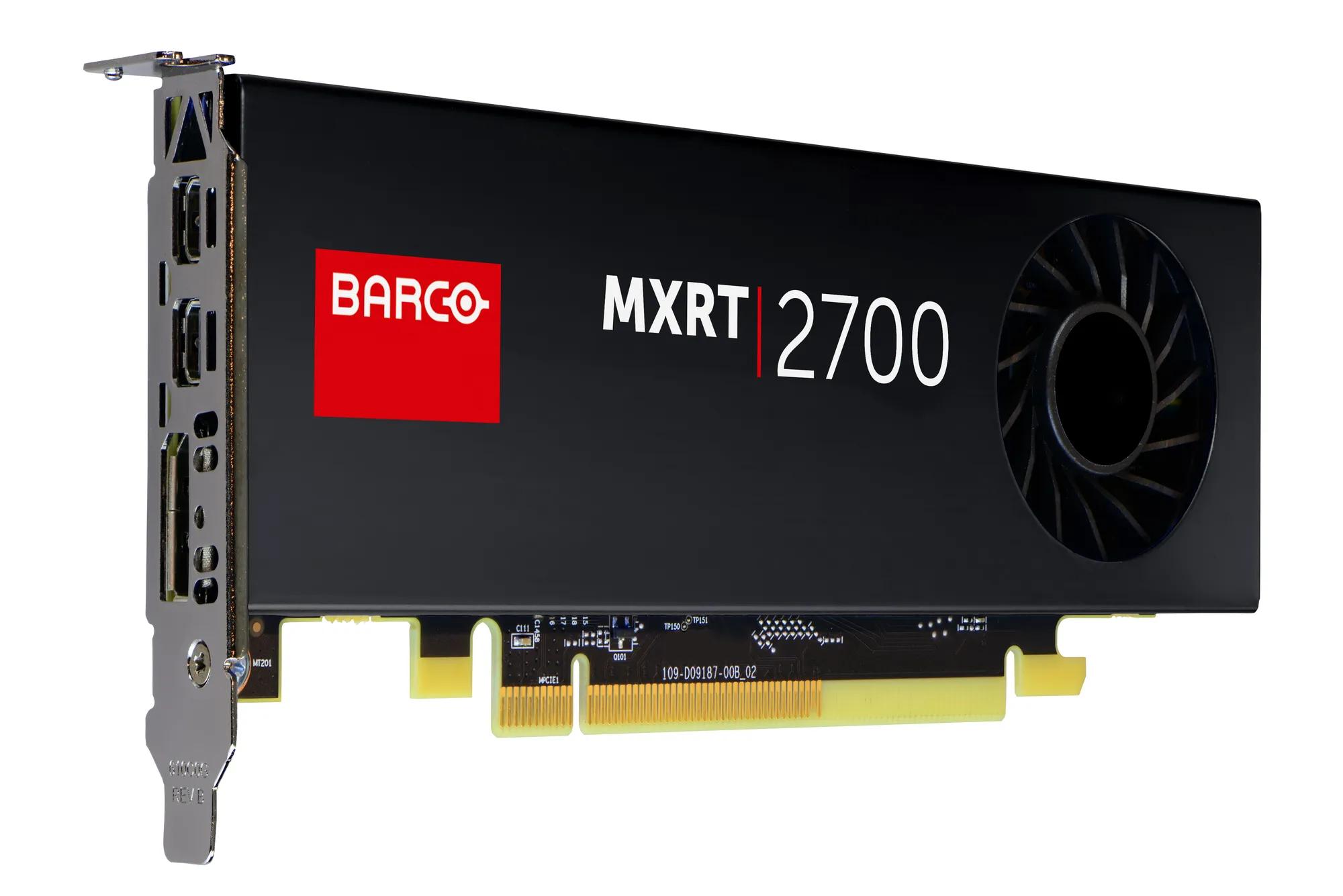
Graphics accelerator
NVIDIA® Ampere® GA107
Display memory
GDDR6 4GB
Memory bandwidth
96 GB/s
Pixel depth
32-bit pixels (supports 8-bit and 10-bit per color channel
Electrical standard
DisplayPort v1.4 (uncompressed)
Direct3D hardware support
DirectX 12.07, Shader Model 5.17, Vulkan 1.2
OpenGL hardware support
OpenGL 4.6
Connectors
4x Mini DisplayPort
Connectivity
Native DisplayPort suggested
Operational temperature
0° to 50°C ambient
General specifications eGPU solution
Operating system
Windows 11, 64–bit and above
Warranty
5-year all-inclusive warranty and service support
General accessories
Power cord
Region specific power cord based on the ordered Barco part number
Thunderbolt cable
1 x Thunderbolt™ 5(80Gbps) Cable 0.8m
Manual
1 x eGPU installation guide

ConnectCare para diagnóstico por imagen

Saque el máximo partido a su inversión

  • Prolongue la vida útil de su flota de pantallas de diagnóstico y disfrute de un rendimiento óptimo
  • Soporte técnico experto en la supervisión y optimización de su flota
  • Perspectivas estratégicas para maximizar su inversión en pantallas de diagnóstico

Ahora puedes encontrar todos los medios, folletos, presentaciones, whitepapers y descargas de marketing en nuestro nuevo y mejorado centro de descargas

Visite el centro multimedia

¿Busca documentos técnicos o soporte de productos?

Para descargas de tipo técnico, como controladores, firmware, manuales, imágenes y documentación, le rogamos que se dirija a nuestra página de soporte del producto.

Ir a soporte de productos

Related customer stories

Anterior
de ... Siguiente