
Búsqueda de Barco

Notificaciones de myBarco

No leído

Leer

No tienes ninguna notificación.
Productos

Troubleshooting Using QR Code Stickers on ClickShare Base Units returns "Invalid QR code" error

Número de artículo: [15405]

Aplicable a

QR code stickers on ClickShare Base Units C-5, C-10, CX-20 and CX-30 with specific region codes US and RW are failing to onboard the Base Unit into the XMS Cloud, returning an Invalid QR code error when attempting to onboard via QR code scanning.
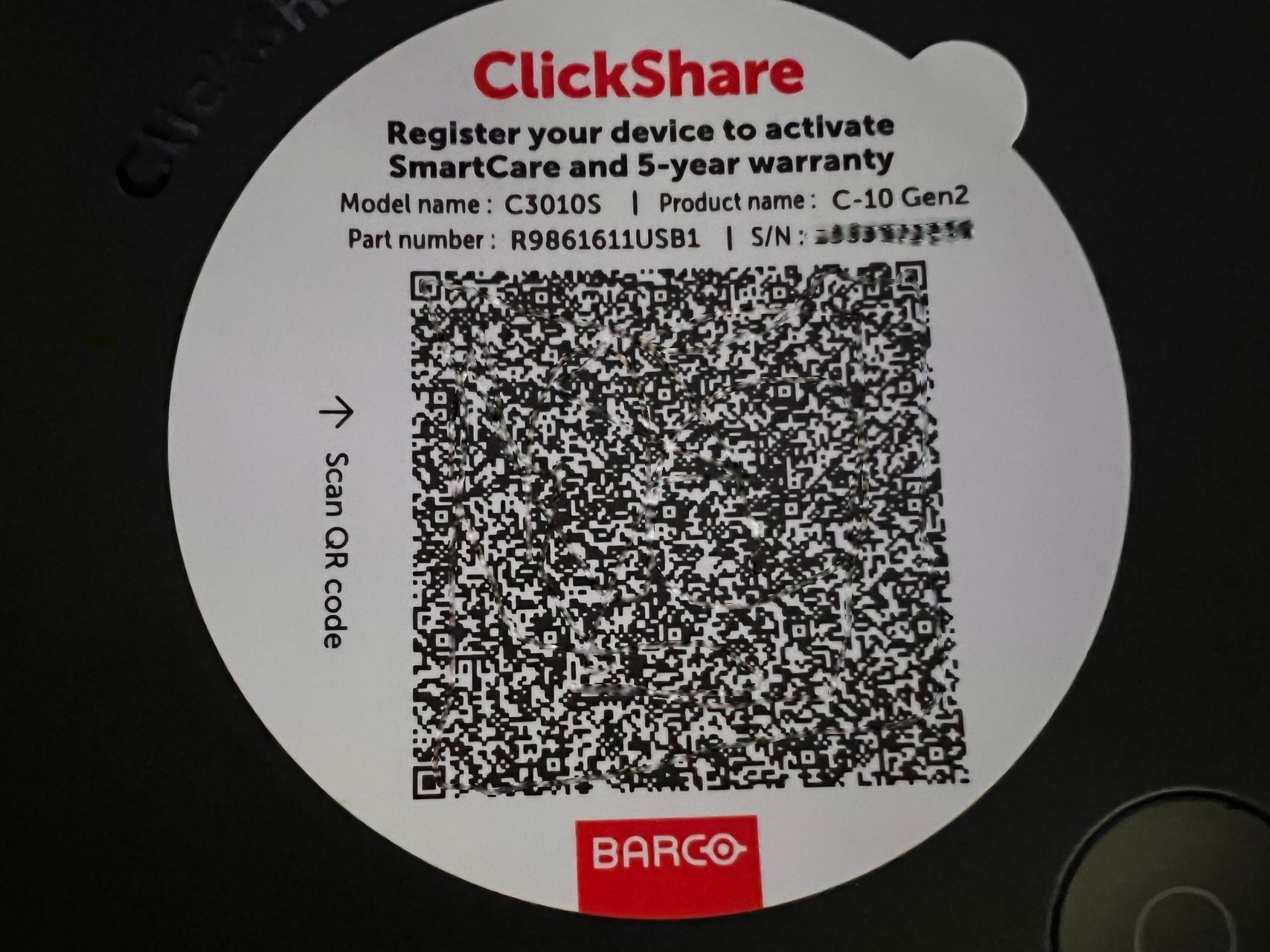
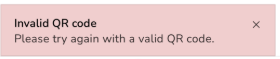


Example: Scanning the QR code sticker on C-10 returns an "Invalid QR code" error


Affected Base Units

The region code can be identified in the part number of the Base Unit. Here's how you can locate the "RW" and "US" regions:

Base Units namePart numbers
US versionsRW versions
C-5R9861605USR9861605RW
C-10R9861611USB1
R9861611USB2
R9861611RWB1
R9861611RWB2
CX-20R9861612USB1R9861612RWB1
CX-30R9861613USB2R9861613RWB2


Solutions

  1. Onboarding Screen Code:

    Use the QR code displayed on the screen to successfully onboard and register the device (how-to, see KB15557).

  2. WebUI Onboarding Flow:

    Use the onboarding flow available through the WebUI: Registration via clicking on hyperlink (how-to, see KB10810).

Propiedades

Última actualización 21 may 2026

¿No ha encontrado una solución?

Soporte telefónico

Nuestro servicio de asistencia le proporciona asistencia telefónica inmediata. Un equipo de ingenieros de soporte experimentados está a su servicio para cualquier asistencia profesional.