
The Back to the Teams Room button, which appears on the ClickShare Control Panel during a BYOD call, allows users to return to the native Microsoft Teams Rooms (MTR) experience.
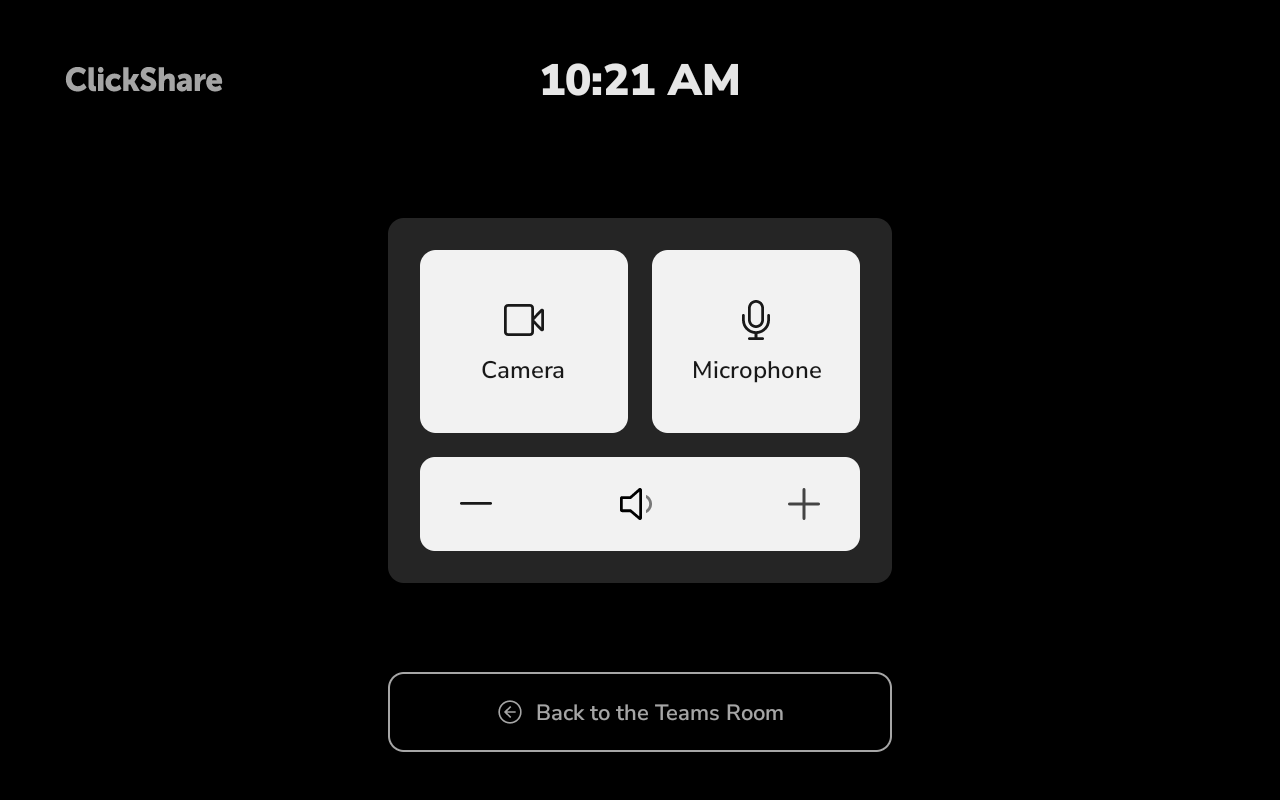
The behavior depends on the ClickShare Hub firmware version:
-
Firmware 4.3:
Tapping Back to the Teams Room displays instructions that guide users through the process of returning to MTR mode. The button does not automatically switch the system back to MTR mode.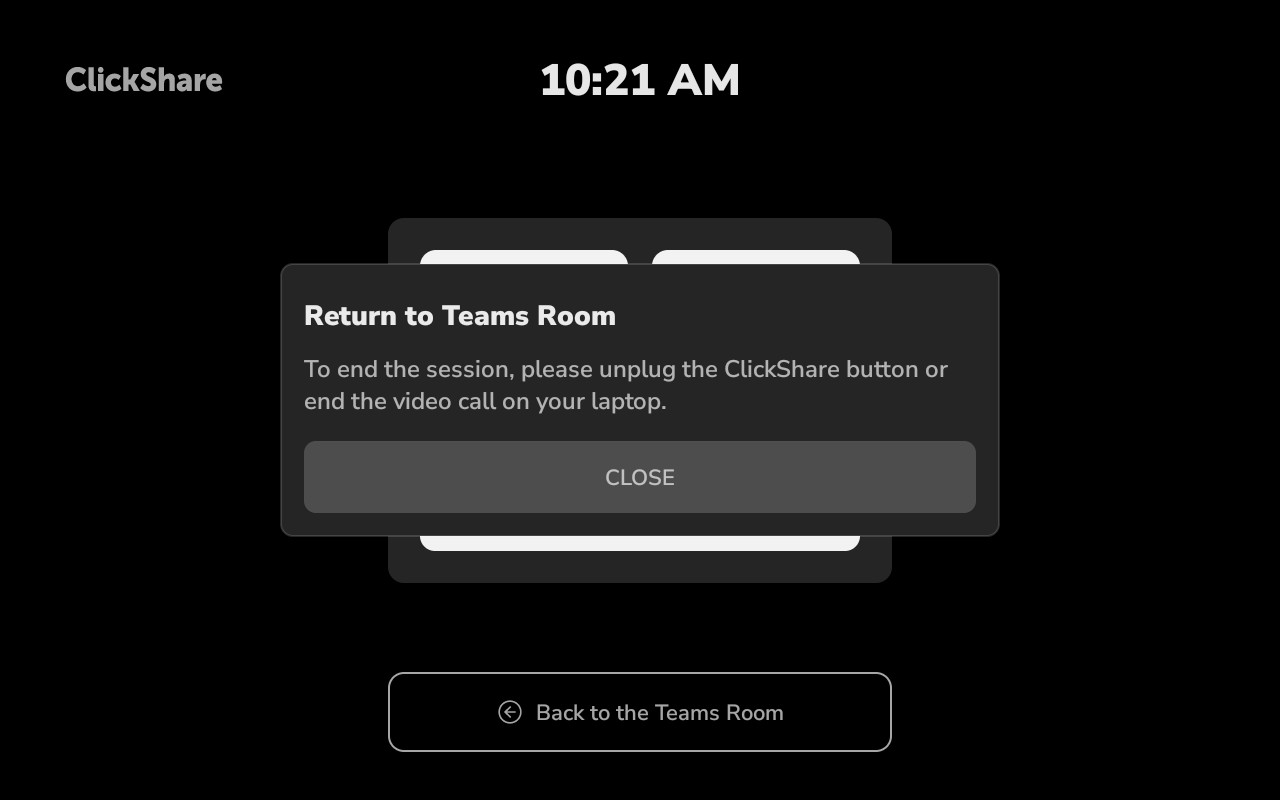
-
Firmware 4.4 and later:
Tapping Back to the Teams Room immediately ends the active BYOD session and switches the system back to MTR mode.
After the BYOD session ends, a pop-up message appears on the ClickShare Control Panel for approximately 5 seconds, reminding users to unplug and reconnect the ClickShare Button(s) before starting a new BYOD session.