Location
>

>
In addition to updating the software, it is also possible to reload the current version or to downgrade. Keep in mind that downgrading a system can cause issues. Barco recommends creating a backup before upgrading the software. For more information, see:
Select (reference 1) in the main window.
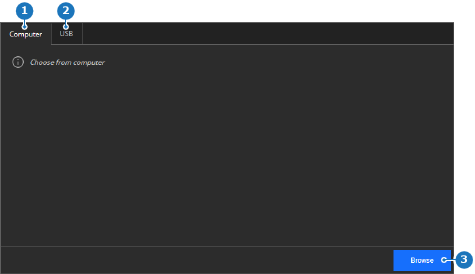
Add the desired update file using one of the following methods:
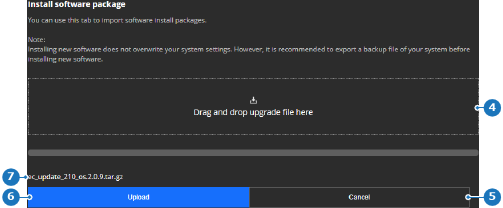
The name of the added file is displayed (reference 7, Image 7–5).
Click (reference 6, Image 7–5).
The software is installed and the unit reboots.