Availability
- Operating system: Windows, MacOS and Linux[3]
- Base Unit: all
- Room feature: 4th gen Button or 5th gen Button (optional)

Side-by-side sharing allows two different user devices to share content at the same time. This content is spread out over the meeting room displays without interfering with each other. The content can be resized to fit two sections on one display. The resizing depends on the aspect ratio of the meeting room display.
Two displays allow side-by-side sharing to dedicate one display per user device. This avoids or minimizes content resizing to fully display the content coming from the two user devices. If both displays must share content from one user device, see “Dual screen sharing”.
Both user devices must be connected to the ClickShare. For more information, see:
Is the Button used to connect to the ClickShare with the first user device?

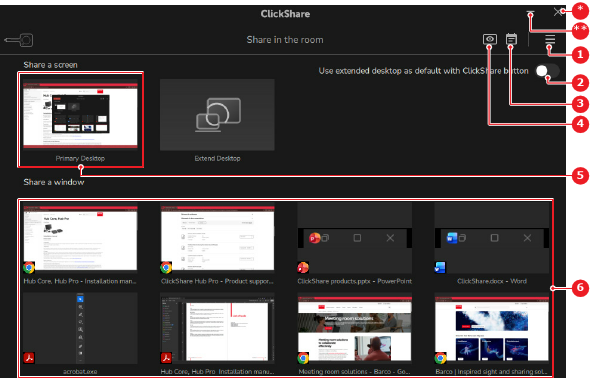
If a window is being shared, then a green border is added to the window that is being shared.
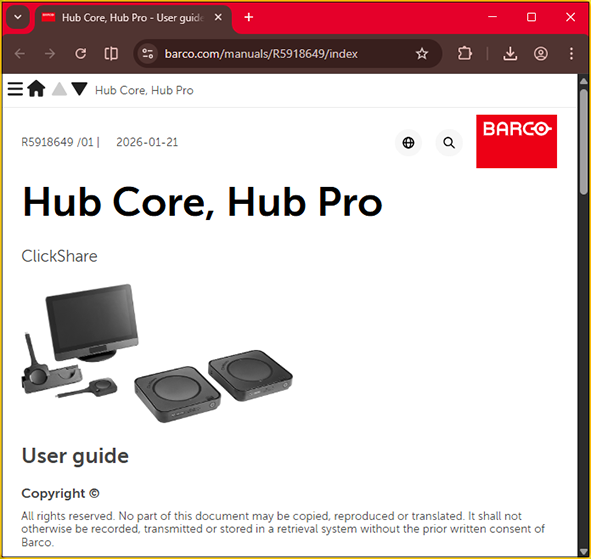
Is the Button used to connect to the ClickShare with the second user device?
The content from the second user device is shown to the left of the content from the first user device or on the second display. If a window is being shared, then a green border is added to the window that is being shared (Image 7–9).
[3] Only when using a 5th gen Button