
When connecting to a meeting room equipped with a ClickShare CS(E)-series device using ClickShare Desktop App version 4.51, the following warning message is displayed at the bottom of the app interface:
Direct App connection may be unavailable soon in this room due to IT security policies
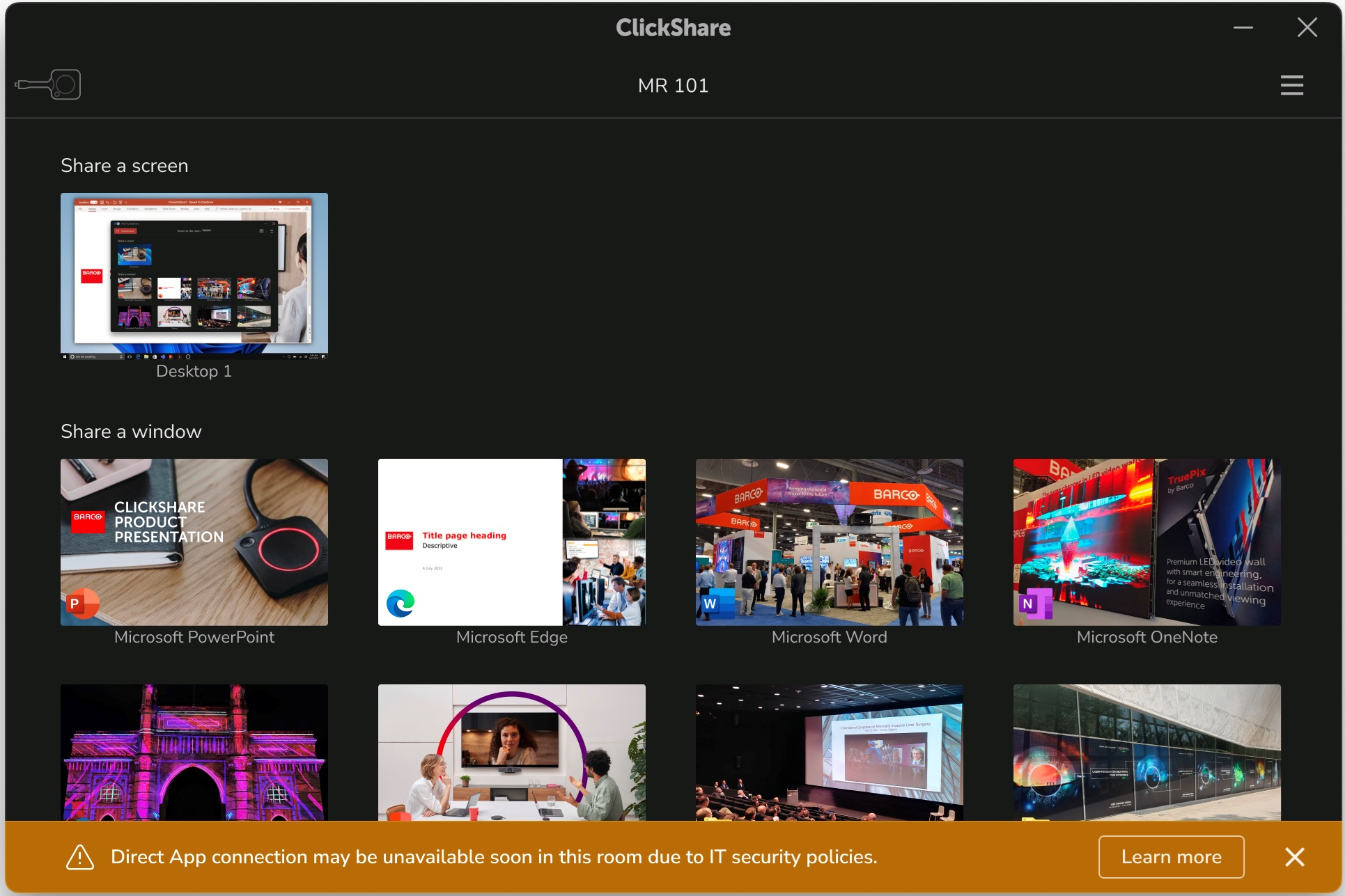
Why does this message appear?
Barco is enhancing the security standards used for communication between the ClickShare Desktop App and the ClickShare Base Unit when connecting without a ClickShare Button.
This warning is an informational notice only and does not indicate a connection issue. If you are already connected, you can continue sharing normally. It impacts ClickShare App direct Wi-Fi and network integrated setups using OpenSSL connection.
The ClickShare CS(E)-series uses legacy encryption technology that is not compatible with these newer security requirements. As a result, The ClickShare Desktop App starts showing a warning but currently still allows to remain using the current configuration. Moving forward upcoming releases will disable direct App-to-Base Unit connections to CS(E)-series devices by default.
As the CS(E)-series is also scheduled to reach End of Service (EOS) by the end of 2026, we recommend planning a migration to a supported ClickShare platform to ensure continued compatibility, security updates, and access to the latest features.
Supported connection methods and roadmap;
Users can still connect to a ClickShare CS(E)-series device using one of the following methods:
ClickShare Desktop App versions 4.51 and 4.52 (not yet released)
- Direct App connections to CS(E)-series devices continue to work, but a notification is displayed to warn on upcoming changes – the warning message may still be displayed. No action is required to continue using the ClickShare Desktop App.
ClickShare Desktop App version 4.53 (not yet released)
- Direct App connections to CS(E)-series devices will remain supported but will no longer be enabled by default.
- IT admin will need to explicitly enable this feature during ClickShare Desktop App deployment.
Note: Support for Direct App connections to CS(E)-series devices is planned to be removed in ClickShare Desktop App version 4.54.
ClickShare Button
- The ClickShare Button remains a supported connection method for CS(E)-series devices. Users can continue sharing content using a ClickShare Button, regardless of whether the ClickShare Desktop App is installed or running on their computer. This remains supported whether the Button connects directly to the Base Unit or through the network.