
ADFS troubleshooting:
The ADFS admin log provides high-level information on issues that are occurring and is enabled by default. To view the admin log:
- Open Event Viewer.
- Expand Applications and Service Log.
- Expand ADFS.
- Click Admin.

BMS troubleshooting:
For information regarding SSO errors with error code, see How-To troubleshoot Single-Sign On errors?.
| Errors code | References |
|---|---|
AADB2C90168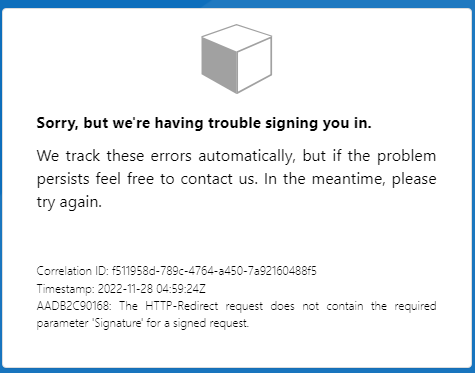 | Make sure Saml response signature is set as MessageAndAssertion, see the topic Verify SAML response signature in Single Sign-On: First time configuration with ADFS as a SAML Identity Provider (IdP) |
AADB2C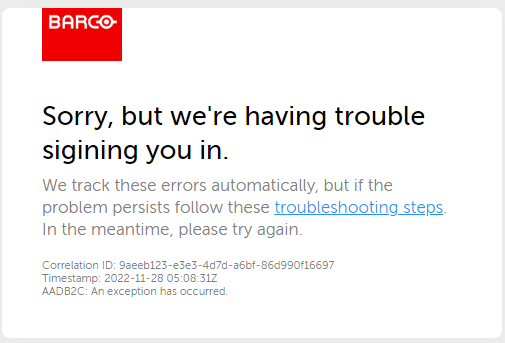 |
Make sure message is signed with expected signature algorithm, see the topic Message is signed with expected signature algorithm in Single Sign-On: First time configuration with ADFS as a SAML Identity Provider (IdP). Make sure claim issuance policy is configured correctly, see the topic Create a Rule to Send Claims Using a Custom Rule in Single Sign-On: First time configuration with ADFS as a SAML Identity Provider (IdP). |
AADB2C: B2C_1A_ZSSO2838664... |
Make sure claim issuance policy is configured correctly, see the topic Create a Rule to Send Claims Using a Custom Rule in Single Sign-On: First time configuration with ADFS as a SAML Identity Provider (IdP). Email claim to match exactly what is in BMS as assertionSubjectName |

