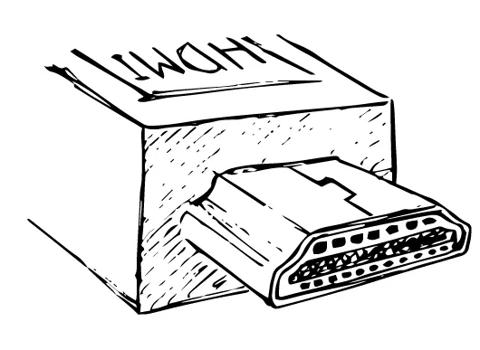
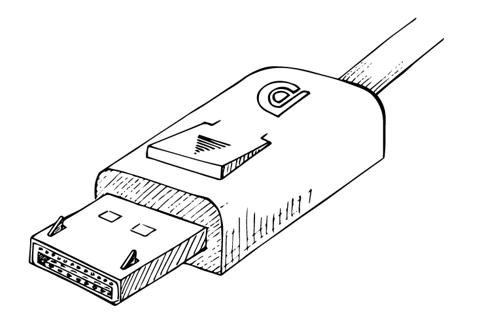
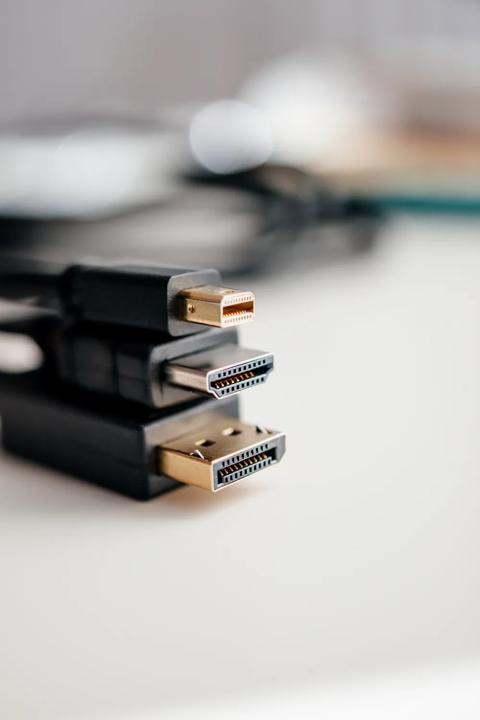
Both standards have moved on quite a bit since this article was first published. HDMITM 2.1 introduced a new signaling method, Fixed Rate Link (FRL), which takes over from TMDS and lifts the bandwidth from 18 to 48 Gbps. In June 2025, the HDMI Forum went further with HDMITM 2.2, which reaches 96 Gbps and introduces the Ultra96 feature name for products and cables that support it. DisplayPort did not stand still either. DisplayPort 2.1 brought ultra-high bit rates, with certified DP80 cables carrying up to 80 Gbps, and it includes mandated support for VESA’s visually lossless Display Stream Compression (DSC).
For adapters, this has a clear consequence. DP++ hands the HDMITM side a TMDS signal, so a passive adapter cannot follow into the FRL era. To drive a modern HDMITM 2.1 display from a DisplayPort source, an active adapter has to translate between the two. Active DisplayPort 1.4 to HDMITM 2.1 adapters are on the market that reach 4K at 120 Hz or 8K at 60 Hz with HDR, using DSC.
The fine print matters, though. For the highest resolutions, the graphics card needs to support DP 1.4 and DSC, and some vendors advise keeping graphics drivers and display firmware up to date as well. The adapter’s own ratings set the limit too. Take a gaming PC with DisplayPort 1.4, a monitor that does 4K at 144 Hz over HDMITM 2.1, and an old DisplayPort 1.2 to HDMITM 1.4 adapter: you will end up with a lower resolution or refresh rate. The picture quality itself does not suffer in the adapter, but a mismatch between versions caps what you see.
Active adapters come as small dongles, but also as cables with the conversion chip built in. If you are not sure which one you need, an active adapter is the safer choice for 4K, high refresh rates, longer cable runs and multi-monitor setups.