General
Situated on the right hand side of the screen is the Adjustment area. In this area the user can define and adjust unit specific parameters, inputs, outputs, multiviewer outputs and destination affected to the selected system.

Situated on the right hand side of the screen is the Adjustment area. In this area the user can define and adjust unit specific parameters, inputs, outputs, multiviewer outputs and destination affected to the selected system.
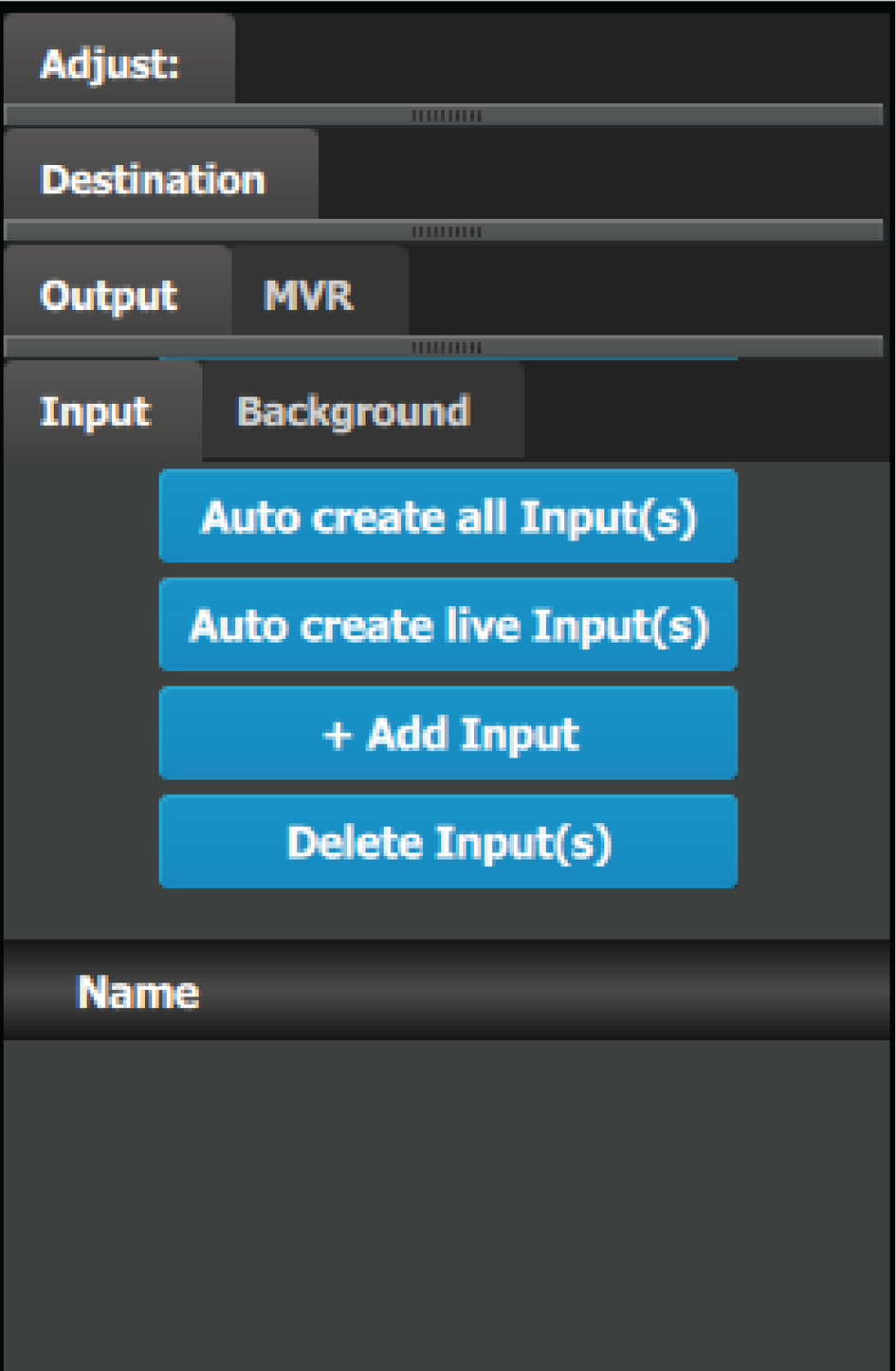 | There are 4 tabs in this area:
Always on top:
|
The following sections describe how to perform the configuration of each part of the system in detail: