Availability
- Operating system: Windows, MacOS and Linux[3]
- Base Unit: all
- Room feature: 4th gen Button or 5th gen Button (optional)

Pausing the sharing freezes the current frame on the meeting room displays. Any changes done on the user device are not shown on the meeting room displays while the pause is active. Resuming the sharing syncs the content on the meeting room screens with the user device again.
Content must be shared before it can be paused. For more information, see:
Click the pause button (reference 2) of the content that is being shared.
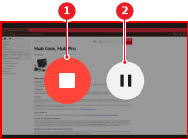
The content on the meeting room display is no longer being updated.
Must sharing resume?
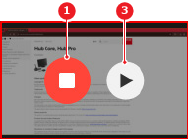
[3] Only when using a 5th gen Button