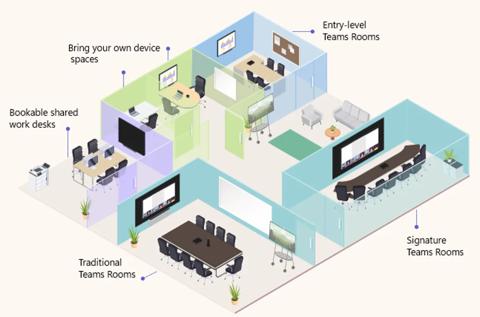
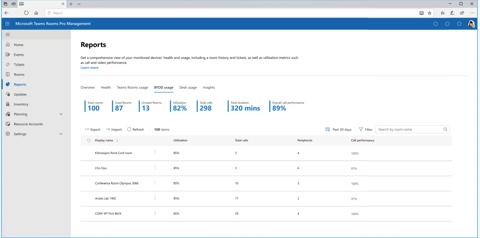
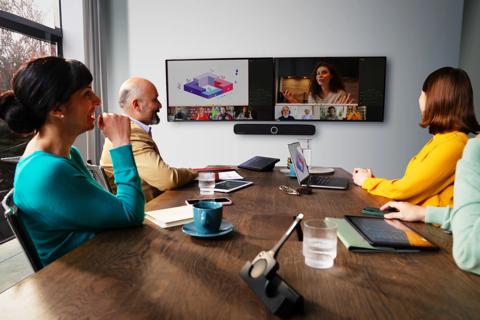
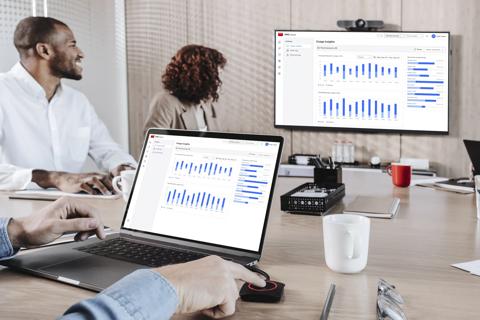
As part of the Microsoft Teams Devices partner ecosystem, ClickShare allows the Teams client to collect rich data on room and device utilization in BYOD rooms through the Microsoft Teams Rooms Pro Management portal, without changing the user experience. With more than 300,000 ClickShare Conference devices in the field, ClickShare is a significant data source for Microsoft Teams Rooms management capabilities in BYOD rooms.
A BYOD room is recognized through shared spaces insights reporting within the Teams Pro Management Portal after multiple users have connected to the same ClickShare Base Unit. This information is populated for IT managers as a potential shared space within the Pro Management Portal, enabling registration and management of the meeting space.
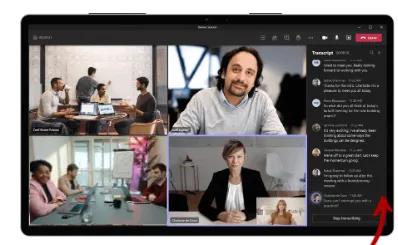
Once provisioned within the Pro Management Portal, users are greeted with an enhanced Teams experience when leveraging ClickShare enabled rooms.
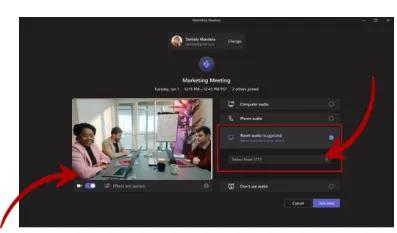
When initiating a Teams meeting, the user's Teams desktop client identifies the connected microphone, speaker, and camera via the ClickShare Base Unit and Button, passing a snapshot of room health to the Teams Pro Management Portal.
For companies standardizing on the Microsoft platform, the integration means IT admins can deploy ClickShare seamlessly into spaces best suited for BYOD without creating friction with their existing Microsoft strategy. It provides flexibility and peace of mind, knowing that they are leveraging enterprise-ready solutions from both Barco and Microsoft to optimize all meeting spaces, regardless of size or setup.