Barco zoekopdracht

myBarco-meldingen

Ongelezen

Lezen

Je hebt geen meldingen.
Laatst bijgewerkt:

ClickShare winter release: room system bundles certified for Microsoft Teams plus a Hub deep dive

7 min leestijd

'Tis the season to bundle up – literally! This winter update spotlights our ClickShare Hub and Sennheiser TeamConnect room system bundles, certified for Microsoft Teams. It then dives into ClickShare Hub and the features that help people start meetings smoothly and share content effortlessly.

What's new?*

Did you miss our webinar? Watch the recording! 

ClickShare Hub + Sennheiser room system bundles are certified for Microsoft Teams

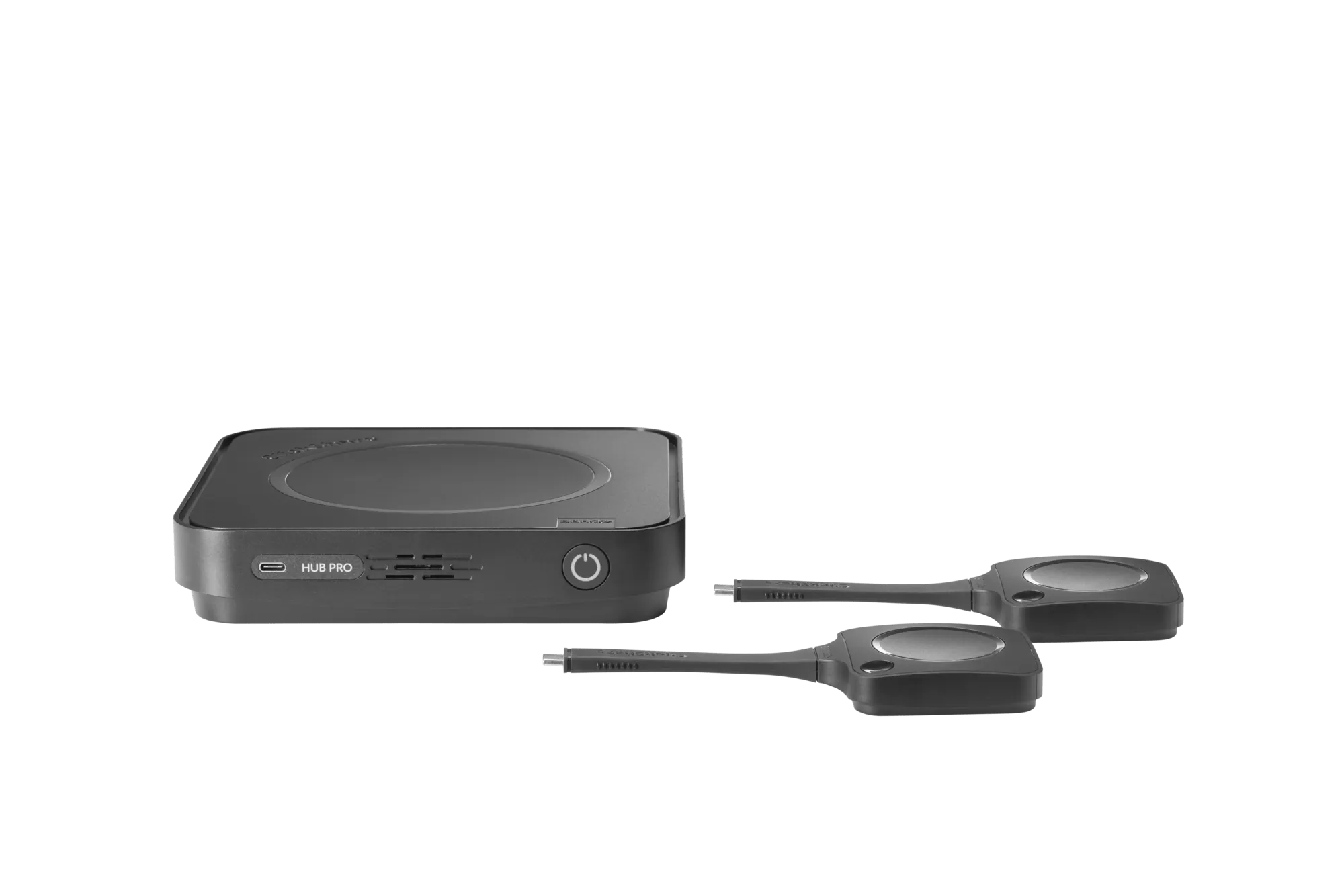
In June 2025, we introduced ClickShare Hub - our modular video conferencing room system designed to make hybrid meetings feel effortless.

Built on the Microsoft Device Ecosystem Platform (MDEP), ClickShare Hub brings secure, flexible, and intuitive meeting experiences to all organizations. Users walk into a room, start a call from the ClickShare Control Panel, and share 4K content wirelessly with the next-gen ClickShare Button. No hassle. No cables.

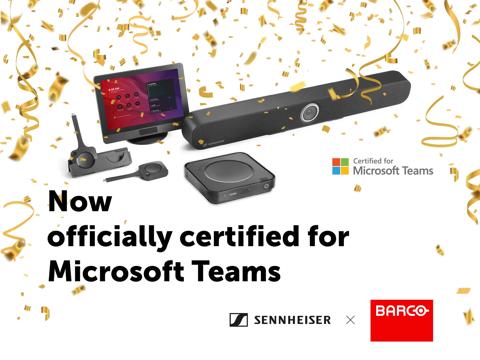
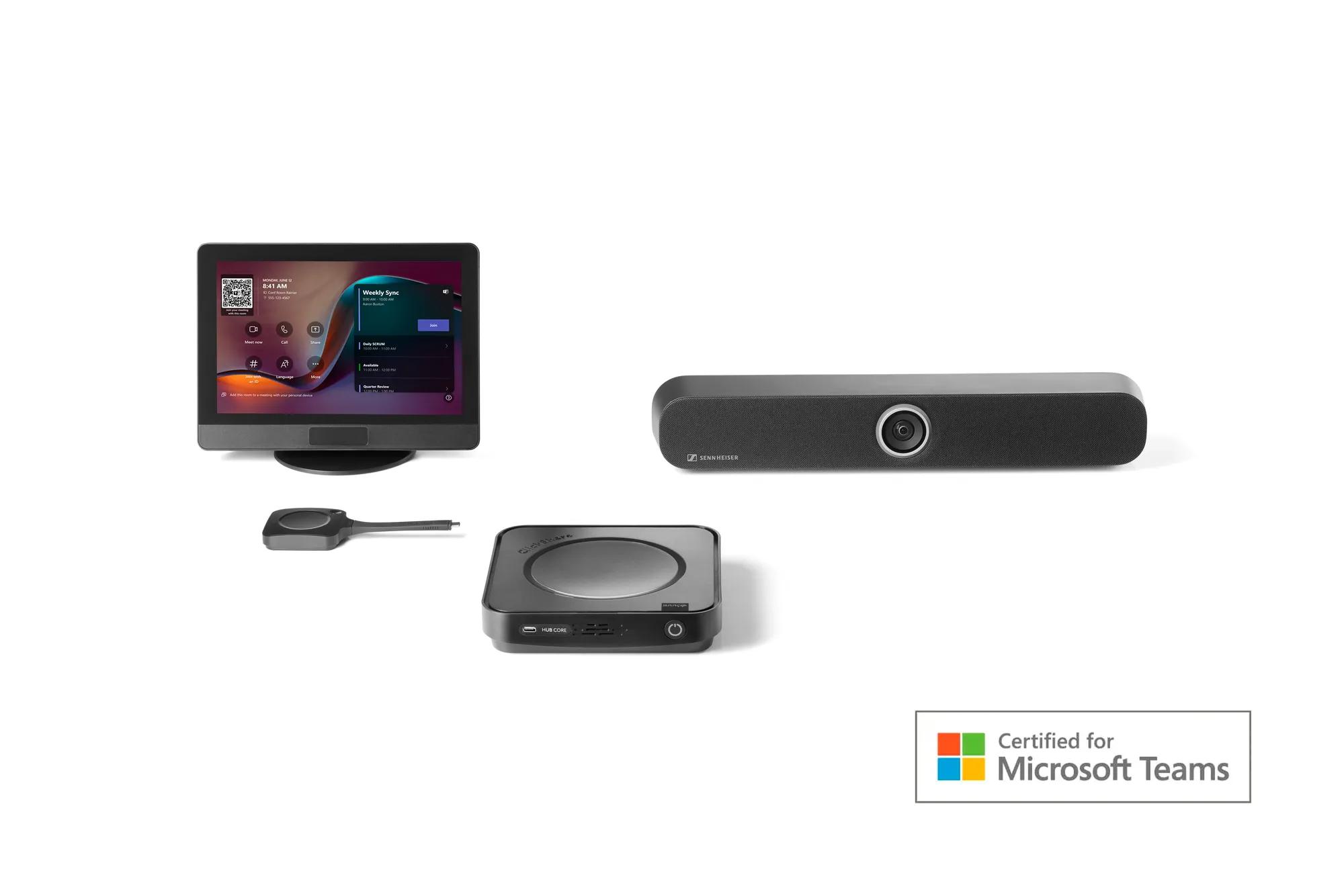
Fast forward to December 2025, and our ClickShare Hub bundles, developed in partnership with Sennheiser, were officially certified for Microsoft Teams.

This means when a device is certified for Microsoft Teams, it meets Microsoft’s strict standards for security, reliability, compliance, and integration. For organizations, that means confidence that every meeting will run smoothly and securely. For users, it means walking into a room and knowing everything just works.

ClickShare Hub Pro Certified Banner

ClickShare Hub and Sennheiser

A powerful partnership

We believe in collaboration – not just among teams, but with trusted, industry-leading partners. That’s why we teamed up with Sennheiser to create two room system bundles, tailored to room size, both designed for a high-quality, consistent Microsoft Teams Rooms experience.

ClickShare brings ease of use, ultra-high-definition wireless presentation, standardized installation, and robust security. Sennheiser complements this with cutting-edge audio-visual capabilities. The result is a complete, future-ready room system for enhanced hybrid meetings.

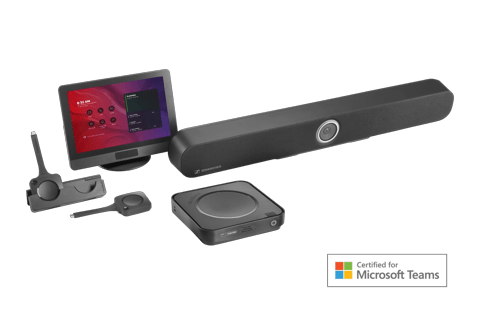
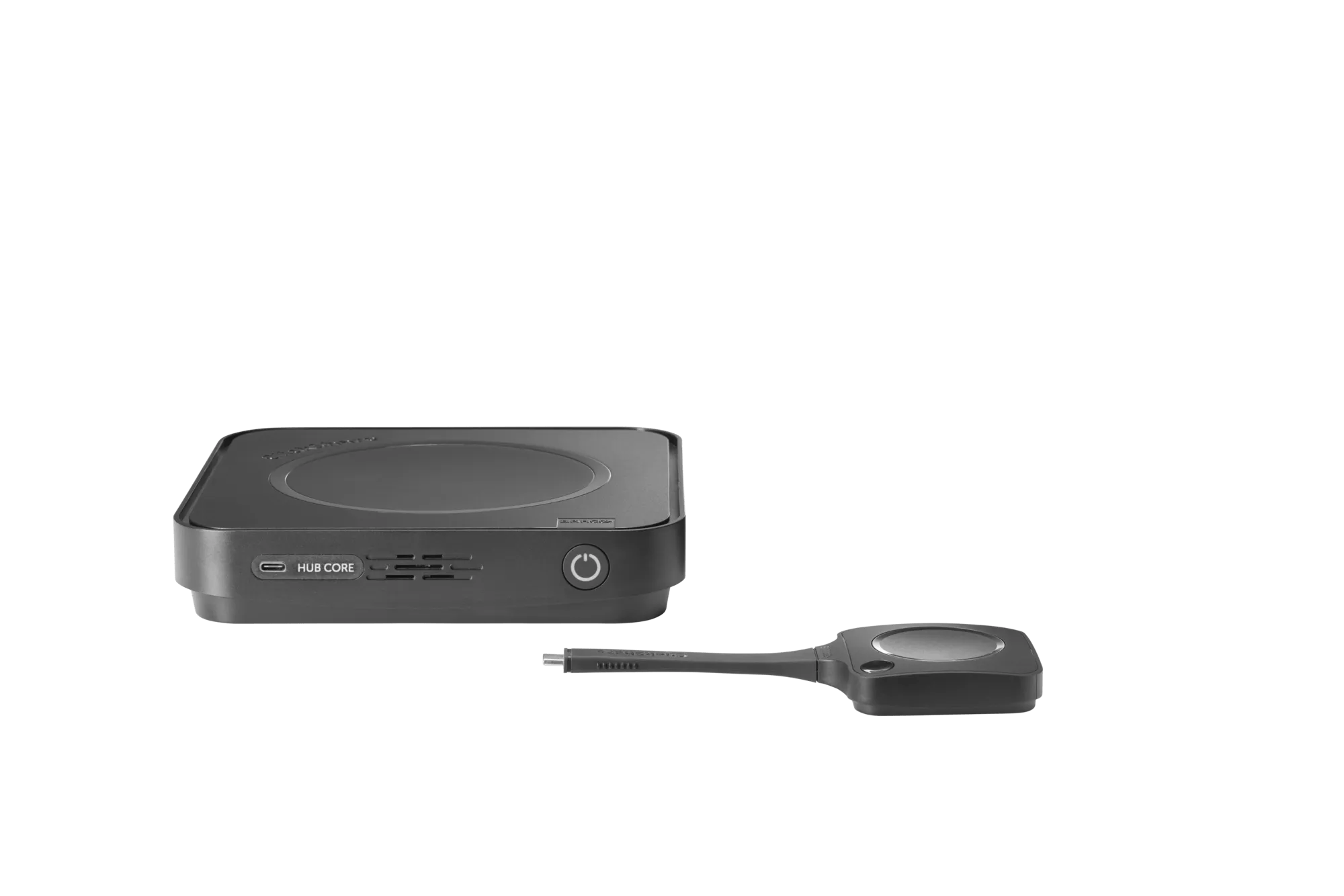
ClickShare Hub Pro + Sennheiser TeamConnect Bar M

Room system bundle for medium-sized meeting rooms

Ideal for mid-sized spaces, this bundle combines powerful room system capabilities with high-performance audio and video.

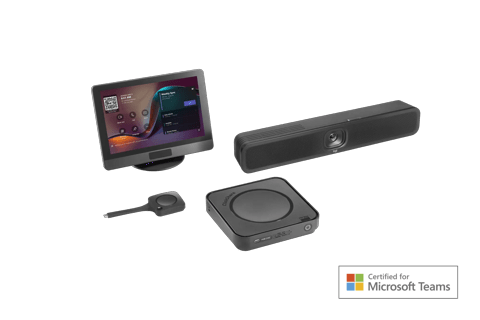
ClickShare Hub Core + Sennheiser TeamConnect Bar S

Room system bundle for small-sized meeting rooms

Designed for smaller spaces, this compact bundle brings the same streamlined experience in a more space-conscious form.

How ClickShare works for every meeting participant

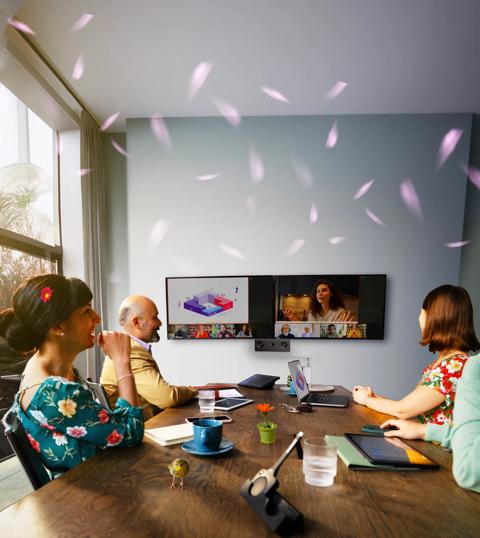
While ClickShare Hub excels across the board, the meeting-participant experience is where it really shines. We focus on three things that matter in meetings: ease of use, flexibility, and guest-friendliness. The result is a consistent, confident start for every participant – no warm-up laps required.

Ease of use

ClickShare room system for video conferencing

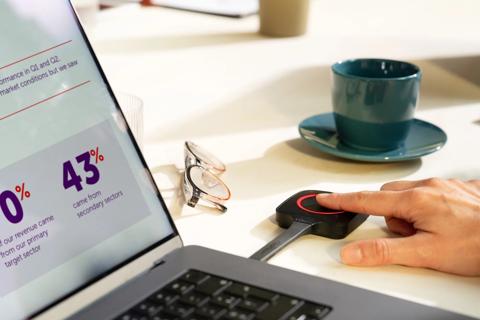
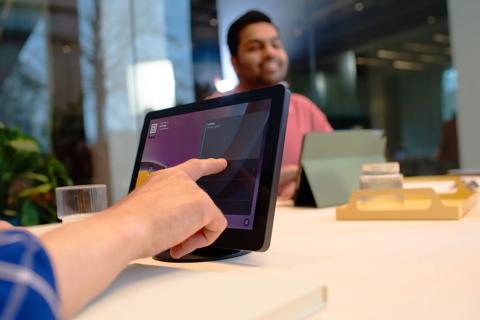
Meeting rooms shouldn't be complicated. ClickShare Hub removes the friction – users join or start meetings instantly from the ClickShare Control Panel and share content in ultra-high definition 4K with a single click of the next-gen ClickShare Button.

  • One‑click wireless content sharing – no cables, no confusion. 
  • Intuitive UI on the ClickShare Control Panel – useable with no training. 
  • Consistent experience across every room, so once you know one room, you know them all. 

Flexibility

Modern meetings happen in different ways – BYOD, no-laptop sessions, scheduled meetings, last–minute collaborations – ClickShare Hub adapts. Present from anywhere in the room via the next-gen Button or the Desktop App or go cable-based with USB-C cable sharing if preferred.  

  • Button, App, or USB‑C cable sharing – your choice. 
  • USB‑C DisplayPort™ mode works even with no software installed, ideal for guests and locked‑down corporate laptops. 
  • People and content layouts on standard, ultrawide, or dual displays, ensuring remote participants stay truly visible. 
  • Broad OS compatibility: Windows, macOS, iOS, Android, Linux, ChromeOS. 

Guest-friendliness

Guests often struggle the most – missing software, locked permissions, and incompatible devices. This leads to delays, awkward workarounds, and anxiety sweats. 

  • The next-gen Button’s USB-C DisplayPort™ mode lets guests share securely and instantly, no installation required. It works across all major operating systems, removing the usual obstacles. No drivers. No software. Just plug in and press the Button. 
  • Full OS coverage, including Windows, macOS, Linux, ChromeOS. 
  • Secure by design – content only starts sharing when the user actively presses the Button. 
ClickShare room system for video conferencing

How ClickShare works for the IT manager

Built with security at heart

At ClickShare, we take security very seriously. Built on Microsoft’s robust and secure Microsoft Device Ecosystem Platform (MDEP), ClickShare Hub delivers enterprise-grade security at every layer. 

Microsoft developed the Microsoft Device Ecosystem Platform (MDEP), a customized platform built specifically for collaboration devices, leveraging Android's Open Source Project (AOSP) and adding layers of security, keeping your devices safe and secure. The result is a platform engineered for integrity and manageability, ideal for the next generation of ClickShare – giving IT teams the control, security, and peace of mind they need. 

These robust security measures include: 

  • Android verified boot, which blocks unauthorized firmware and OS modifications to maintain device integrity.  
  • Hardware-based attestation, supported by Microsoft’s public key infrastructure, ensures devices remain untampered and secure.  
  • Kiosk mode restricts the device interface to only the Microsoft Teams environment, preventing unintended use or access to other Android functionalities.  
  • Secure data encryption and communication with Microsoft cloud services, continuous Microsoft security updates, and compliance management via Microsoft Intune further enhance security and operational integrity.   

Here at ClickShare, we add further hardening with secure boot, firmware encryption, and additional penetration testing. We also designed ClickShare Hub to comply with relevant regulatory frameworks, such as NIS2, RED, and CRA. 

Onboarding made simple

Whether you’re spinning up a single room or hundreds, the onboarding flow keeps time-on-site low and errors down. 

The onboarding journey is designed to help IT teams get ahead of the process, prepare rooms early, and bring devices online effortlessly once they arrive on site.

Watch it in action

Getting started: What you can do today

From day one, XMS Cloud gives you the essentials to onboard your first ClickShare Hub units: 

  1. Create the rooms where your Hubs will be installed 
  2. Scan the QR code on the device to enroll it instantly 

That’s all it takes to get your first meeting spaces up and running. 

Device enrollment: A simple, two‑step flow

The real magic of the new onboarding process, once ready, is that much of the work can happen before the hardware even arrives. You prepare once in the cloud — and everything else falls into place when the devices are unboxed.

Part 1 — Before the Hub units arrive

This is where you set the foundation. In XMS Cloud, you:

  1. Create the rooms that will receive a ClickShare Hub

  2. Apply the room configuration you want the devices to use 

This means that by the time the hardware is delivered, everything is pre‑provisioned and waiting — no last‑minute setup, no manual repetition.

Part 2 — Once the units have arrived on site

Once the ClickShare Hub units are delivered, the final steps are quick and intuitive:

  1. Take a Hub out of the box and scan the QR code printed on the device

  2. Open XMS Cloud on your mobile device and select the pre‑provisioned room

  3. The system binds the room’s configuration to the specific Hub you just scanned

  4. Connect the cables and power up the device

As soon as the Hub goes online, it automatically takes its configuration and activates itself — no extra intervention required.

See how it works in this quick video

What’s coming next

We’re enhancing that experience even further. Soon, XMS Cloud will also support:

  • Configuration management and firmware updates (currently handled via the Teams Admin Center)
  • Configuration templates to speed up onboarding across multiple rooms

These additions will turn XMS Cloud into the central place to prepare, deploy and manage ClickShare Hub at scale.

Managed by XMS, enhanced by Microsoft

Effective device management is essential to delivering seamless collaboration. With ClickShare Hub, IT administrators benefit from a powerful suite of tools that simplify oversight and enhance control thanks to both ClickShare and Microsoft.

1. Management in XMS Cloud

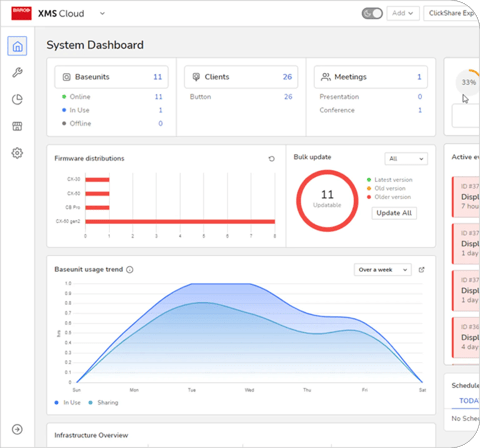
XMS Cloud provides a centralized platform to manage the entire ClickShare fleet – from ClickShare Buttons to Base Units – providing IT teams with visibility and control across their entire deployment. Key system health metrics are available at a glance, enabling fast, proactive troubleshooting.

Turn usage into decisions

Built-in insights help you understand meeting behavior, optimize room design, and increase ROI. See which spaces are busy or underused and whether people are adopting the technology as intended.

2. Teams Admin Center and Pro Management Portal

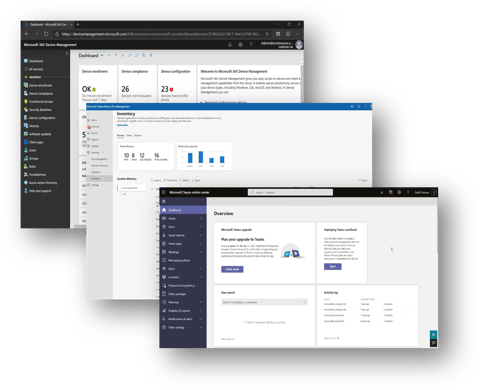
The Teams Admin Center and Teams Rooms Pro Management Portal offer comprehensive management capabilities similar to XMS Cloud. These include device overviews, health status monitoring, incident management, firmware updates, reboot options, and detailed log collection. 

Additionally, IT admins benefit from advanced analytics, allowing them to review detailed Teams meeting activities, assess call quality metrics, monitor network health, and analyze participant interactions. This enables proactive optimization and helps enhance user satisfaction.

3. Microsoft Intune

Microsoft Intune offers detailed device overviews and robust security through Conditional Access and Compliance Policies.

This ensures that all managed devices meet organizational security requirements before accessing critical resources like Office 365 and Teams services, maintaining continuous compliance, and reducing security risks.

Other articles by this author

Vorige
van ... Volgende