
The following Windows Security Alert will appear when a user installs and launches the ClickShare Desktop App at first login (after installation of the Desktop App). This is due to Windows needing to automatically create some registry keys at first launch, linked to the specific executable.
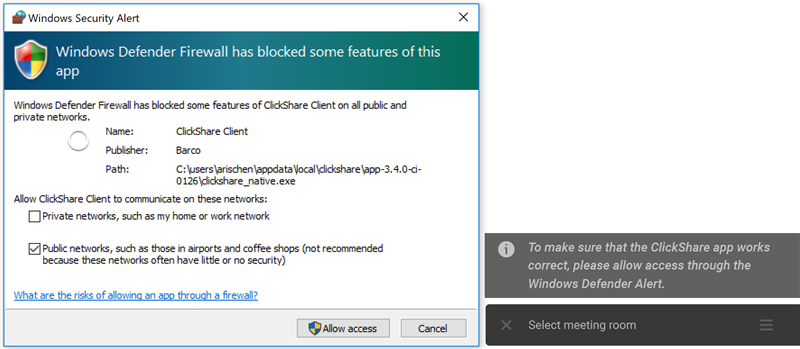
It doesn't matter if the user clicks Allow access or Cancel, Windows will create the proper keys.
Info! This window may reappear after an update, for the same reasons.
Info! This Windows Security Alert will not appear when using the Barco ClickShare App MSI installer unless the user account was created or the first time login for the user is after the installation of the ClickShare App over MSI installed, in this case the firewall alert will still shown because no user info was available during deployment of the MSI for adding the related firewall rules (how to: see KB8156).

