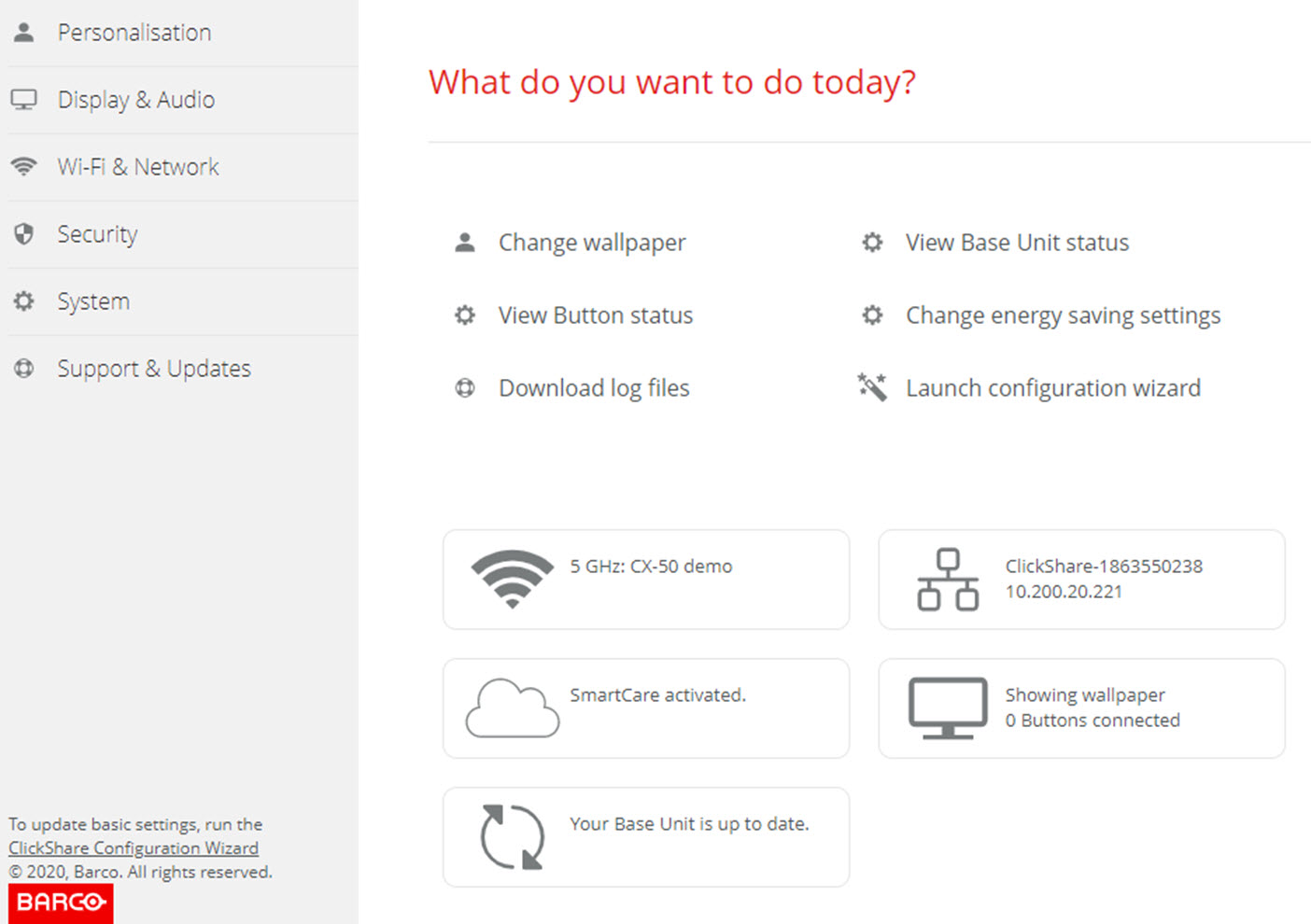
About the configuration wizard
During the first start up of the Base Unit, the configuration wizard starts up automatically.
All basic settings necessary to configure the Base Unit are covered by the configuration wizard. Once the configuration wizard is finished, the Base Unit is ready to be used.
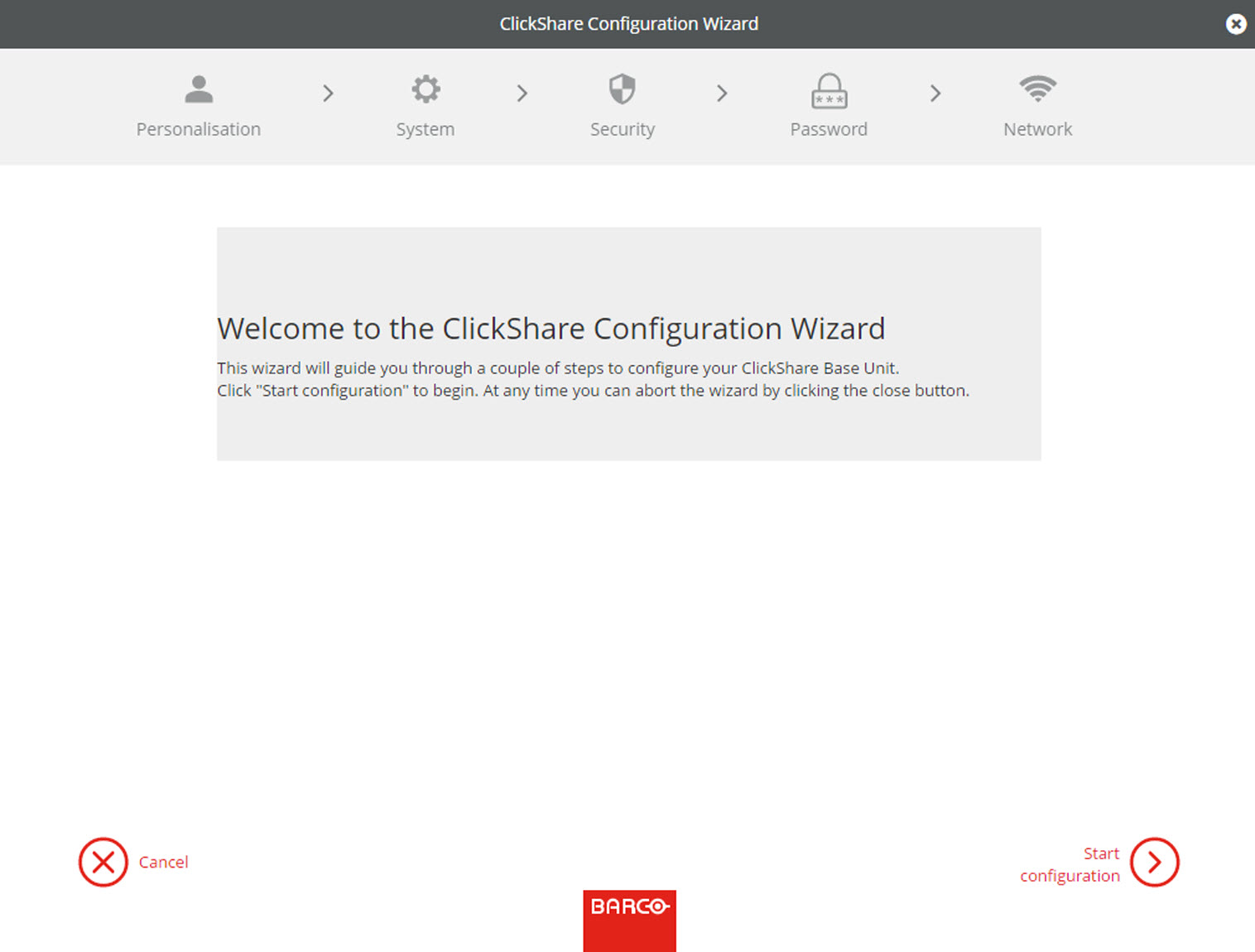
To start the wizard, click on Start Configuration.
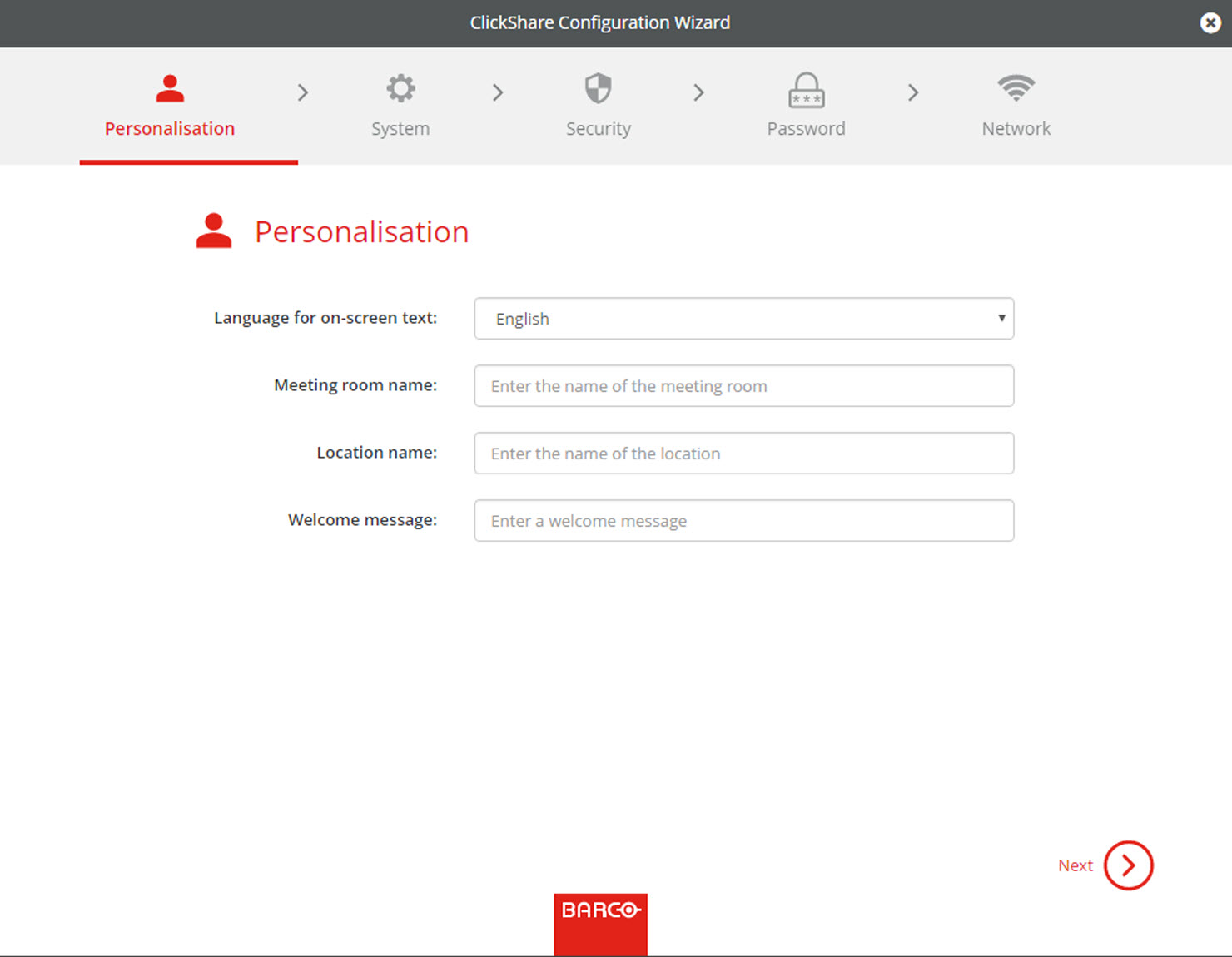
Fill out the necessary field and click Next to continue.
To return to the previous step, click on Back.
For more information about a specific topic, see one of the following topics.
The ClickShare Configuration Wizard can be started at any time to change the configuration just by clicking on ClickShare Configuration Wizard at the left bottom of each screen.
| Personalisation | Language on-screen text | See “On-Screen Language and Text Size”. |
| Meeting room name, location name and welcome message | See “Meeting room information”. | |
| System | Time zone, manual time setup | See “Date & Time setup, manually”. |
| Use NTP | See “Date & Time setup, time server”. | |
| Security | Level settings | See “Security, security level”. |
| Password | ClickShare Configurator (WebUI) password | See “Security, passwords”. |
| Network | Frequency band, channel Wi-Fi passphrase | See “Wi-Fi settings”. |