Choose Standard if you're installing the app on your own computer. Recommended for most users.

myBarco-meldingen
Ongelezen
Lezen
Download the latest ClickShare App. Choose Standard for a personal install, or Enterprise if you’re an IT admin deploying to multiple devices. You can also download the mobile app for iOS and Android.
Choose Standard if you're installing the app on your own computer. Recommended for most users.

Choose Enterprise if you’re deploying the app to multiple devices. Admin rights are required for installation.

Share content from a phone or tablet in ClickShare-enabled rooms. No admin rights needed.
 GeavanceerdDe volledige ClickShare-ervaring met een MSI-installatieprogramma. Beheerdersrechten vereist voor installatie | BasisEssentiële draadloze mogelijkheden voor het delen van inhoud |  MobielEenvoudig content delen vanaf uw mobiele apparaat | |||
| Windows-MSI | Mac PKG | Windows-installatieprogramma | Mac-installatieprogramma |   | |
|---|---|---|---|---|---|
| Draadloos vergaderen | Met en zonder Button | Met Button | Met Button | Met Button | Nee |
| Draadloos delen van inhoud | Ja | Ja | Ja | Ja | Ja |
| Deel content naar het scherm in de vergaderruimte | Via laptop | Via laptop | Via laptop | Via laptop | Via mobiel apparaat |
| Geavanceerde deelopties | Delen van volledig bureaublad of van een applicatie en uitgebreid bureaublad | Delen van volledig bureaublad of van een applicatie | Delen van volledig bureaublad of van een applicatie | Delen van volledig bureaublad of van een applicatie | Volledig bureaublad |
Smart Meeting Flows: -PresentSense -HostFlow -ConferenceView -One-Click-Join |
Ja Ja Ja Ja |
Ja Nee Nee Nee |
Ja Ja Ja Ja |
Ja Nee Nee Nee |
Ja Nee Nee Nee |
| Bekijk de content van het scherm in de vergaderruimte op het apparaat | Ja | Ja | Ja | Ja | Nee |
Standard (Windows) | Standard (MacOS) | Enterprise (Windows) | Enterprise (MacOS) | Mobile app | |
| Who is it for | Meeting participant | Meeting participant | IT admin | IT admin | Meeting participant |
| Admin rights required | No | No | Yes | Yes | No |
| Primary use | Wireless conferencing and content sharing from a laptop | Wireless conferencing and content sharing from a laptop | Wireless conferencing and content sharing from a laptop, with policy control for IT | Wireless conferencing and content sharing from a laptop, with policy control for IT | Wireless content sharing from a mobile device |
| Hybrid meetings (wireless conferencing) | One‑click with the ClickShare Button | One‑click with the ClickShare Button | Works with the ClickShare Button, or button-free when enabled by IT | One-click join with the ClickShare Button | Not supported for hybrid meetings. Use the desktop app with the ClickShare Button instead. |
| View release notes | View release notes | View release notes | View release notes | View release notes |

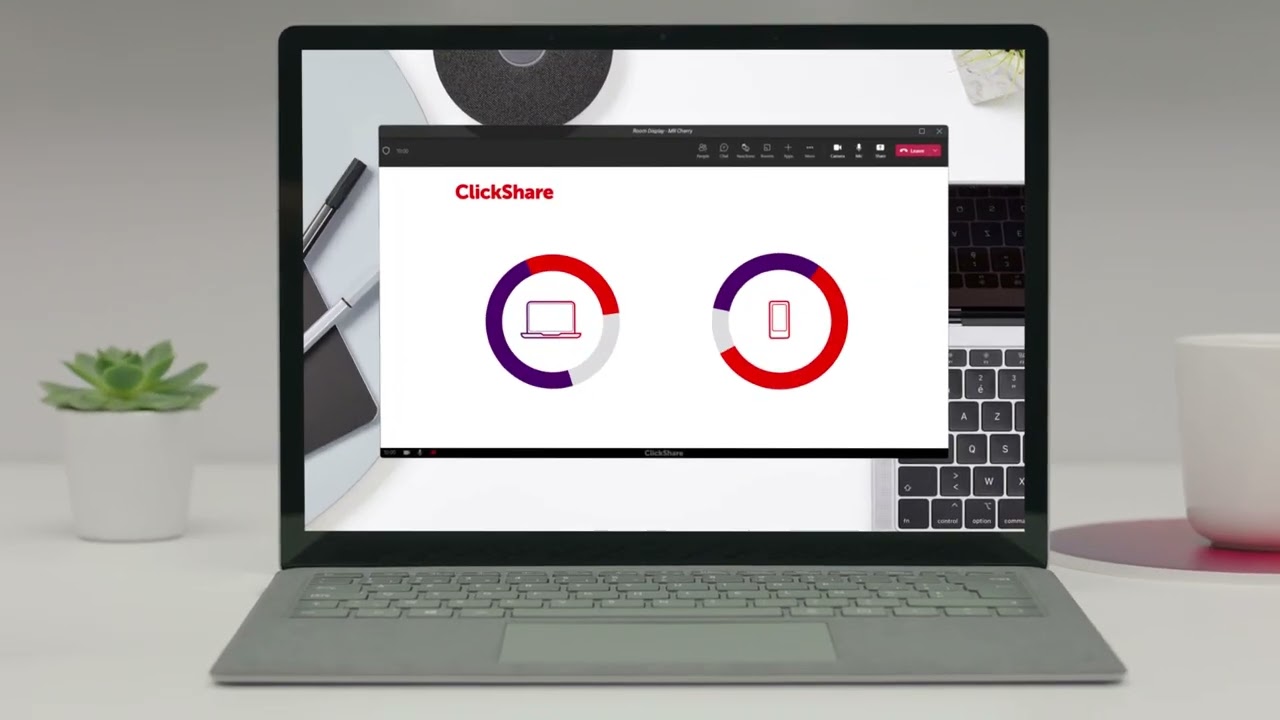
Learn how the desktop and mobile apps help people join meetings, share content, and get more from their meeting rooms.
Het lijkt erop dat u geen cookies hebt geaccepteerd
Activeer prestatiecookies om deze video te bekijken.
Het lijkt erop dat u geen cookies hebt geaccepteerd
Activeer prestatiecookies om deze video te bekijken.