
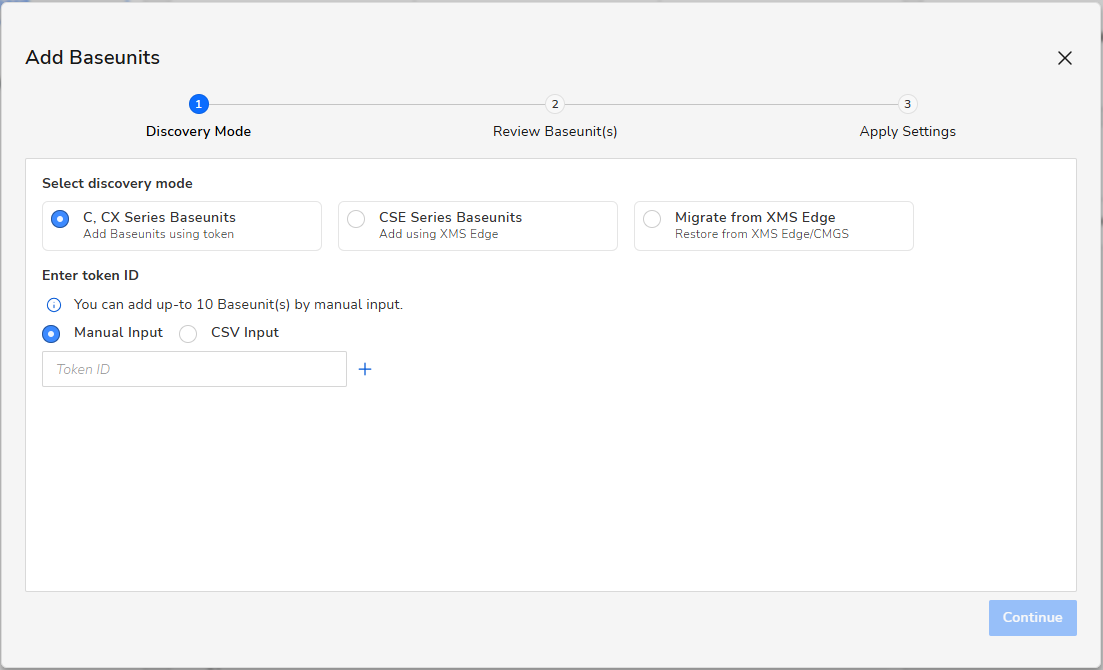
This article provides instructions on how to bulk-register ClickShare C-series and CX-series Base Units to the XMS Cloud using device tokens.
Notes:
- The following information is applicable only to ClickShare Base Units (C-series and CX-series) running firmware version 2.17 and below.
- For ClickShare C-series, CX-series and Bar Core/Pro running firmware version 2.18 and above.
- This information is not applicable to ClickShare Hub Core and Hub Pro.
Methods for bulk registration
You can register multiple ClickShare Base Units using two methods:
- Manual Input
- CSV Input
Detailed instructions
🔗For the most up-to-date and detailed instructions, please refer to the chapter How to add C or CX series Base Units using device token in the XMS Cloud User guide.

