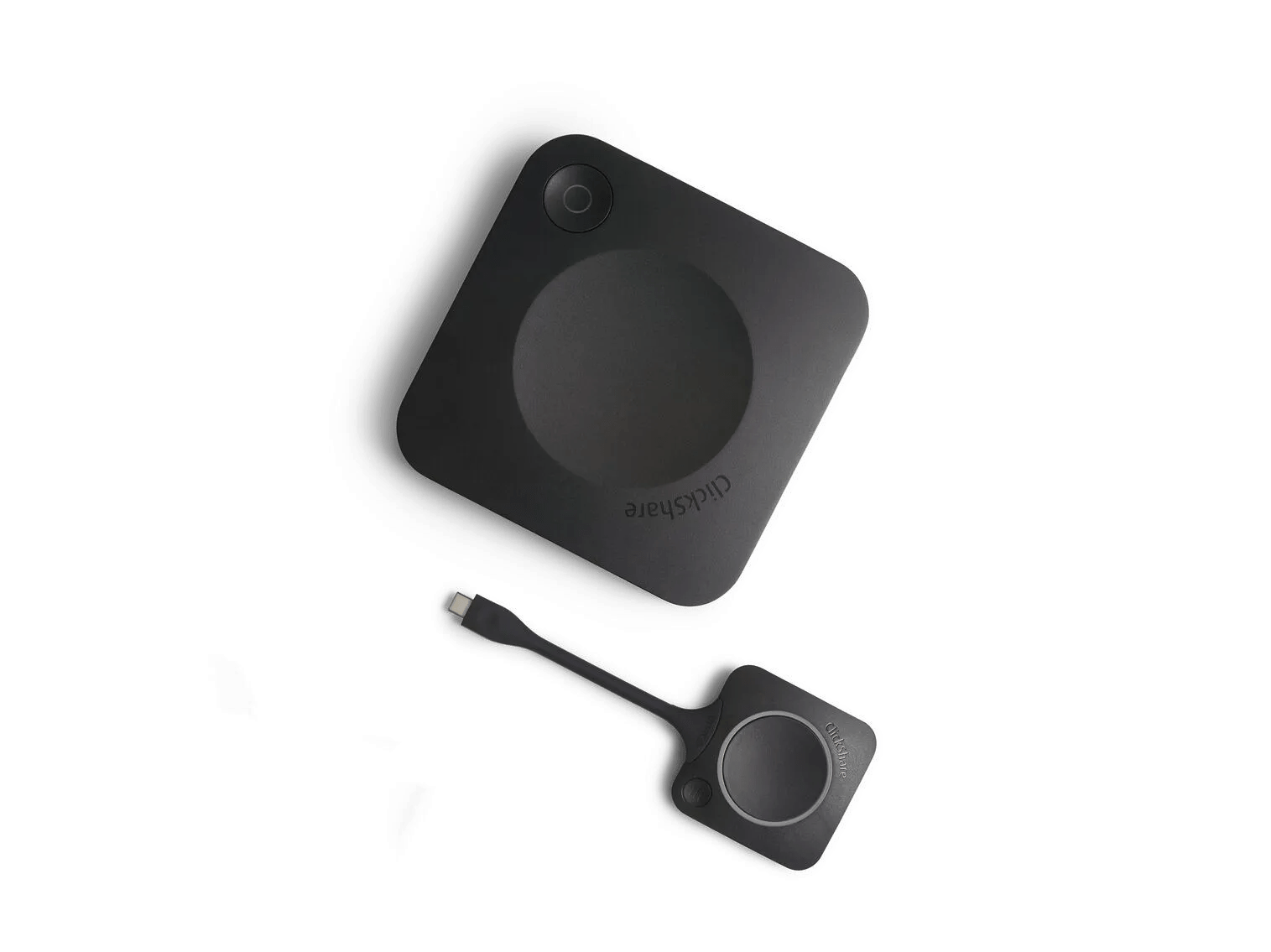
How much does ClickShare cost? Pricing & ROI breakdown
ClickShare · 3 min read
When people ask us “how much does ClickShare cost?”, they’re usually trying to compare it with other meeting room solutions, especially fixed setups like Microsoft Teams Rooms or Zoom Rooms.
But here’s the catch: looking at the price tag alone doesn’t tell the full story. It’s not just about the upfront cost – it’s about the Total Cost of Ownership (TCO). That includes installation, maintenance, upgrades, and how easily people actually use it.
Why TCO matters more than the price tag?
Collaboration is essential to running a business smoothly. Many organizations are willing to invest in future-proof, platform-agnostic meeting room solutions like ClickShare Present or ClickShare Conference – but understandably, IT decision-makers still want to get the best value for their money.
The challenge? Not all price tags tell the whole story. Many “affordable” options hide extra costs in licenses, maintenance, updates, and training.
Key factors in your collaboration solution’s TCO
When evaluating your meeting room technology, make sure you factor in:
Maintenance & updates: Like a car, your hardware and software need regular upkeep. Complex systems mean higher maintenance costs, and some providers even charge for firmware updates.
Licenses & subscriptions: Annual fees for fixed UC systems like Microsoft Teams Rooms or Zoom Rooms can quickly add up.
Training costs: The more complex the solution, the more time (and money) you’ll spend training your team.
Security: A breach in your conferencing system can be extremely costly, both financially and reputationally. Extra security measures may not be included in the initial price.
ClickShare pricing: transparent & all-inclusive
With Barco ClickShare, what you see is what you get. You pay once at purchase – no hidden fees, no unexpected bills later.
Your investment includes:
Free quarterly firmware updates: Keep your system secure and up-to-date at no extra cost.
XMS Management platform: Secure, remote device management with analytics and dashboards to help optimize your meeting rooms while saving IT resources.
Enterprise-grade security: ISO 27001 certified, with authentication and encryption by default. Seamlessly integrates with your network security policies.
5-year SmartCare maintenance: Budget predictability, fast hardware replacement, and expert support included with every ClickShare Conference and Present unit (registration required).
Ease of use: True plug-and-play experience. Minimal training required.
Full interoperability: Works with any UC&C platform and your existing AV setup. No vendor lock-in, no costly annual licenses.
What you pay for ClickShare
ClickShare comes in two main product lines, each designed for different meeting needs:
1. ClickShare Present: Wireless presentation solution perfect for enhancing collaboration and content sharing in any meeting space, whether it’s a huddle room or a fixed UC setup like Microsoft Teams Rooms or Zoom Rooms.
Supports Bring Your Own Device (BYOD), so participants can present from their own laptop, tablet, or smartphone.
- Makes meetings more interactive and seamless, without complex setup.
2. ClickShare Conference: Wireless conferencing solution ideal for hybrid meetings where users want to host calls from their own laptop while taking full advantage of the room’s AV equipment.
Works with any UC&C platform – no vendor lock-in.
Enables Bring Your Own Meeting (BYOM), letting users run video calls from their laptop and instantly connect to the room’s display and peripherals.
Can switch between BYOM mode and fixed UC room mode, making it flexible for any meeting scenario.
ClickShare product options & pricing
| Product category | Product range | Purchasing cost | Annual depreciation (over 5 years) | |
| ClickShare Present: wireless presentation & content sharing | C-5 | 850 EUR/USD | 170 EUR/USD | |
C-10 | 1,325 EUR/USD | 265 EUR/USD | ||
| ClickShare Conference: wireless conferencing | CX-20 | 2,050 EUR/USD | 410 EUR/USD | |
CX-30 | 2,575 EUR/USD | 515 EUR/USD | ||
CX-50 | 2,950 EUR/USD | 590 EUR/USD | ||
| CX-50 Gen2 | 3,450 EUR/USD | 690 EUR/USD | ||
| ClickShare Bar Core | 2,450 EUR/USD | 490 EUR/USD | ||
| ClickShare Bar Pro | 3,450 EUR/USD | 690 EUR/USD | ||
| ClickShare room systems | ClickShare Hub Core | 2,350 EUR/USD | 470 EUR/USD | |
| ClickShare Hub Pro | 3,350 EUR/USD | 670 EUR/USD |
The ROI advantage
Still unsure about ClickShare’s cost? Let’s run the numbers together!
Consider not just the upfront investment, but how much time, IT resources, and meeting productivity you’ll gain – plus the costs you’ll avoid from licenses, maintenance, and training.
Ready to see the ROI of your meeting rooms?
Contact us today and we’ll help you calculate your savings.
Related products
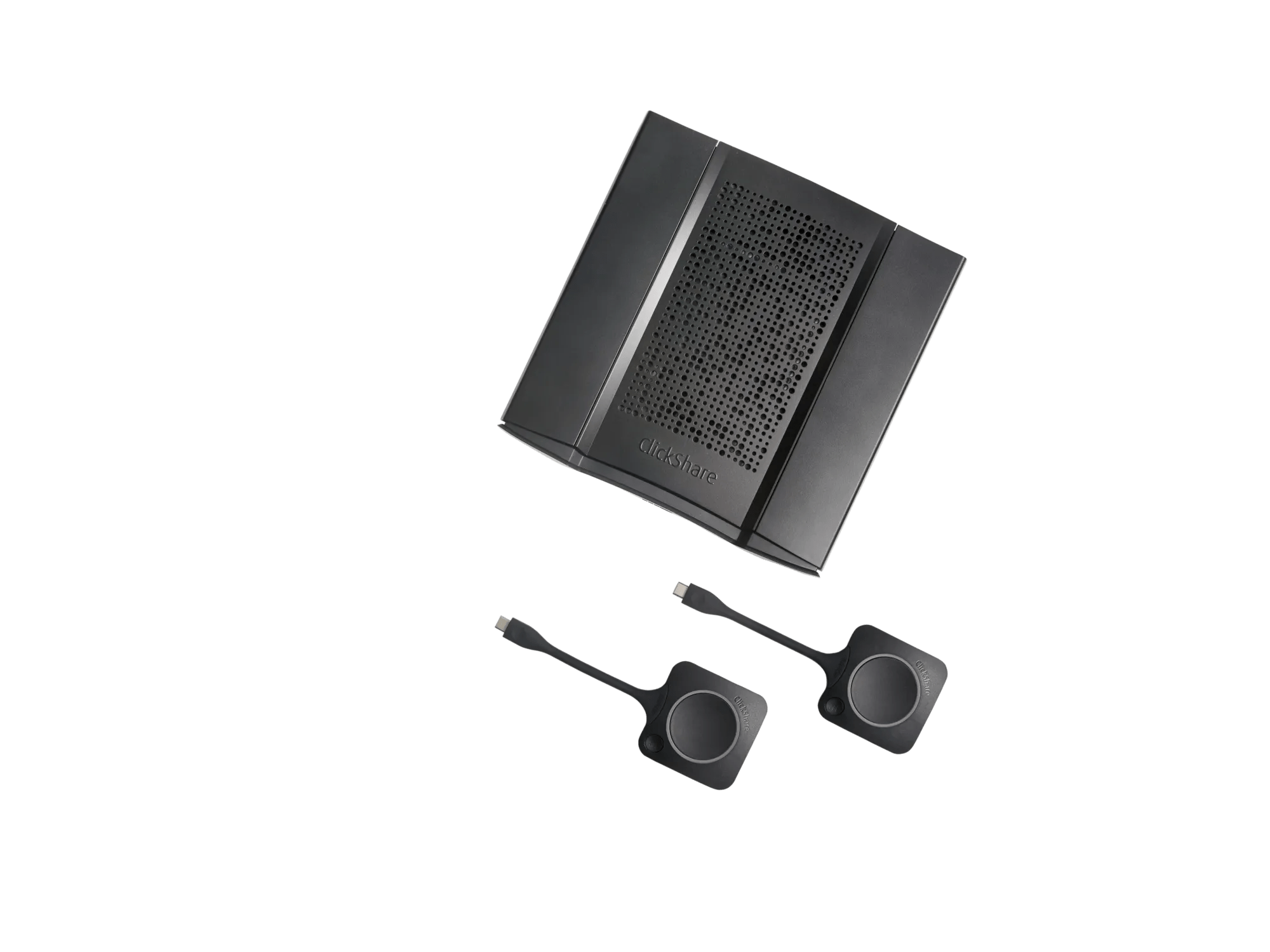
ClickShare CX-50 2nd generation
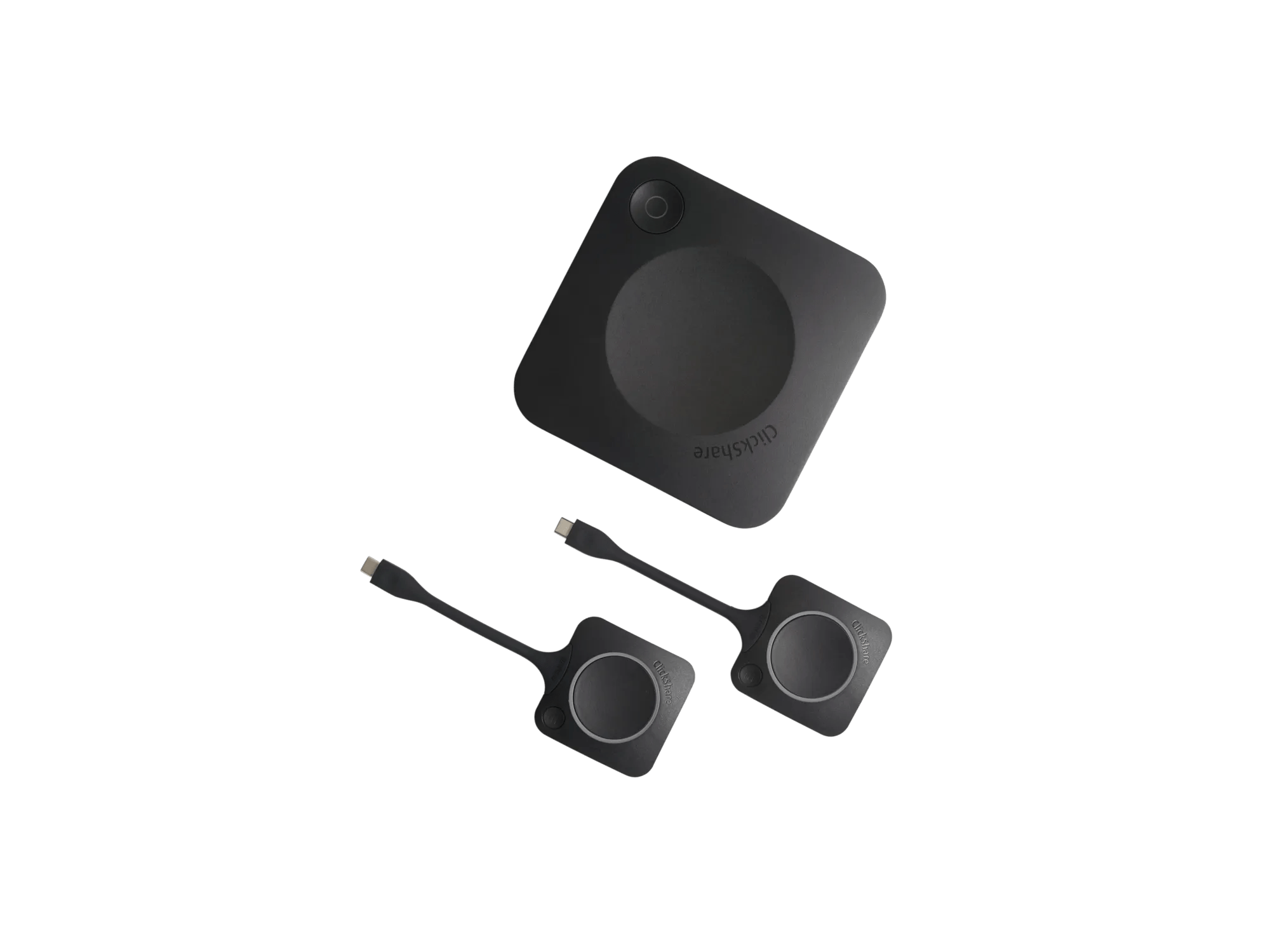
ClickShare CX-30
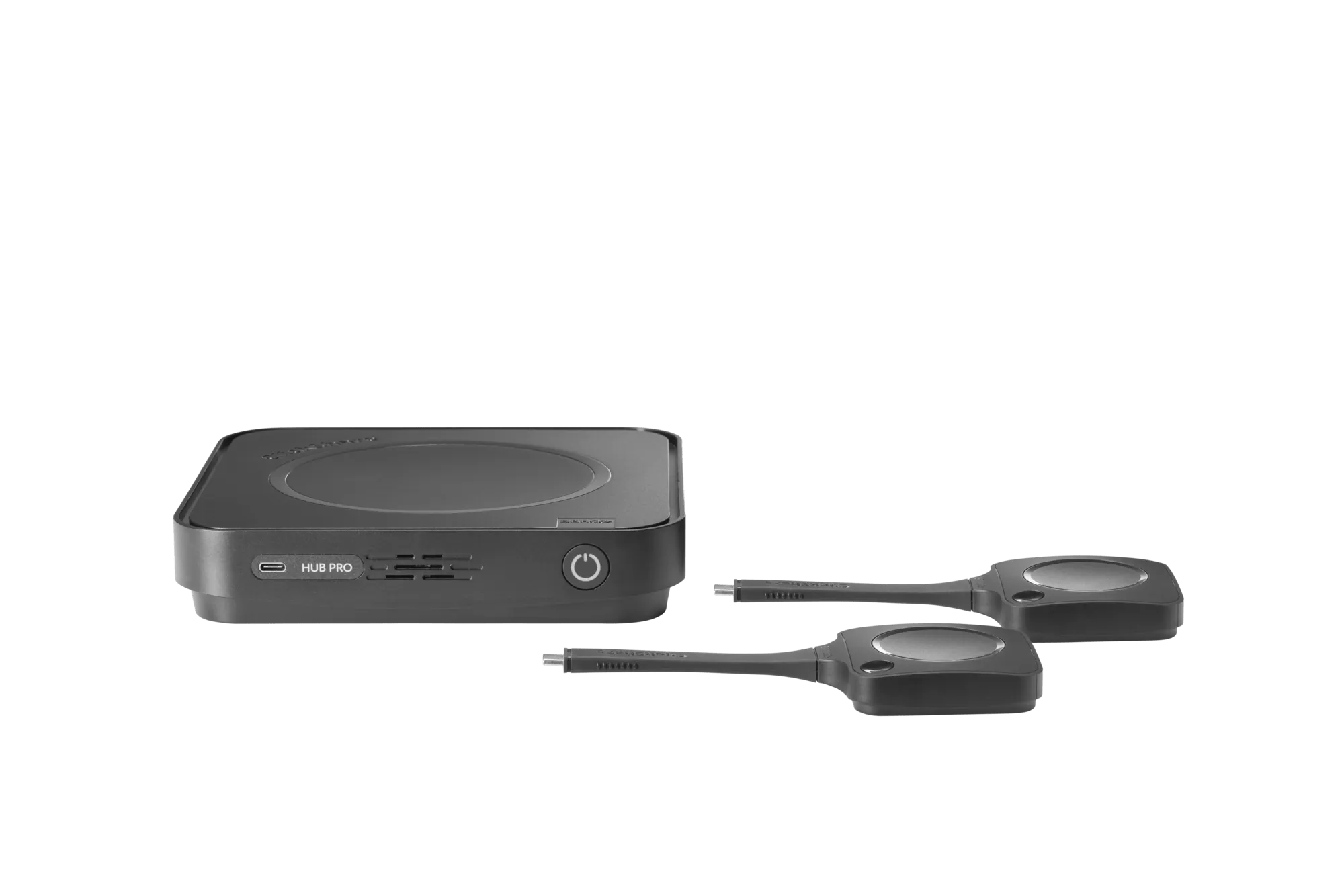
ClickShare Hub Pro