
- One-click wireless conferencing for employees and guests
- Works with different conferencing platforms
- Easy for employees and guests
- Familiar ClickShare experience
ClickShare summer release: more flexibility, simpler deployments, and stronger security for every meeting room
5 min read
Longer days. Vacation season. Fewer reasons to spend time troubleshooting meeting room technology.
This season's updates focus on making meeting experiences more flexible, deployment simpler, and room technology easier to manage. From Wireless BYOD for Microsoft Teams Rooms and a new ClickShare Hub bundle to a new installation accessory and an important security milestone for ClickShare CX-50 2nd generation, there's plenty to unpack.
What’s heating up this summer?
- More flexibility: Wireless BYOD for Microsoft Teams Rooms helps users run meetings from their own laptop when plans change.
- More room choice: New ClickShare Hub bundle for smaller meeting rooms together with our partner, Logitech.
- Simpler complex-room deployment: The USB-C Extension over CAT kit makes cable routing cleaner and installations more flexible.
- Stronger security validation: ClickShare CX-50 2nd generation is now ANSSI CSPN certified.
Did you miss our webinar? Watch the recording!
Wireless BYOD for Microsoft Teams Rooms
The headline feature of this Summer Release is Wireless BYOD for Microsoft Teams Rooms. But why would you need BYOD in a room that’s already built for Microsoft Teams Rooms?
Because meeting rooms can be standardized.
Meeting behavior cannot.
Even organizations that have fully standardized on Microsoft Teams still encounter everyday situations where meetings don’t follow the expected path:
- A customer sends a Zoom invite.
- A partner hosts on Webex.
- The room booking and meeting invite don’t match.
- The original meeting room is suddenly unavailable.
- A guest needs to host the call from their own device.
When that happens, meeting participants often fall back to their laptop and leave the room technology unused. The result is unnecessary meeting stress, inconsistent experiences, and avoidable support requests.
Wireless BYOD helps organizations handle those situations without changing how rooms are deployed.
How it works
The workflow is designed to be as familiar and simple as possible:
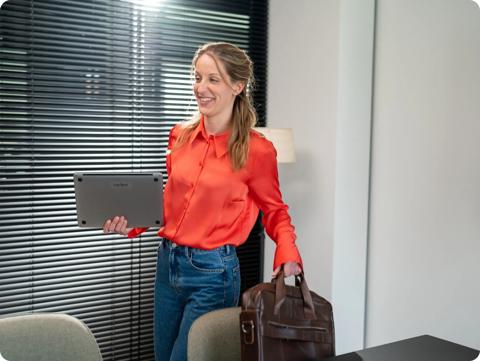
Step 1
Enter the Microsoft Teams Room.
Step 2
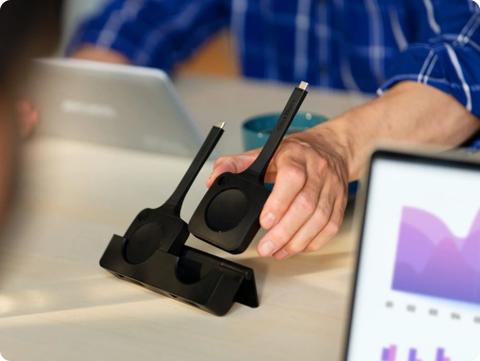
Plug the next-generation ClickShare Button into your laptop.
Step 3
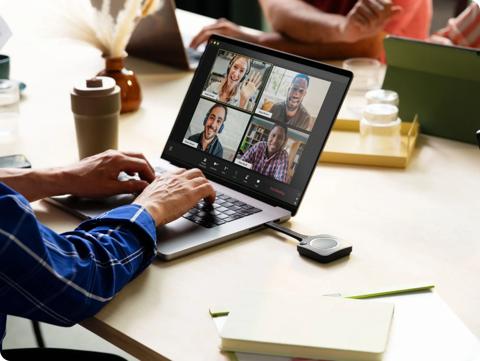
Start the meeting from your preferred conferencing platform.
Step 4
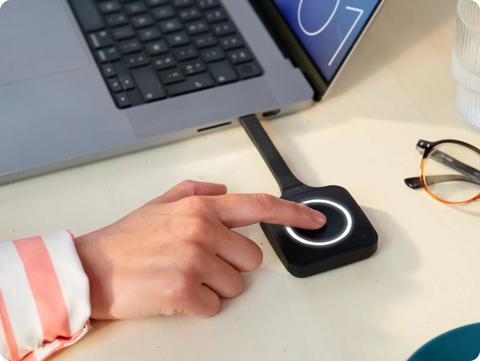
Press the Button.
Step 5
Share content wirelessly from your UC platform while using the room’s display, camera, microphone, and speakers.
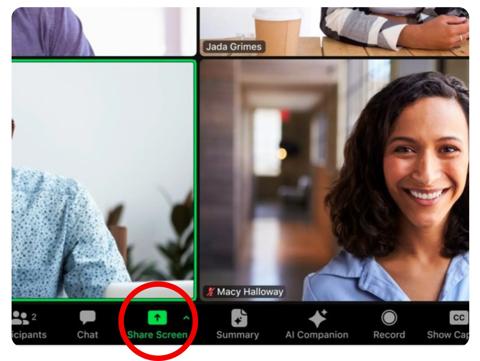
Your laptop runs the meeting. Your room delivers the experience.
Once the meeting is over, the room returns to its native Microsoft Teams Rooms experience.
Why it matters
- Fewer support tickets
- No additional room technology required
- Simpler room standardization
- Greater adoption of meeting room technology
New ClickShare Hub bundles for every room size
Organizations want meeting rooms that are easy to deploy, easy to scale, and easy to support.
This summer we continue expanding the ClickShare Hub ecosystem with certified bundles designed for different room types.
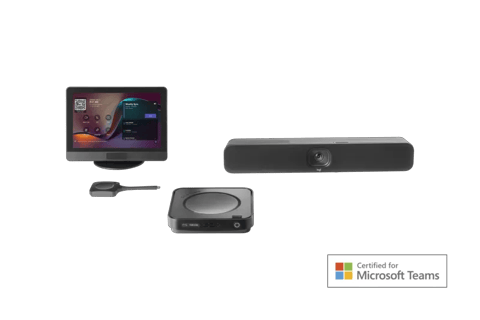
ClickShare Hub Core + Logitech MeetUp 2
New USB-C Extension over CAT kit
Not every meeting room is a simple installation.
As rooms get larger, cable routing becomes more complex. The Control Panel may need to be placed far from the Base Unit. Wired content sharing points need to be accessible from the table. Suddenly, what works perfectly in a smaller room becomes much harder to deploy cleanly and reliably.
That’s where the new ClickShare USB-C Extension over CAT kit comes in, arriving in September.
Designed for larger and more customized meeting room setups, the kit extends USB 2.0 and DisplayPort™ connectivity up to 40 meters using standard CAT 5e cabling or higher. It gives installers the flexibility to route connections around walls, ceilings, furniture, and other room constraints without compromising signal quality.
Three ways to put it to work
The USB-C Extension over CAT kit supports several deployment scenarios:
1. Connected to the ClickShare Control Panel
Extend the connection between the ClickShare Hub Base Unit and Control Panel over longer distances, making it easier to position controls wherever they make the most sense in the room.
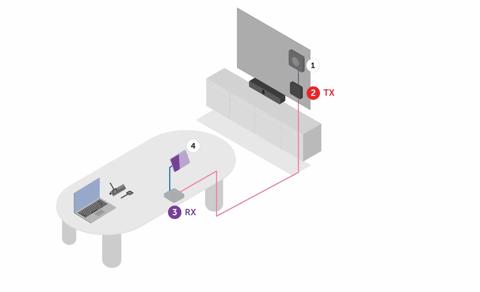
- Base Unit
- Transmitter (TX)
- Receiver (RX)
- Control Panel
2. Connected to laptop for wired content sharing and optional power supply
Provide a convenient wired sharing connection at the meeting table while keeping the room infrastructure neatly tucked away behind the scenes. Wireless sharing via the ClickShare Button remains available, giving users flexibility to choose the workflow that suits them best.
Add an optional power supply, and meeting participants can share content while charging their laptop through the same setup, keeping long meetings productive and clutter-free.
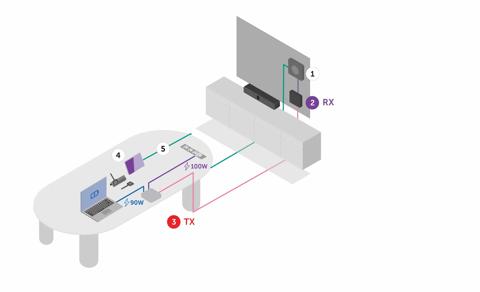
- Base Unit
- Receiver (RX)
- Transmitter (TX)
- Control Panel
- 10m USB-C cable
3. Connected to Control Panel and with CAT-enabled wired content sharing
What's better than one USB-C over CAT kit? Two of them!
Extend the connection between the ClickShare Hub Base Unit and Control Panel over longer distances, provide wired sharing and laptop-charging capabitlies to meeting participants. What's not to love?
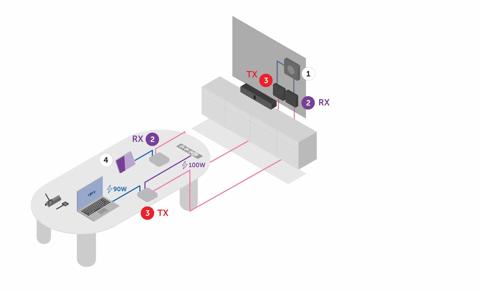
- Base Unit
- Receiver (RX)
- Transmitter (TX)
- Control Panel
- Extend USB 2.0 and DisplayPort™ connectivity up to 40 meters
- Support complex cable routing without signal loss
- Create cleaner, more adaptable room installations
- No additional power supply required for standard use cases because the kit is powered by the ClickShare Hub Base Unit
- Deliver a reliable, future-ready solution for larger meeting rooms and customized deployments
- 4K wired content sharing when needed
- A simple wired fallback option alongside wireless sharing
- Optional laptop charging for uninterrupted collaboration
- A room experience that feels seamless, regardless of the room's complexity behind the scenes
ANSSI CSPN certification for ClickShare CX-50 2nd generation
ClickShare CX-50 2nd generation has achieved ANSSI CSPN certification, a security certification issued by the French government following independent testing by approved laboratories.
What is ANSSI CSPN certification?
ANSSI is France's national cybersecurity agency, responsible for helping protect government organizations, critical infrastructure, and other sensitive environments. CSPN, or Certification de Sécurité de Premier Niveau, is a recognized security certification awarded following independent evaluation by approved testing laboratories.
Put simply, CSPN certification provides independent validation that a product has been assessed against recognized security requirements.
For organizations operating in regulated or security-conscious environments, third-party validation can be an important part of technology evaluation, procurement, and security review processes.
What is certified?
The certification applies to an approved configuration of:
- ClickShare CX-50 2nd generation Base Unit
- ClickShare Button
- ClickShare Desktop App for Windows
Together, these components form the certified system scope.
This milestone makes Barco the first and only provider to achieve ANSSI CSPN certification for a wireless conferencing system, and currently the only video conferencing hardware endpoint to hold this certification.
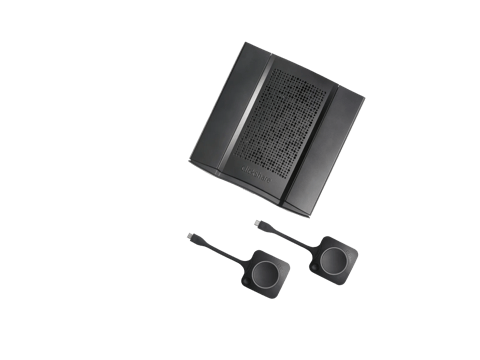
The certification applies to a specific approved configuration. If you're looking to deploy within the certified scope, we've documented the required software versions and settings in our knowledge base.
How to update your devices?
ClickShare consists of different components: Base Units, Buttons, Apps, and the XMS Cloud management platform. Make sure each component is updated to guarantee the best experience.
- Base Unit firmware can be installed via auto-update, manually via the ClickShare Configurator, or centrally managed through XMS Cloud, which provides full control over your update strategy—allowing you to schedule updates, fix specific versions, or enable automatic upgrades across all devices.
- Buttons are updated by the Base Unit, either wirelessly over Wi‑Fi or via a wired connection when plugged in through USB.
- ClickShare Desktop App. We recommend manually downloading and installing the latest version to ensure the App automatically updates to future releases. Once installed, an auto-update function will keep the App up to date. Do you want to enable wireless conferencing via the App? Be sure to download the MSI installer.
- iOS and Android apps are updated according to your mobile device settings.
- XMS Cloud updates run automatically while XMS Virtual Edge can be updated manually.
Related products
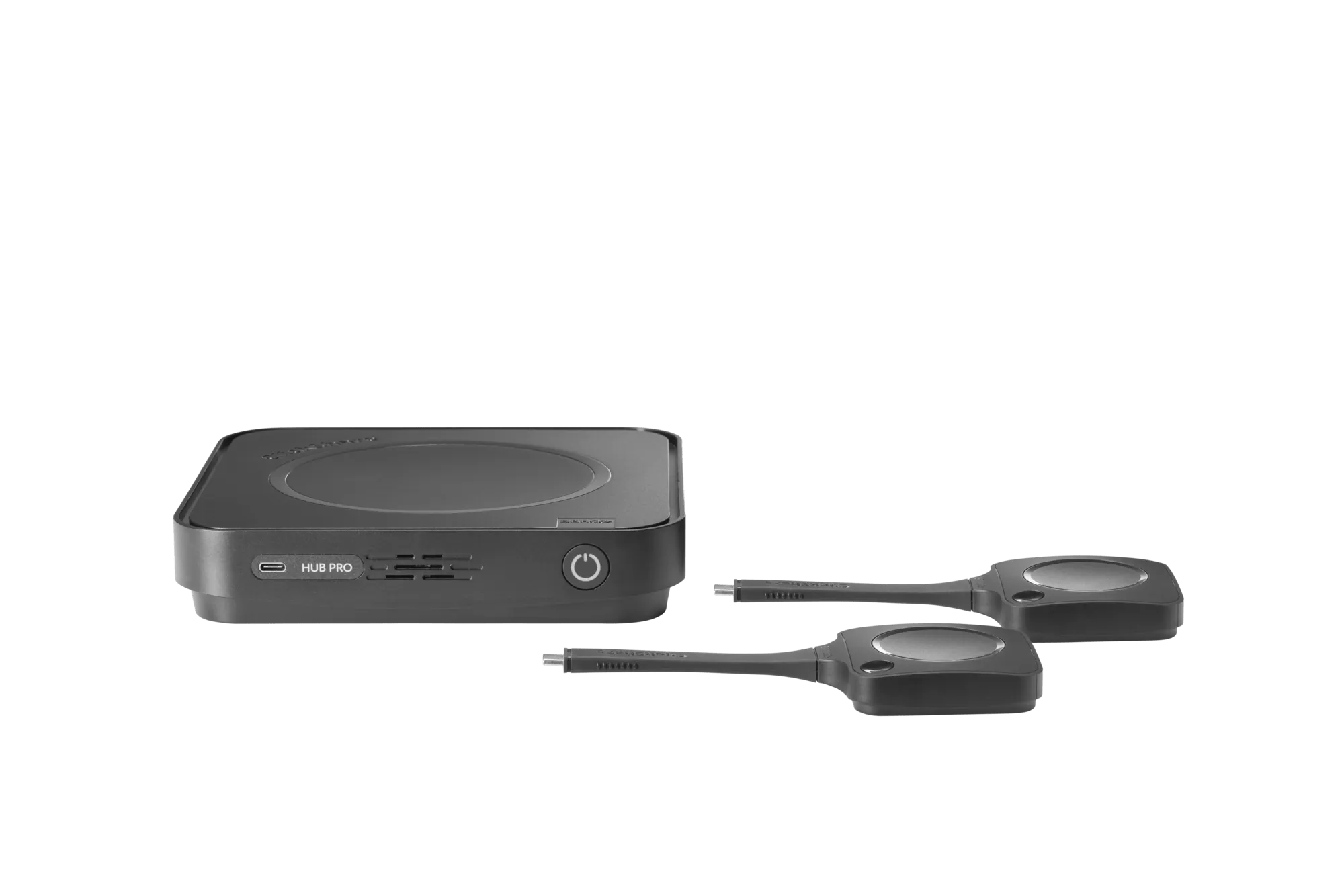
Video conferencing room systems
ClickShare Hub Pro
Premium modular video conferencing room system for enhanced hybrid meetings in Microsoft Teams Rooms
Discover
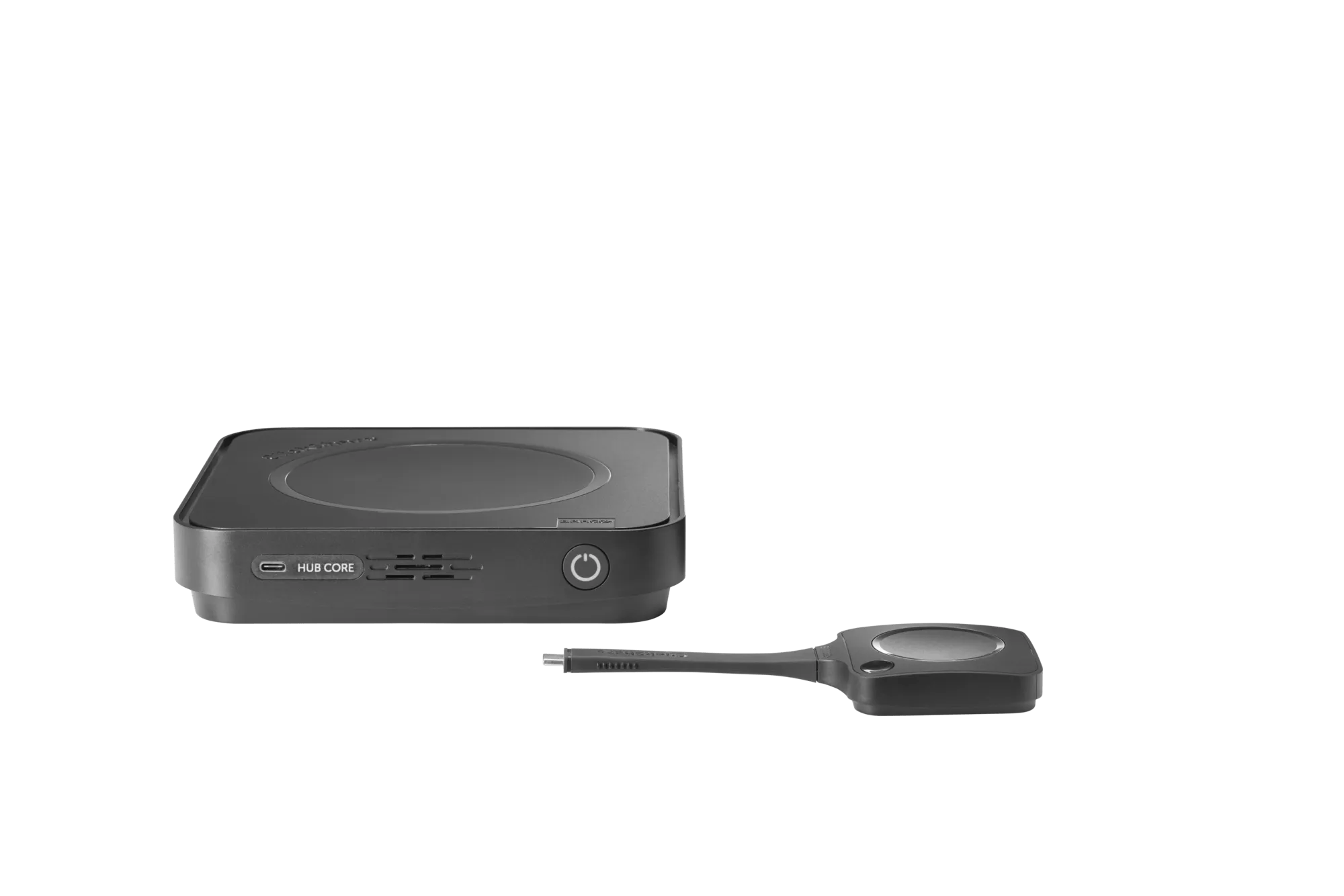
Video conferencing room systems
ClickShare Hub Core
Modular video conferencing room system for effortless hybrid meetings in Microsoft Teams Rooms
Discover
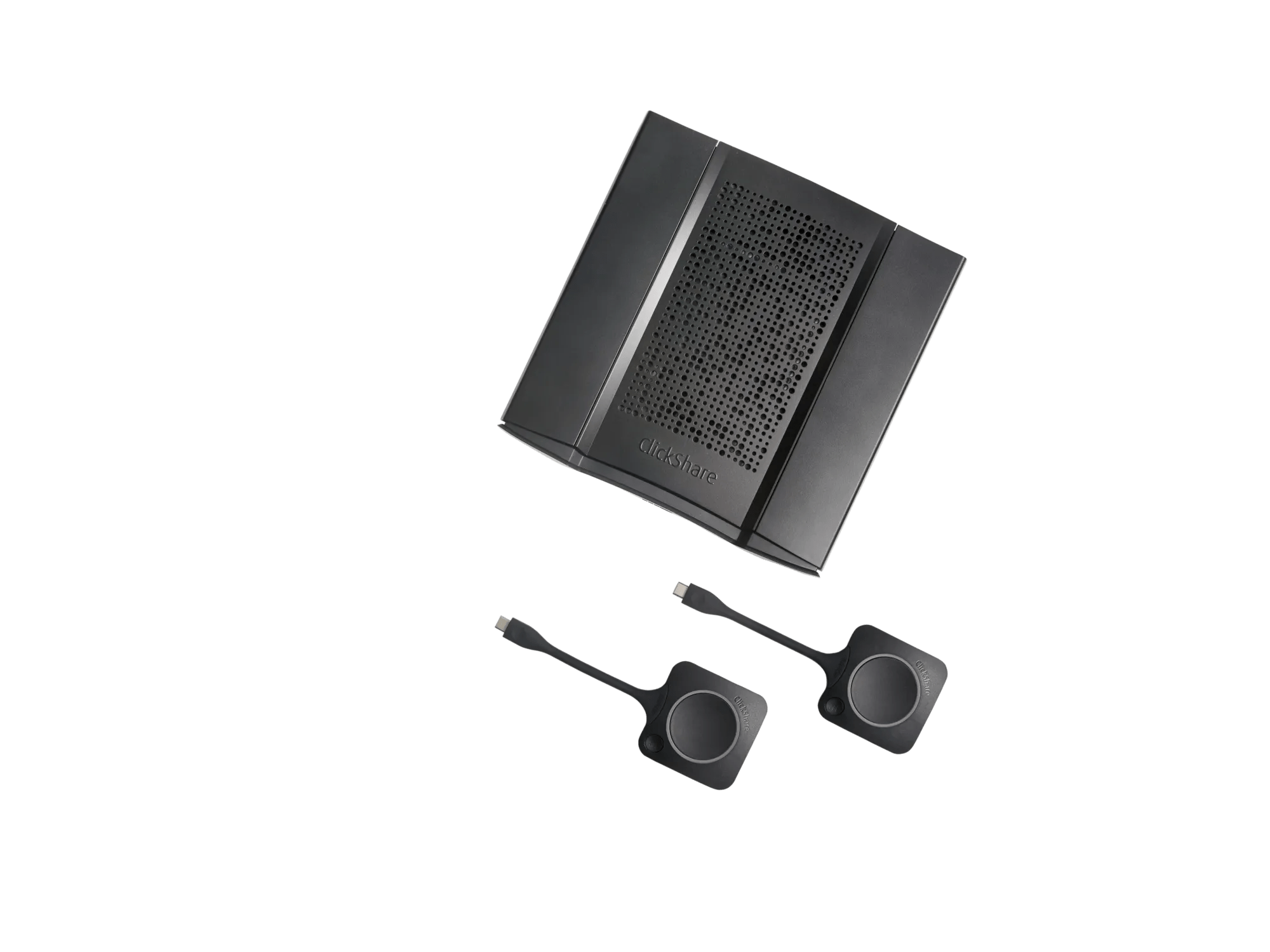
Wireless conferencing
ClickShare CX-50 2nd generation
Premium wireless conferencing system for high-impact rooms
Discover
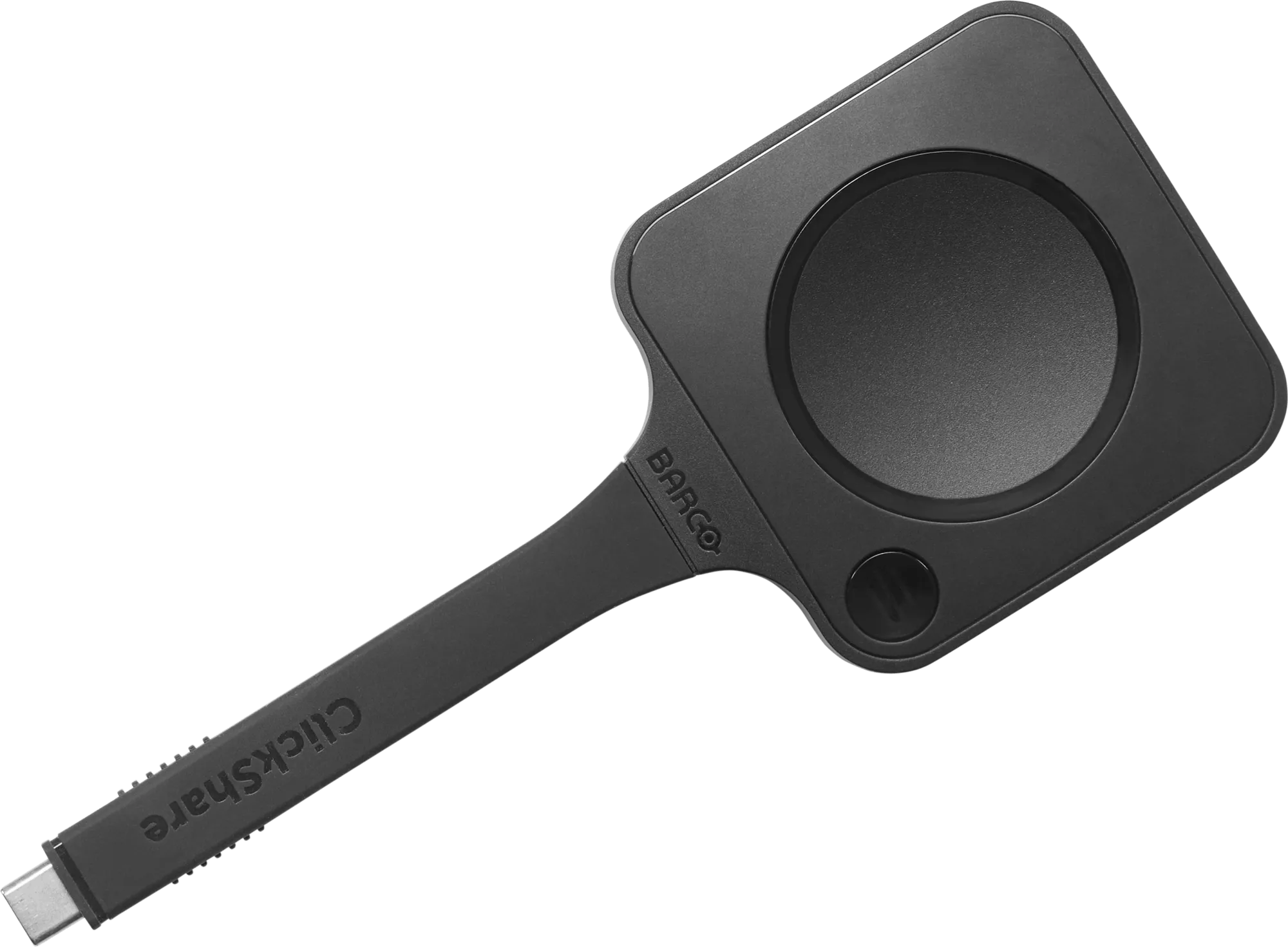
Video conferencing room systems
Next-gen ClickShare Button
The iconic ClickShare Button experience, now with next-gen performance
Discover
Related articles
Article · 5 min read · May 7, 2026
ClickShare spring release: fresh updates to keep hybrid meetings in full bloom

news · 4 min read · May 12, 2026
Reforestation through hybrid collaboration
Long-term reseller Sidev has partnered with ClickShare so that each device sold supports the planting of a tree, contributing to reforestation efforts at carefully selected sites in France and helping restore local ecosystems over time.
Article · 7 min read · Dec 9, 2025