
FSN Color touch screen display
FSN Color touch screen display
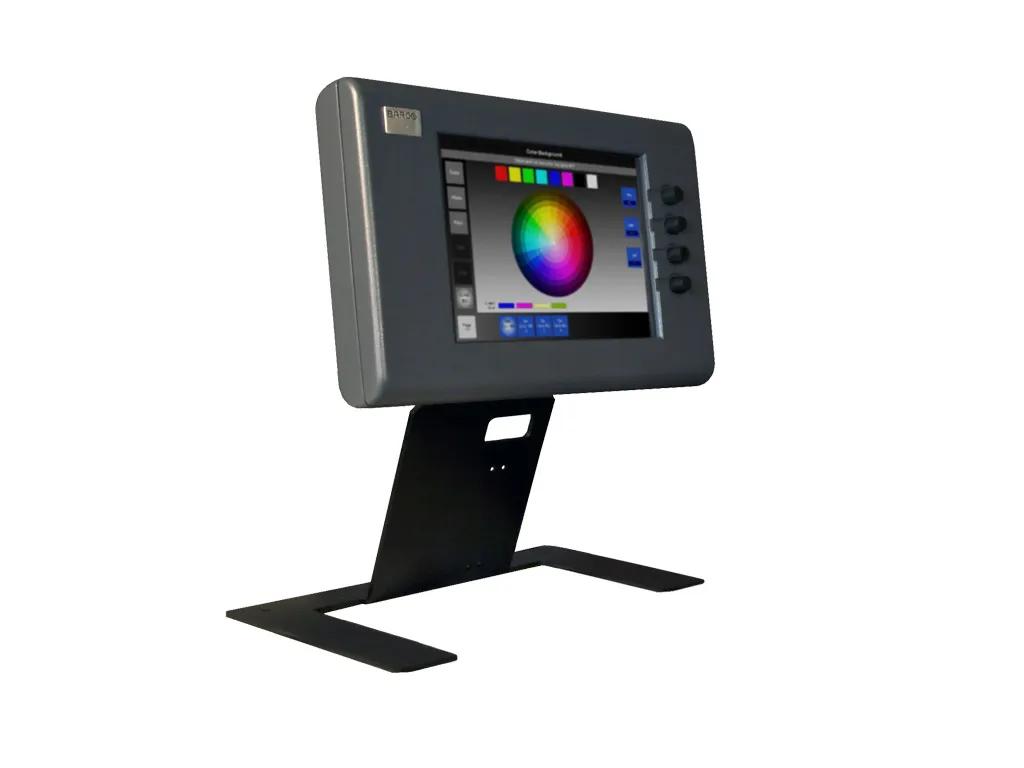
An essential part of the FSN's ease-of-use is the graphical menu system. The menus provide an intuitive, user-friendly environment that allows operators to efficiently set up the unit and perform quick modifications.
The display includes a high-resolution color touch screen and four rotary knobs that allow users to easily modify switcher parameters.
The graphical menus can also run on an off-the-self LCD monitor that connects to the FSN-150 via the DVI or HD-15 connector.
You can now find all media, brochures, presentations, whitepapers & marketing downloads in our new & improved download center
Visit Media CenterLooking for technical documents or product support?
For technical downloads such as drivers, firmware, manuals, drawings & documentation we would kindly like to direct you to our product support page.
Go to product support