
not all network ports, VLANs, firewall rules, or upstream connections may be active, labeled, or tested, leading to delays, troubleshooting time, and rework.
Total Cost of Ownership Guide for meeting room technology
A practical framework to compare the real (lifecycle) cost of wired, wireless, and mixed meeting room setups.
Meeting rooms are long-term investments. A collaboration solution that looks affordable on day one can become expensive to run, support, and change later.

The TCO categories buyers should assess
Start with a site survey. It reduces surprise costs by confirming infrastructure, constraints, and stakeholder readiness (especially IT and security).
Involve stakeholders from IT, Facility and security teams early: network access, segmentation, authentication, governance.
Validate prerequisites: room accounts, device enrollment, correct licenses.
De-risk with a proof of concept (PoC): test end-to-end: network, identity, user scenarios, support.
devices risk damage during de-installation or reinstallation. Additionally, older peripherals may stop working after being disconnected and reconnected, which can lead to unexpected replacement needs.
existing cabling may be worn, undocumented, or non-compliant with updated standards, requiring partial or full recabling.
Use the same lifecycle categories to compare solutions consistently

hardware, installation, commissioning

firmware, software updates, hardware replacement

annual platform, room, or device licenses

user onboarding and IT enablement

built-in controls, certification scope, remediation effort

IT workload, monitoring, troubleshooting

effort and expense to change room standards later

ability to safely reverse decisions without rebuilding rooms
AV as a Service (AVaaS) versus. traditional ownership
Commercial model impacts TCO. Compare traditional ownership versus AV as a Service (AVaaS) on cost predictability, included services, and exit risk.
you buy equipment/project delivery; you separately fund licensing, monitoring, and support.
bundles equipment, refresh cycles, and managed services into a recurring fee.
what’s included, service levels, contract flexibility, and exit conditions drive long-term cost and switching risk.
Comparing collaboration room models
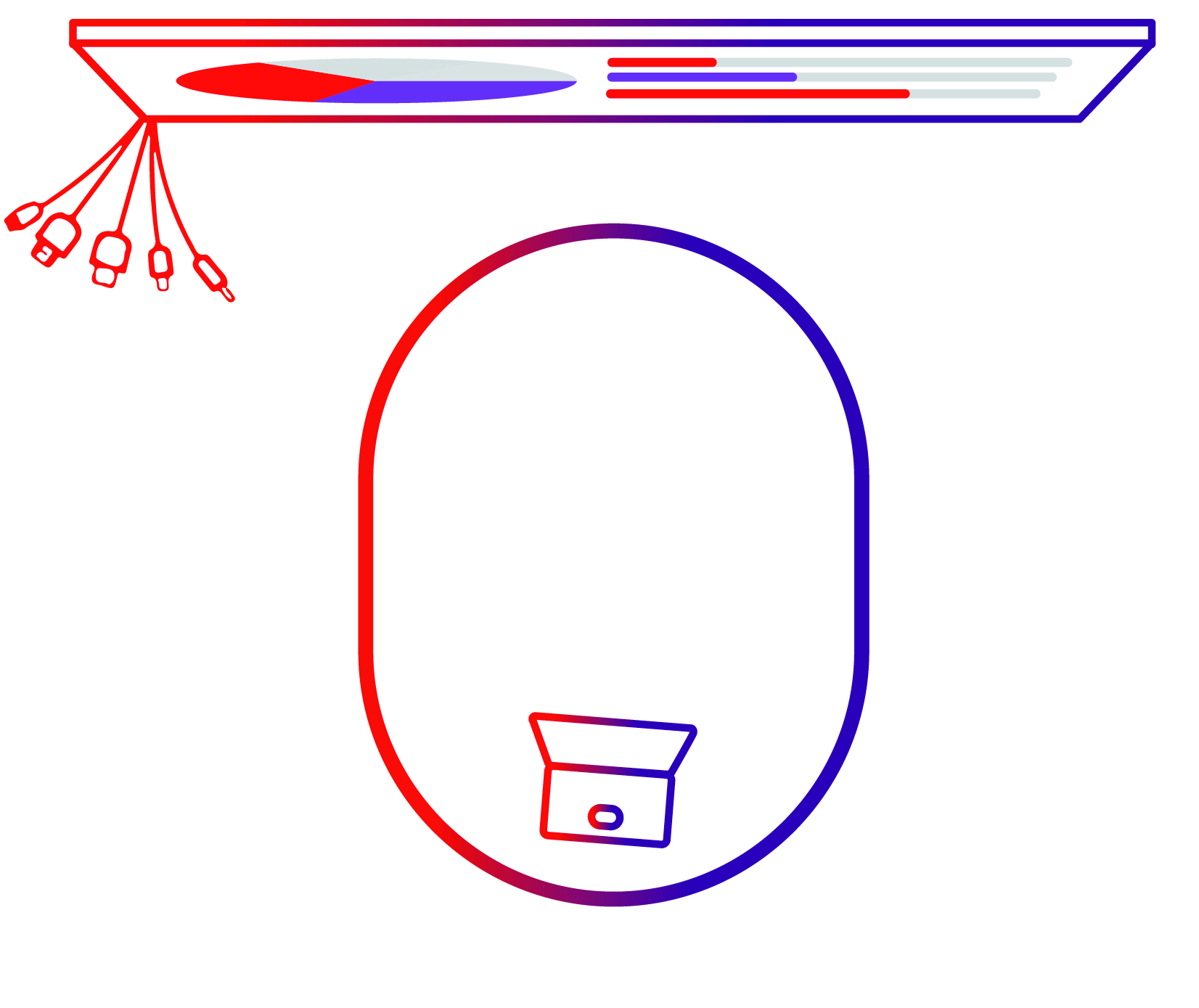 Wired-only or fixed-room collaboration modelA permanently installed room built around fixed UC appliances, dedicated compute, and tightly integrated peripherals. The separate components of a fixed conference room setup, powered by Android or Windows, are often offered as preinstalled bundles from a series of vendors. | 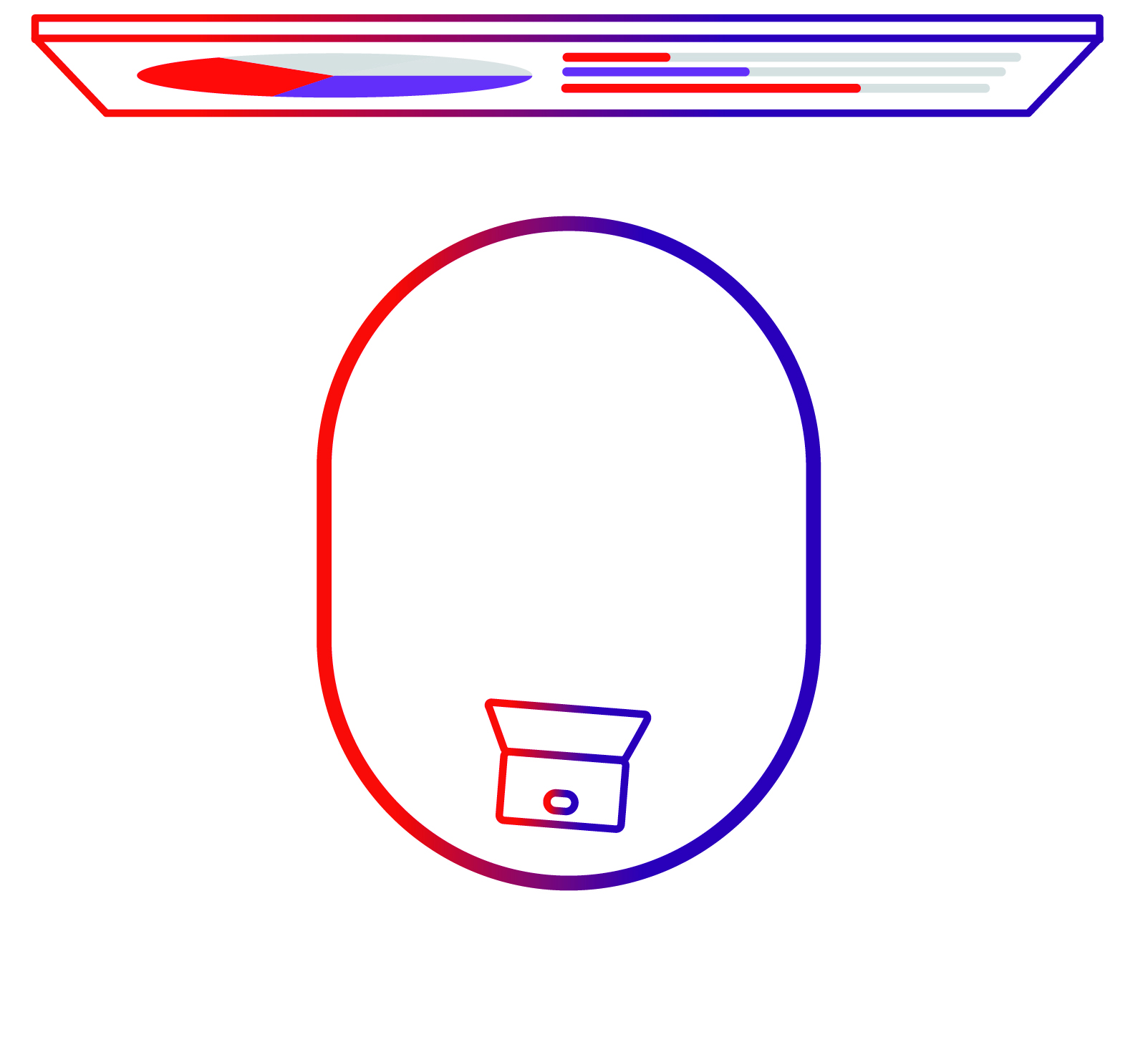 Wireless-first collaboration modelA room approach where users connect wirelessly from their own devices, with minimal fixed infrastructure. The setup includes a wireless collaboration solution like ClickShare. | 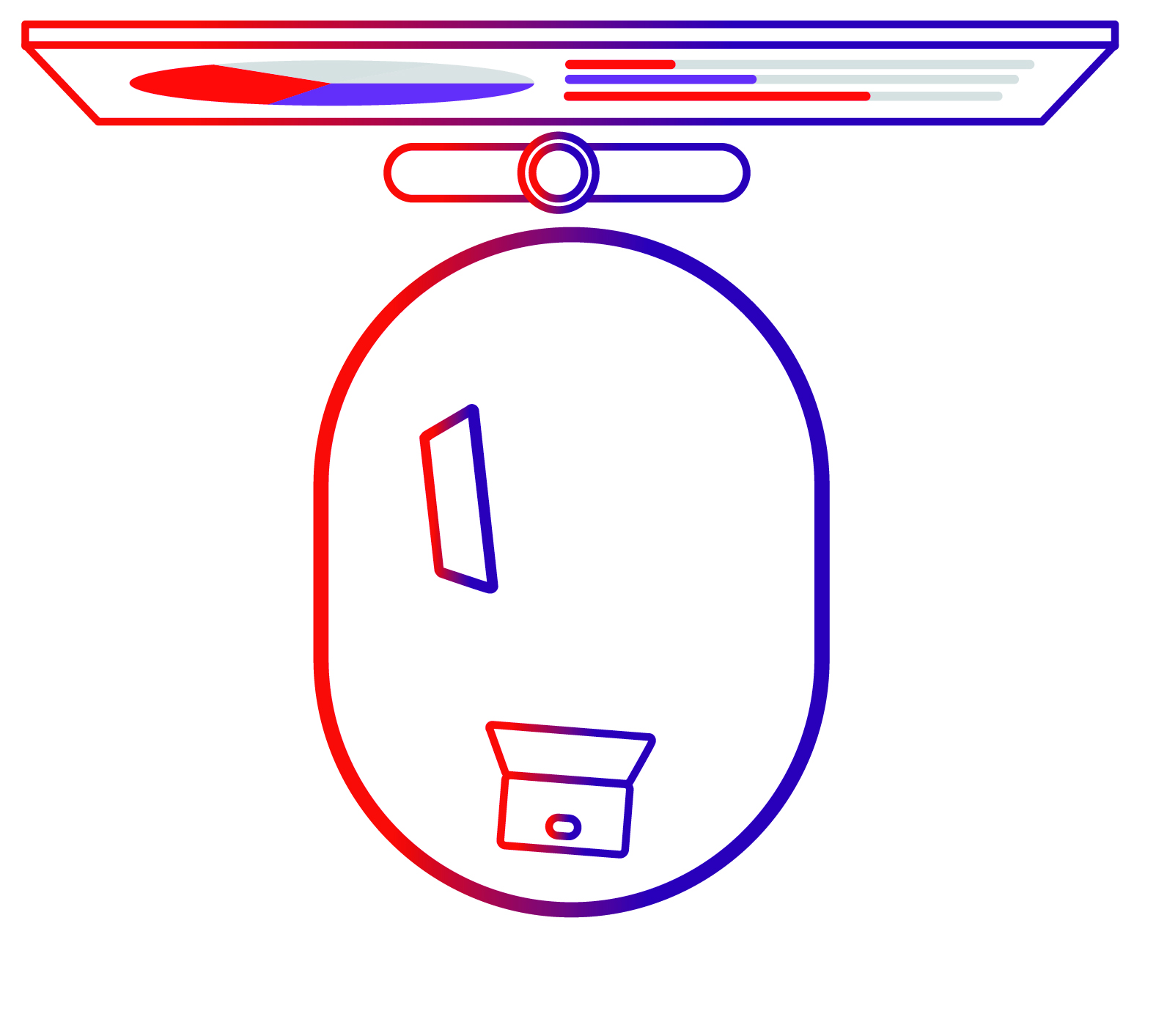 Mixed room modelA combination strategy using fixed UC rooms for some spaces and wireless collaboration and BYOD for others. | |
| Upfront costs |
|
|
|
| Hidden costs |
|
|
|
| Ongoing costs |
|
|
|
| Important points to consider |
|
|
|
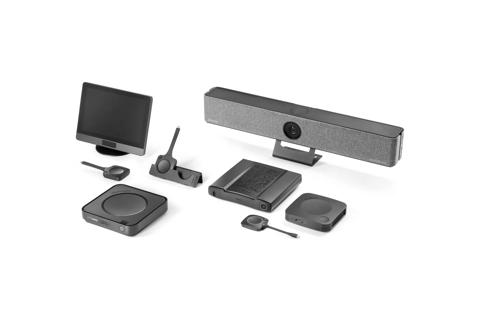
Product category | Product range | Purchasing cost | Annual depreciation(over 5 years) |
| ClickShare Present: wireless presentation & content sharing | C-5 | 850 EUR/USD | 170 EUR/USD |
| C-10 | 1,325 EUR/USD | 265 EUR/USD | |
| ClickShare Conference: wireless conferencing | CX-20 | 2,050 EUR/USD | 410 EUR/USD |
| CX-30 | 2,575 EUR/USD | 515 EUR/USD | |
| CX-50 | 2,950 EUR/USD | 590 EUR/USD | |
| CX-50 Gen2 | 3,450 EUR/USD | 690 EUR/USD | |
| ClickShare Bar Core | 2,450 EUR/USD | 490 EUR/USD | |
| ClickShare Bar Pro | 3,450 EUR/USD | 690 EUR/USD | |
| ClickShare room systems | ClickShare Hub Core | 2,350 EUR/USD | 470 EUR/USD |
| ClickShare Hub Pro | 3,350 EUR/USD | 670 EUR/USD |
These figures are presented as total cost for the warranty period and explicitly include elements that are often billed separately by other vendors.
What is included
According to pricing and TCO breakdown, ClickShare includes at purchase:
Free quarterly firmware updates
XMS Management Platform for secure, remote device monitoring andconfiguration
Enterprise-grade security aligned with ISO 27001 and seamless integration with network security policies
Three- or five-year SmartCare maintenance (upon registration)
Plug-and-play usability with minimal training requirement
Interoperability across UC platforms and existing AV environments
Safe rollback and reversibility checks
Before committing, decision-makers should ask:
- Can rollout happen room by room, or must it happen all at once?
- Can new rooms coexist with current standards during transition?
- Can we reverse course without rebuilding rooms?
- Does this selection preserve future platform and vendor choice?
Switching costs, rollback paths, and final decision framework
Switching costs to account for
Even when switching technologies or platforms is technically possible, it is never free. Buyers should explicitly consider:
Migration effort and project resourcing
Room downtime during reconfiguration
Integration and compatibility adjustments
User and IT retraining
Documentation and support model updates
Stranded investment in fixed hardware
Ignoring these costs does not eliminate them. It simply delays them.
Why this matters for TCO
From a buyer perspective, this changes the cost profile in several ways:
- Fewer hidden cost surprises: updates and management are included, not add-ons
- More predictable lifecycle cost: reduced exposure to annual licensing increases
- Lower support and training burden: simpler workflows reduce IT and user overhead
- Reduced lock-in risk: platform-agnostic design preserves future choice
These factors directly address the TCO categories that tend to expand quietly over time, particularly in fixed-room models.
If you consider AVaaS, add contract and exit checks
