The beating heart of our projectors with powerful processing, advanced features, high bandwidth and low latency. Everything that gets your image on screen as intended, instantly, always.
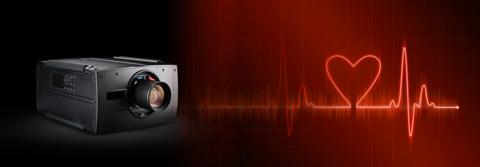
A world of powerful Barco projector firmware and software features and tools to achieve unmatched performance, control, and peace of mind. Improve your user experience, optimize output quality, secure ROI and simplify workflows with our powerful solutions that allow for brand-agnostic integration.
Click below for more information on the different tools and access to the download links for the latest software applications available for use with the Barco Pulse projectors.
The beating heart of our projectors with powerful processing, advanced features, high bandwidth and low latency. Everything that gets your image on screen as intended, instantly, always.
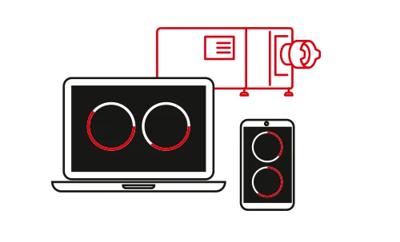
Our on-site tools facilitating easy installation and improved workflows:
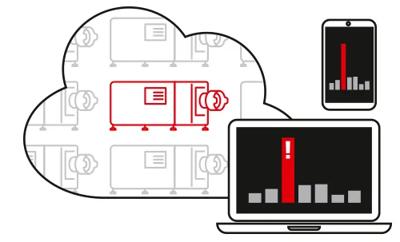
Our cloud-based applications for remote diagnostics and fleet control:

Push your efficiency to save time and money with these stand-alone applications for easier installation, control and monitoring of your Barco projectors.
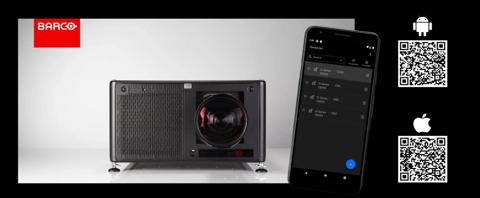
The solution gives us remote access to the features of the Pulse interface which saves us a lot of precious time and is beneficial in those complex set-ups where the projector is mounted in hard-to-reach places.
Craig Lawrence
Video and Projects Director at SFL Group
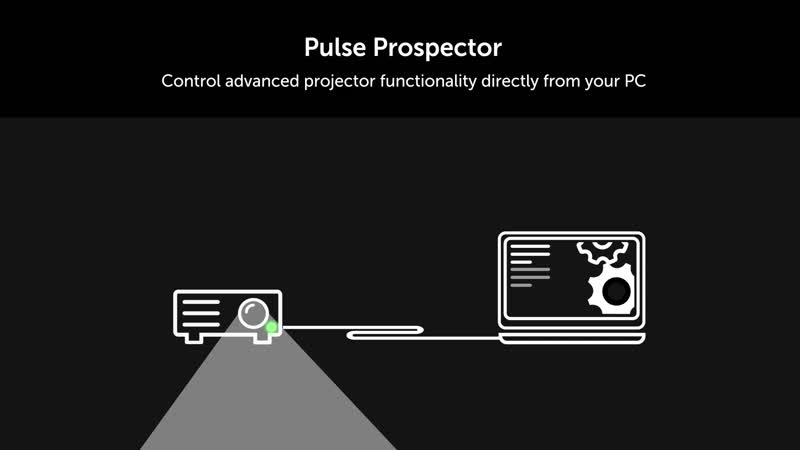
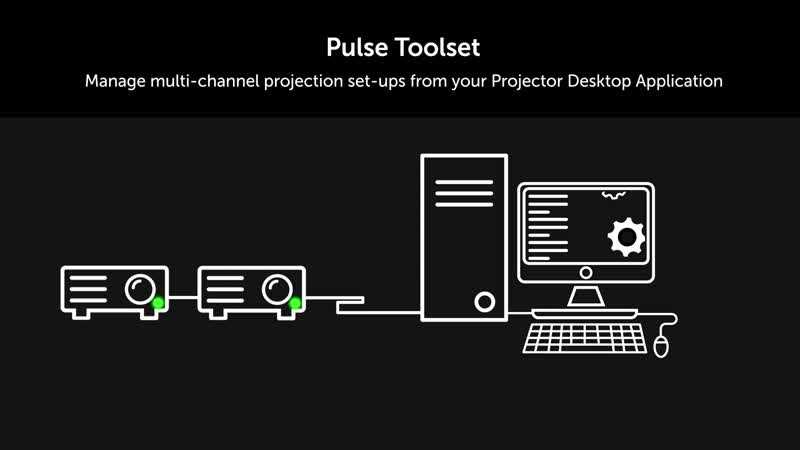
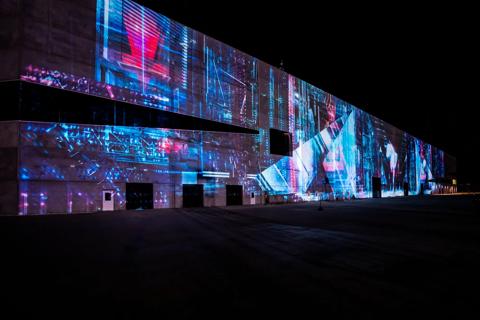
To remotely manage the massive video rig of thirty-two UDX projectors, we used the Barco Projector Toolset. This was essential with a canvas of this magnitude, it’s what made the job achievable.
Jack Byers
lead projectionist at ATXES
Rely on our cloud tools for smart and efficient remote projector management with complete peace-of-mind, minimizing the need for on-site interventions (and the related travel costs).

With the Barco Insights Management Suite solution, data from each projector is automatically synchronized to the cloud. It allows our project teams and engineers in different cities, even in another country, to conveniently check equipment runtime status for diagnosis, and it spares them the trouble of being physically present in the central control room.
Zhuhai Theater