This article will guide you through the process of repacking the MDMC-32133 Coronis OneLook display.
Please note that it is mandatory to transport the Barco display in its original packaging. If you need to order the packaging, please contact Barco Support, KB6024.
Repacking instructions
Please follow the steps described below.
1. Place the empty box on a stable surface
2. Place the bottom buffer in the box
3. Pull the display into its original bag
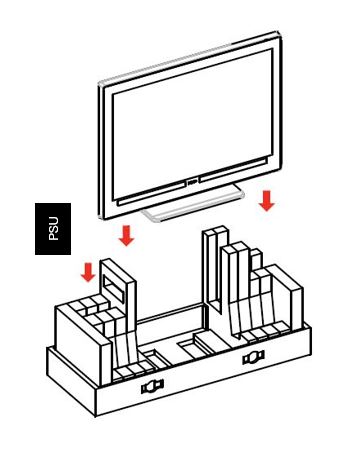
4. Put the display in the bottom buffer (image1)
Image 1
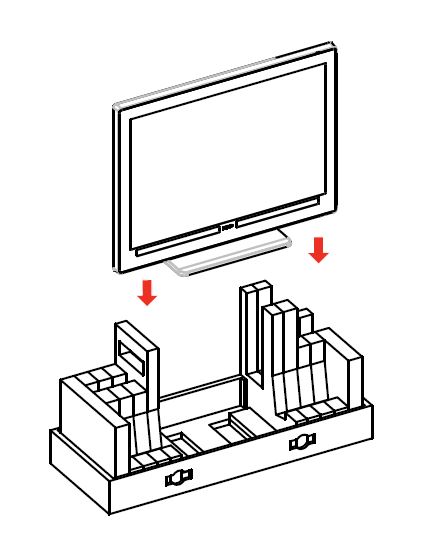
5. Put the top buffer on top of the display (image 2)
Image 2
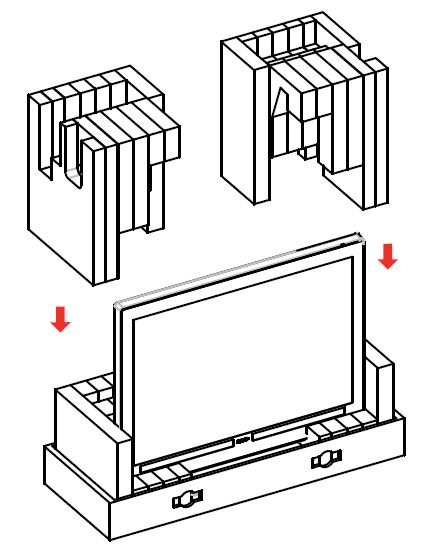
6. Close the box (image 3)
Image 3
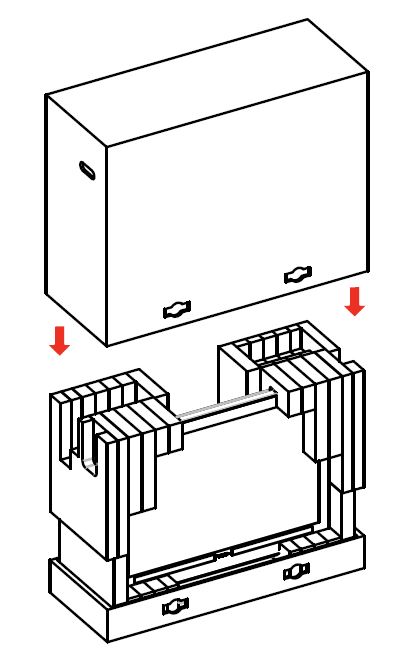
7. Close the locks (image 4)
Image 4

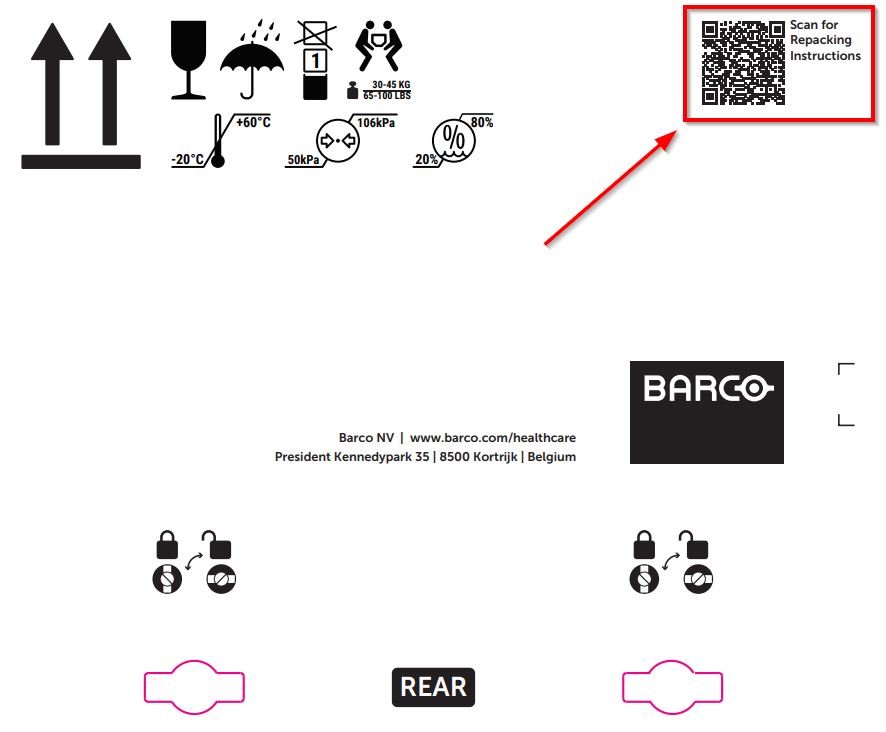
Repacking instructions can also be found on the packaging box. Simply scan the QR code located in the top right corner to access them.
When repacking the display, ensure the Power Supply Unit (PSU) is included. Put the PSU in the bottom buffer on the left-hand side as shown in image 5.
Image 5