
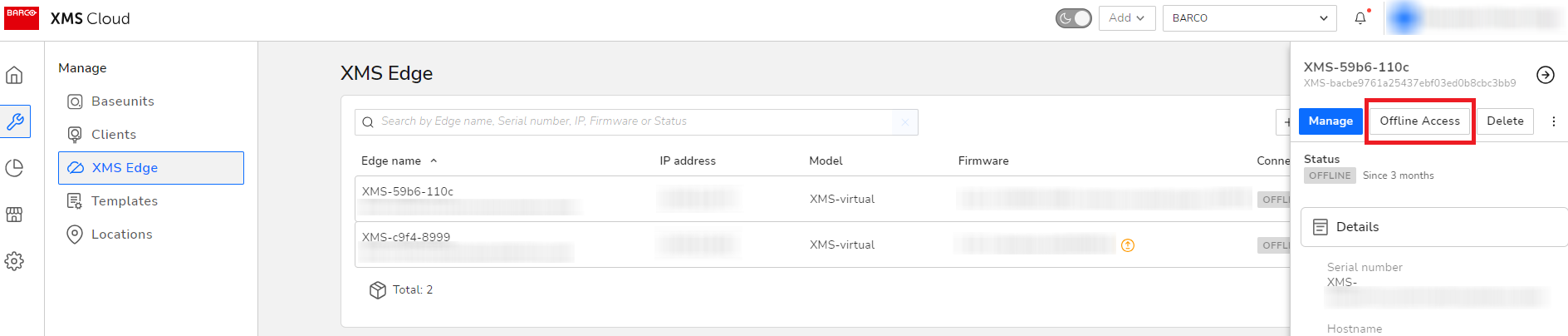
- In XMS Cloud, navigate to Manage > XMS Edges and select the XMS (Virtual) Edge for which you want to configure a proxy server.
- In the Actions menu column, click the Quick View button and then select Offline Access.
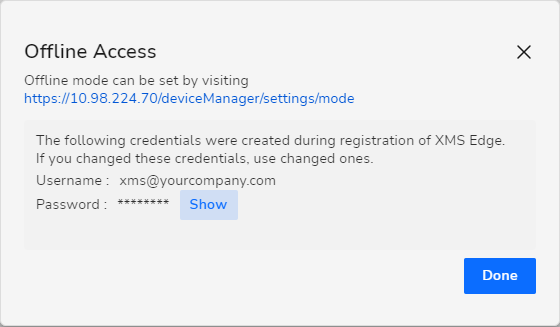
- Click on the URL of the XMS (Virtual) Edge).
- Within the XMS (Virtual) Edge configuration pane, navigate to Network > LAN settings.
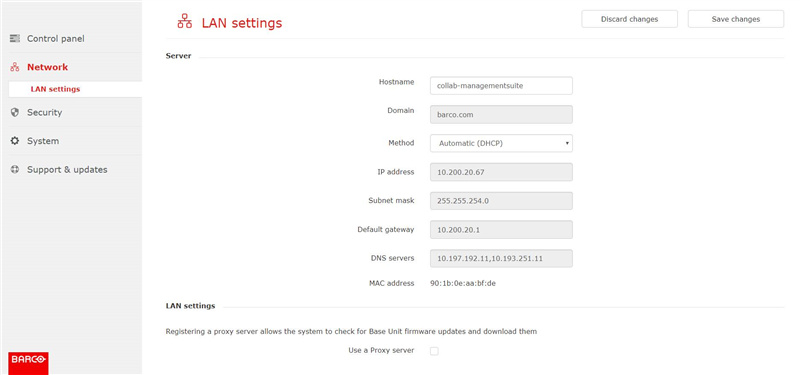
- At the bottom of the page, select ‘Use a Proxy server’ and fill out the Proxy server details.
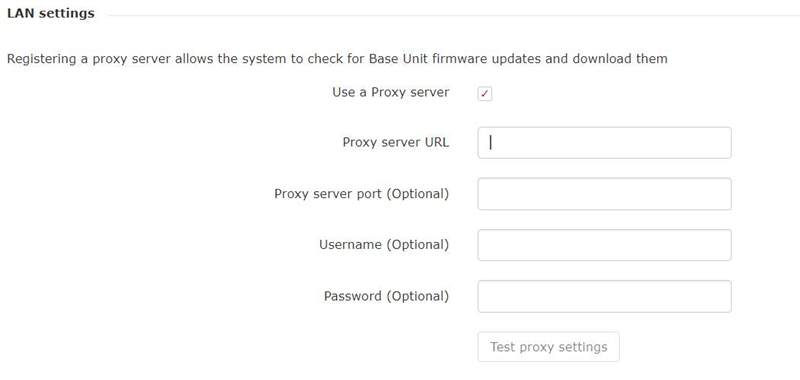
Note: General Cloud proxy server URLs are supported.

