
To activate the OSD menu
Press the key OSD menu key on the display as shown below.
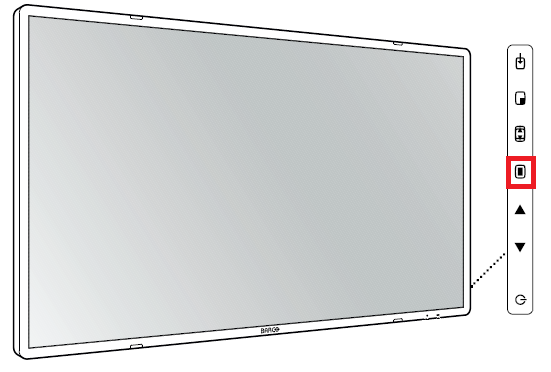
As a result, the OSD main menu comes up in the bottom right corner of the screen. When no further actions are taken within the following 30 seconds, the OSD menu will disappear again.
When the OSD lock window appears then this means that the OSD lock has been
enabled. Refer to KB11241 on how to lock/ unlock the menu.
enabled. Refer to KB11241 on how to lock/ unlock the menu.

