
When Theater mode is enabled in the ClickShare Configurator (Personalisation > On-Screen ID), the black status bar at the bottom disappears when content is shared, only appears when notifications (i.e. status changes, notifications, pin-code, etc...) are to be shown.
With touchscreens, a "tag" allows you to display the status bar to start annotation and blackboarding.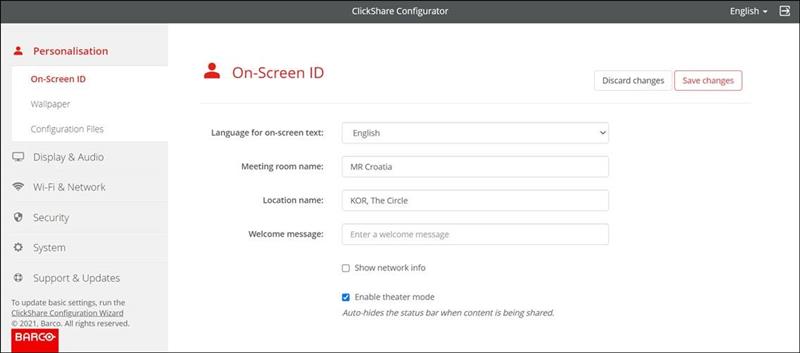
The following video demonstrates how to enable and use the Theater mode.
Note: Enabling Theater mode cannot remove the black status bar on the ClickShare Conference wallpaper, see KB3991 for details.

