
The status of your SmartCare activation can be found at these following places:
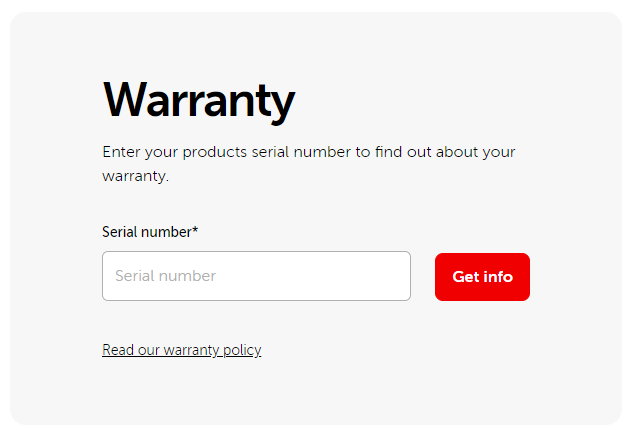
1. Using the warranty widget on the Barco website.
- Browse to https://www.barco.com/en/support.
- Scroll down until you see the warranty widget.
- Enter the serial number of your ClickShare Base Unit.
- When you see a valid Service contract end date SmartCare contract is activated on this Base Unit.
2. Using the ClickShare Configurator
- Browse to the web configurator of the Base Unit (how to: see KB2324).
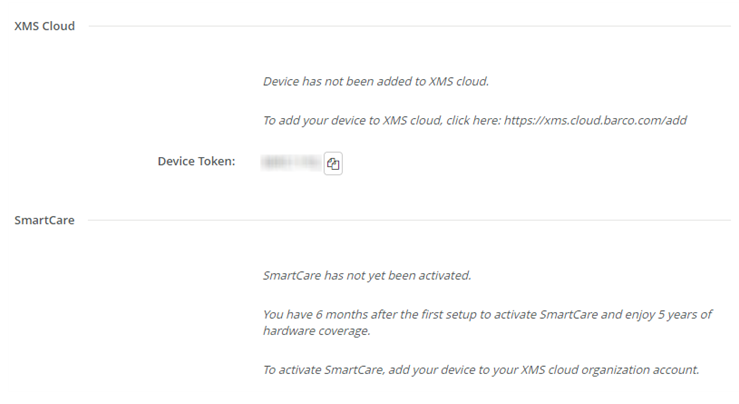
- Navigate to System > XMS (on Base Units with firmware version prior to 2.6, navigate to Wi-Fi & Network > Services > XMS Cloud Integration).
- There, you will find the SmartCare status of the Base Unit.
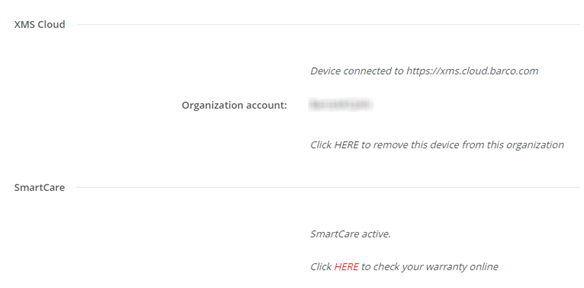
The Base Unit will check the Barco SmartCare system on daily basis until it received a confirmation of the SmartCare activation.
Note that this requires that the Base Unit is connected to the internet (at least for 1-2 days).

