Barco search

myBarco notifications

Unread

Read

You don't have any notifications.

What is the function of the "Back to the Teams Room" button that appears on the ClickShare Control Panel?

Article number: [16123]

Applicable to

The Back to the Teams Room button, which appears on the ClickShare Control Panel during a BYOD call, allows users to return to the native Microsoft Teams Rooms (MTR) experience.
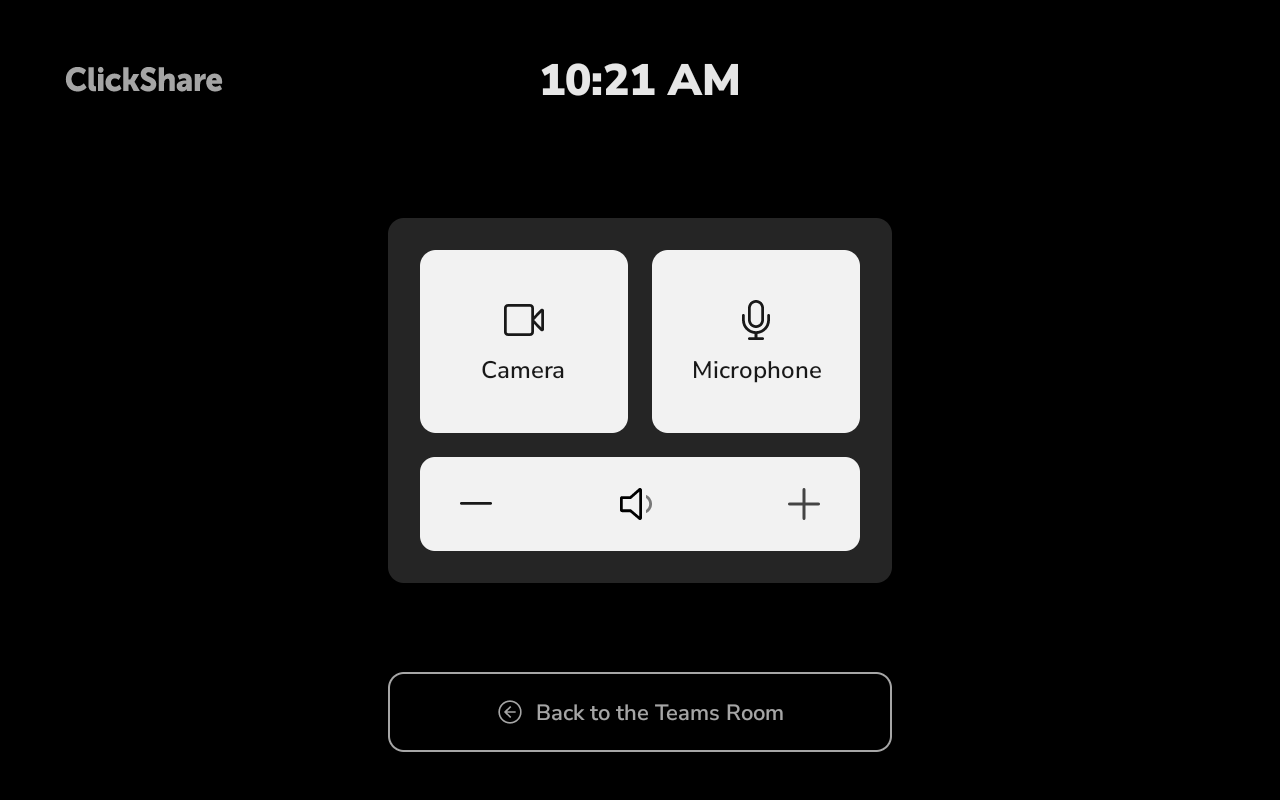
The behavior depends on the ClickShare Hub firmware version:

  • Firmware 4.3:
    Tapping Back to the Teams Room displays instructions that guide users through the process of returning to MTR mode. The button does not automatically switch the system back to MTR mode.
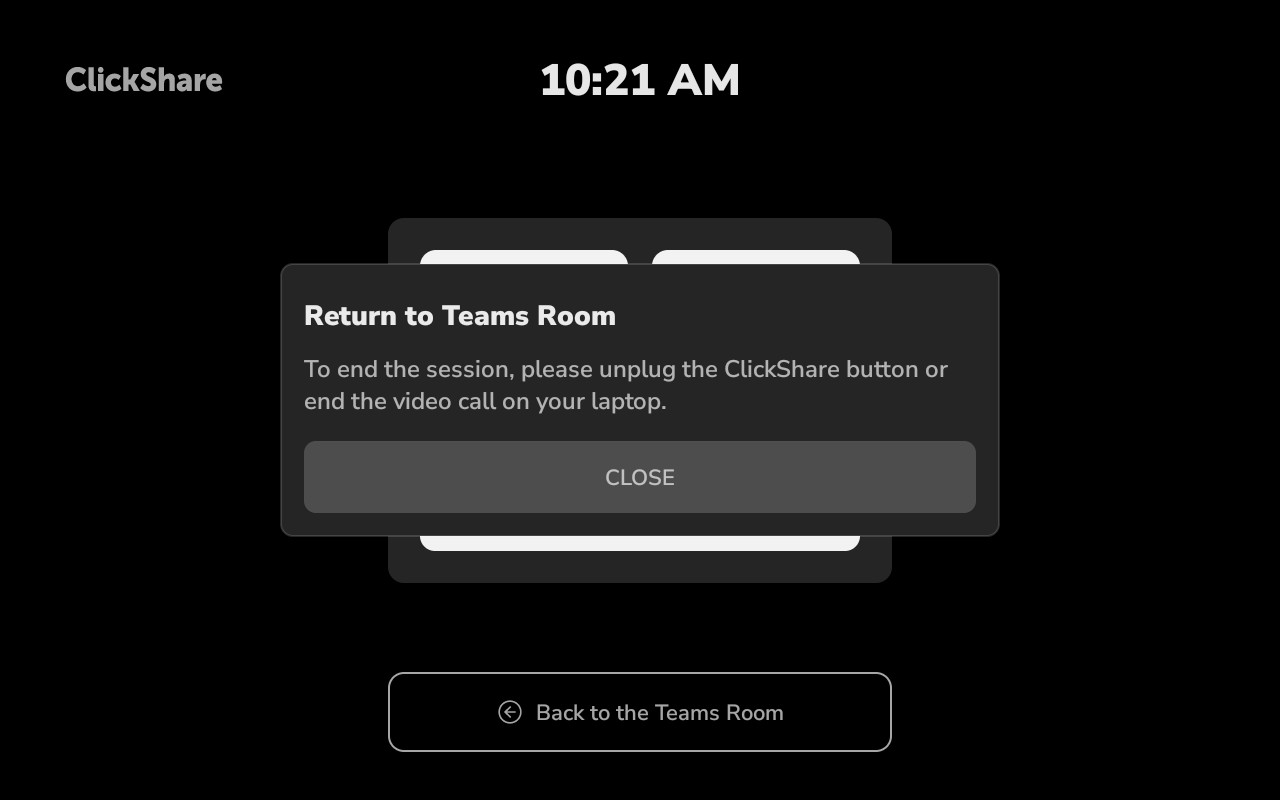
  • Firmware 4.4 and later:
    Tapping Back to the Teams Room immediately ends the active BYOD session and switches the system back to MTR mode.


    After the BYOD session ends, a pop-up message appears on the ClickShare Control Panel for approximately 5 seconds, reminding users to unplug and reconnect the ClickShare Button(s) before starting a new BYOD session.

Properties

Last updated Nov 6, 2026

No solution found?

Log a support ticket

  • Technical questions
  • Return Material Authorization (RMA)
  • Status tracking of pending service requests
  • Consumable and spare parts orders

Barco AI assistant (Beta)

Our AI Assistant gives you immediate access to the full depth of our support knowledge—FAQs, detailed guides, and comprehensive PDF manuals.

Phone & email support

Our helpdesk provides you with prompt phone support. A team of experienced support engineers is at your service for any professional assistance.