

Hybrid work doesn’t follow a script.
One meeting is on Microsoft Teams. The next is on Zoom. A guest walks in with a Webex invite. And the room you booked? Suddenly unavailable.
These moments stall business. They create unnecessary stress, awkward setups, and unnecessary calls to IT.
That’s why today we are announcing the launch of ClickShare Hub’s Wireless Bring Your Own Device (BYOD) – a new capability that lets you run meetings, on any platform, in any circumstance, from your Hub–enabled Microsoft Teams Room.
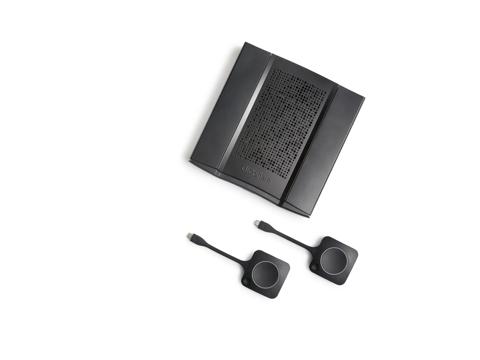
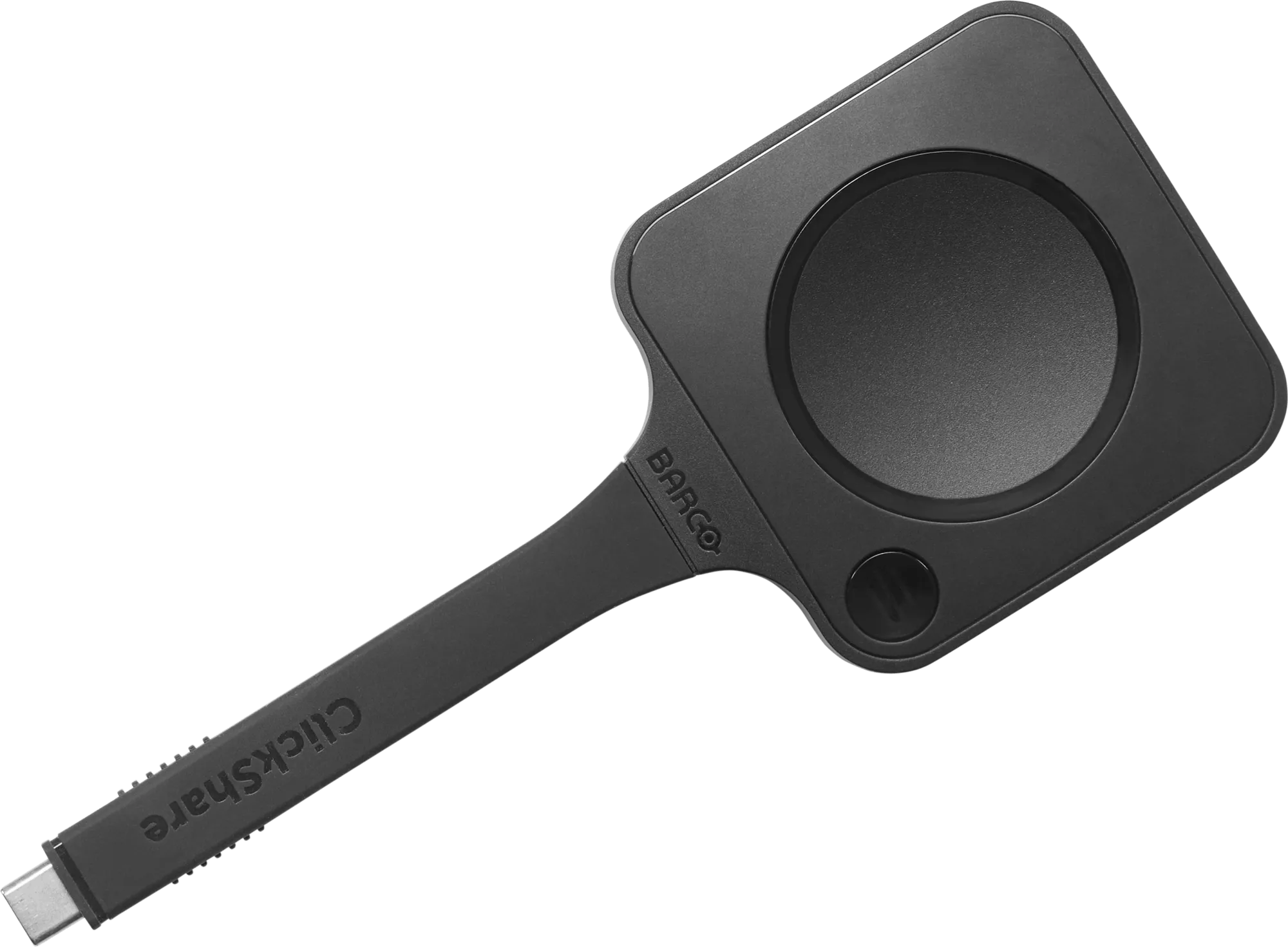
Walk in, plug in the ClickShare Button, and start your meeting from your laptop. The room’s display, camera, microphone, and speakers connect automatically.
No cables. No switching rooms. No stress.
Just click. And start.
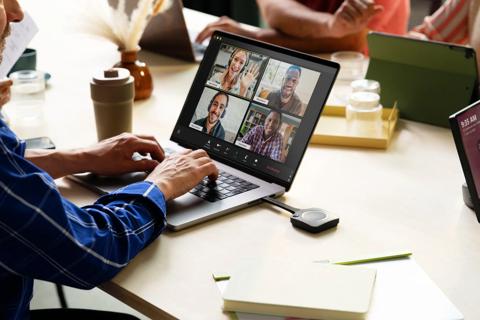
Built for Teams Rooms. Ready for real life.
Microsoft Teams Rooms set the standard for consistent, secure meeting experiences across the workplace. ClickShare Hub was purpose-built to work within that environment, keeping the native Teams Rooms experience intact.
Wireless BYOD is a separate, ClickShare-enabled capability that adds a workflow for situations that fall outside the scheduled Teams Rooms experience.
A simple way to start any meeting
When you need to run a meeting from your laptop, Wireless BYOD makes it effortless:
Your laptop runs the meeting. The room delivers the experience.
When you unplug, the room returns to its native Microsoft Teams Rooms functionality.
Designed for the moments when things don’t go your way
Wireless BYOD is built around real-world scenarios that often cause friction.
You’re in a Microsoft Teams Room, but the invite is on a different platform.
With Wireless BYOD: start the meeting from your laptop and use the room’s AV. No workaround needed.
Your scheduled room is unavailable.
With Wireless BYOD: move to any available room, plug in, and start your meeting immediately.
External participants need to lead the meeting.
With Wireless BYOD: participants can connect instantly and run the meeting themselves using the room setup.
Meeting room booking and Teams invite don’t align with the room system.
With Wireless BYOD: start from your device and keep the full in-room experience.
Simple for users. Smart for IT.
For meeting participants, Wireless BYOD means confidence. Start meetings quickly, in any room, without calling for help.
For IT teams, it means more predictability and peace of mind.
Wireless BYOD can be enabled in existing Teams Rooms environments without additional room reconfiguration or new wiring. And it gives IT a single, standardized answer to some of the most common support requests like platform mismatches, last-minute room changes, and guest-led sessions.
Less improvisation. Fewer urgent tickets. More meetings that just work.
A new chapter for ClickShare Hub
ClickShare Hub was introduced at InfoComm 2025 as one of the first modular room systems built on the Microsoft Devices Ecosystem Platform (MDEP). With the addition of Wireless BYOD, ClickShare Hub now supports meetings on third-party video conferencing platforms as a ClickShare Hub-enabled capability alongside the Teams Rooms experience.
“Room systems provide a standard for many organizations because they deliver a consistent, secure experience at scale,” said Jan van Houtte, Executive Vice President, Meeting Experience at Barco. “With wireless BYOD, Barco takes an important step in our strategy to make meeting rooms more flexible, yet simple and secure, so people can collaborate with confidence in any situation.”
That flexibility, without the complexity. That’s the point.
Availability
Wireless BYOD arrives this summer with firmware version 4.3. See it live at InfoComm 2026, June 17–19.

Published by Pieter Vancoillie
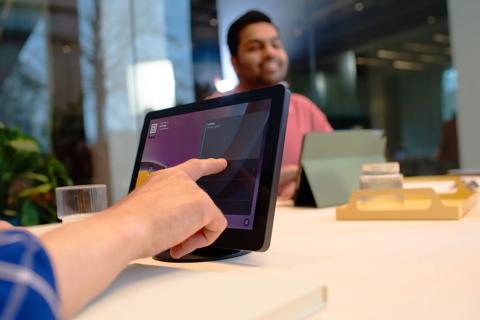
news · 5 min read · Sep 10, 2026
What are Microsoft Teams Rooms? A complete guide for modern meeting spaces
Microsoft Teams Rooms simplify meeting room collaboration with one-touch join, certified devices, centralized management, and AI-powered meeting experiences. Learn how to choose the right setup, licensing, and deployment approach for your organization.
news · 4 min read · Jun 9, 2026
ClickShare CX-50 2nd generation is now ANSSI CSPN certified, and what that means for hybrid meetings
ClickShare CX-50 2nd generation is now ANSSI CSPN certified, giving IT and security teams independent validation of its security for hybrid meetings in regulated and privacy-sensitive environments.
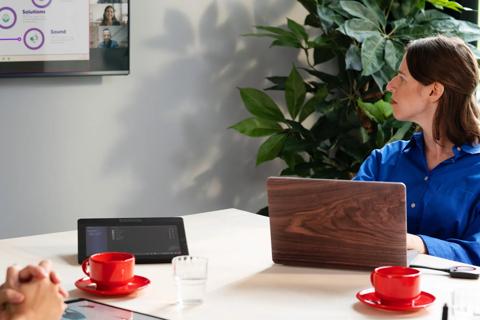
news · 5 min read · Mar 26, 2026
MDEP and meeting room security: Why Microsoft’s Android platform matters for IT
Discover how the Microsoft Device Ecosystem Platform (MDEP) brings consistency, stronger security, and predictable updates to Android‑based meeting room devices — and how ClickShare Hub builds on it to give IT a simpler, more secure, and more manageable meeting room experience.
Published by Pieter Vancoillie
news · 5 min read · Jul 2, 2026
The smartest meeting rooms are built for reality, not ideology
Discover why modern meeting rooms need both native platform experiences and flexible wireless BYOD access to support the reality of hybrid work.
news · 5 min read · Jul 9, 2026
What agentic AI demands from the room
Explore what agentic AI demands from meeting rooms, and how Huddly and Barco ClickShare Hub turn room perception into actionable meeting intelligence.
news · 2 min read · Apr 30, 2026
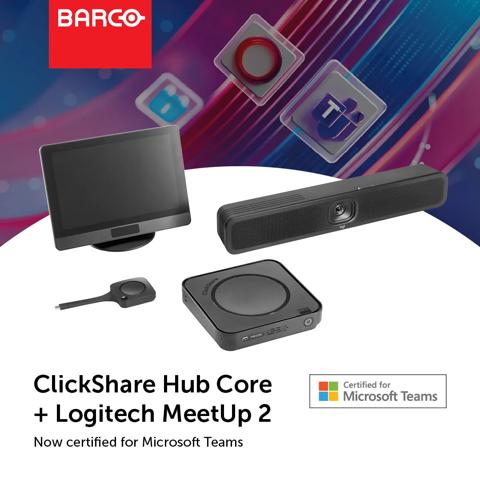
Small rooms, big impact: ClickShare Hub Core and Logitech MeetUp 2 certified for Microsoft Teams Rooms
A new wireless room system bundle brings together ClickShare Hub Core and the Logitech MeetUp 2, now certified for Microsoft Teams and designed for small-sized meeting rooms.